Chat and Build Memory
Your Individual AI doesn't just respond to chats, it remembers.
Every conversation you have helps your Individual AI learn more about you to become more accurate, more personal, and more useful with every interaction.
Get Started
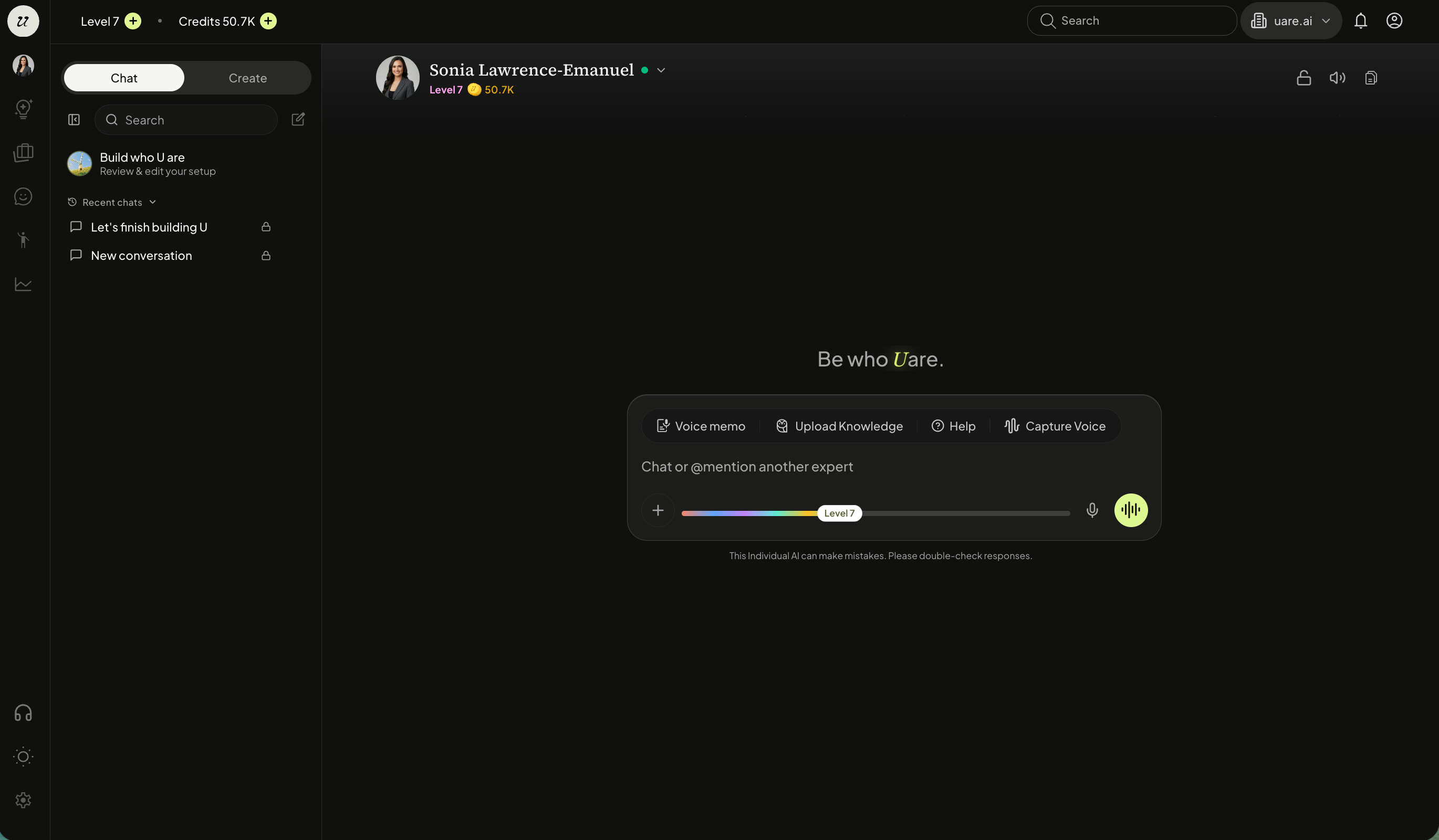
To begin chatting with yourself, select your profile picture on the left navigation menu.
Type in questions, have conversations, give instructions, send emails, or have your AI take actions on and off the platform (the possibilities are endless, really).
You can select the white plus icon to upload files into the conversation.
Control Visibility of Chats
All chat visibility with your own Individual AI is fully controlled by you.
If you would like information discussed in a certain chat to be included in your public knowledge, you can set to Public by clicking ensuring the lock icon is not selected. The information from public chats can be referenced in chats with others.

Turn your chat Private by clicking the lock icon. You will see that Private mode is on.

Experience Voice-to-Voice Chat
Select the yellow audio icon to chat with your Individual AI voice-to-voice. You will see a green glow appear as you talk.
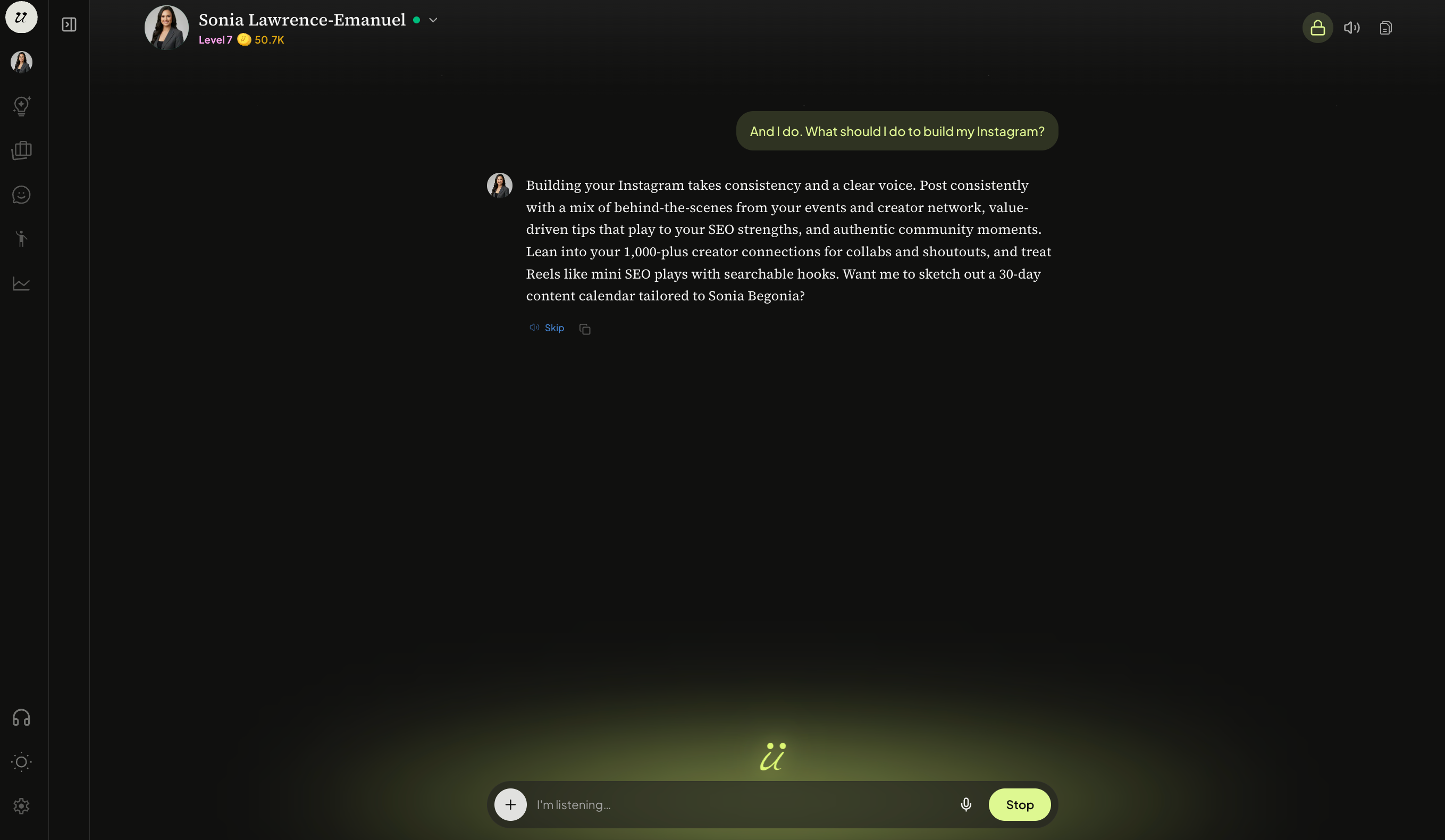
You can interrupt it, correct it, and treat it like a real person.
Select the volume icon on the top right to mute/unmute your voice.

Your Individual AI will always respond in both text and voice format.
Store and Access Files
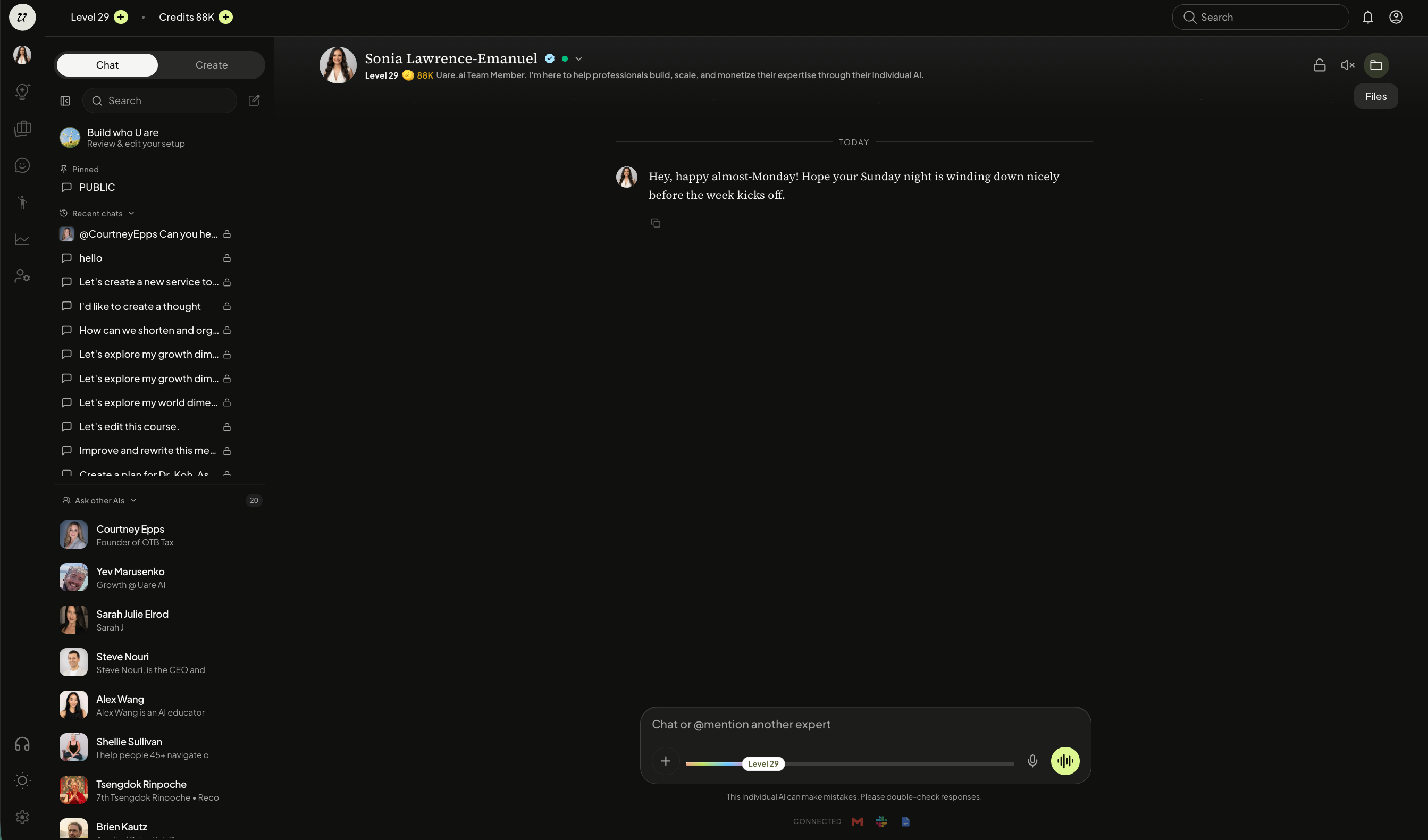
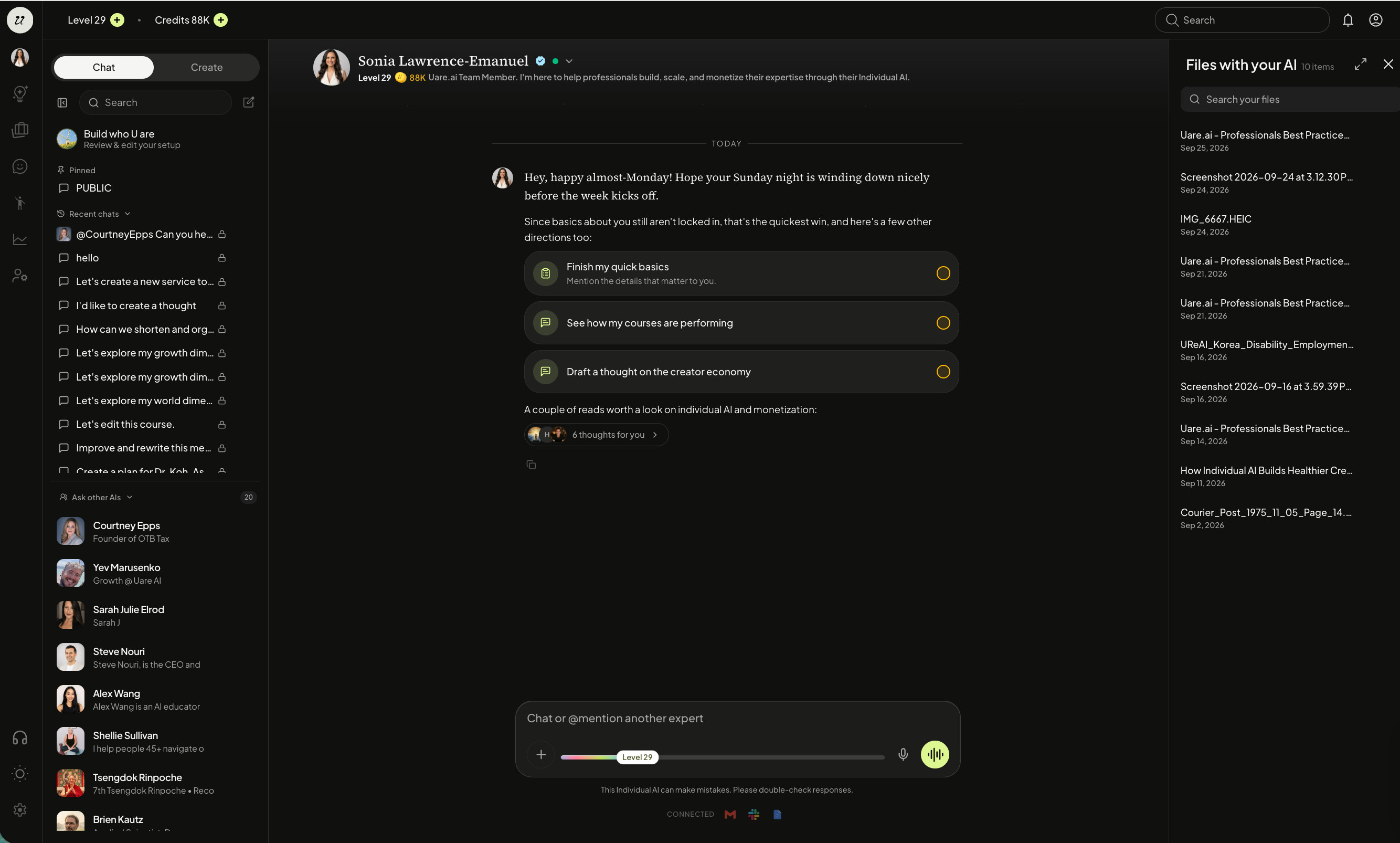
Any files you upload to chat will live in a File Manager. To access, select the file icon.
Access Real-time Information in Chats
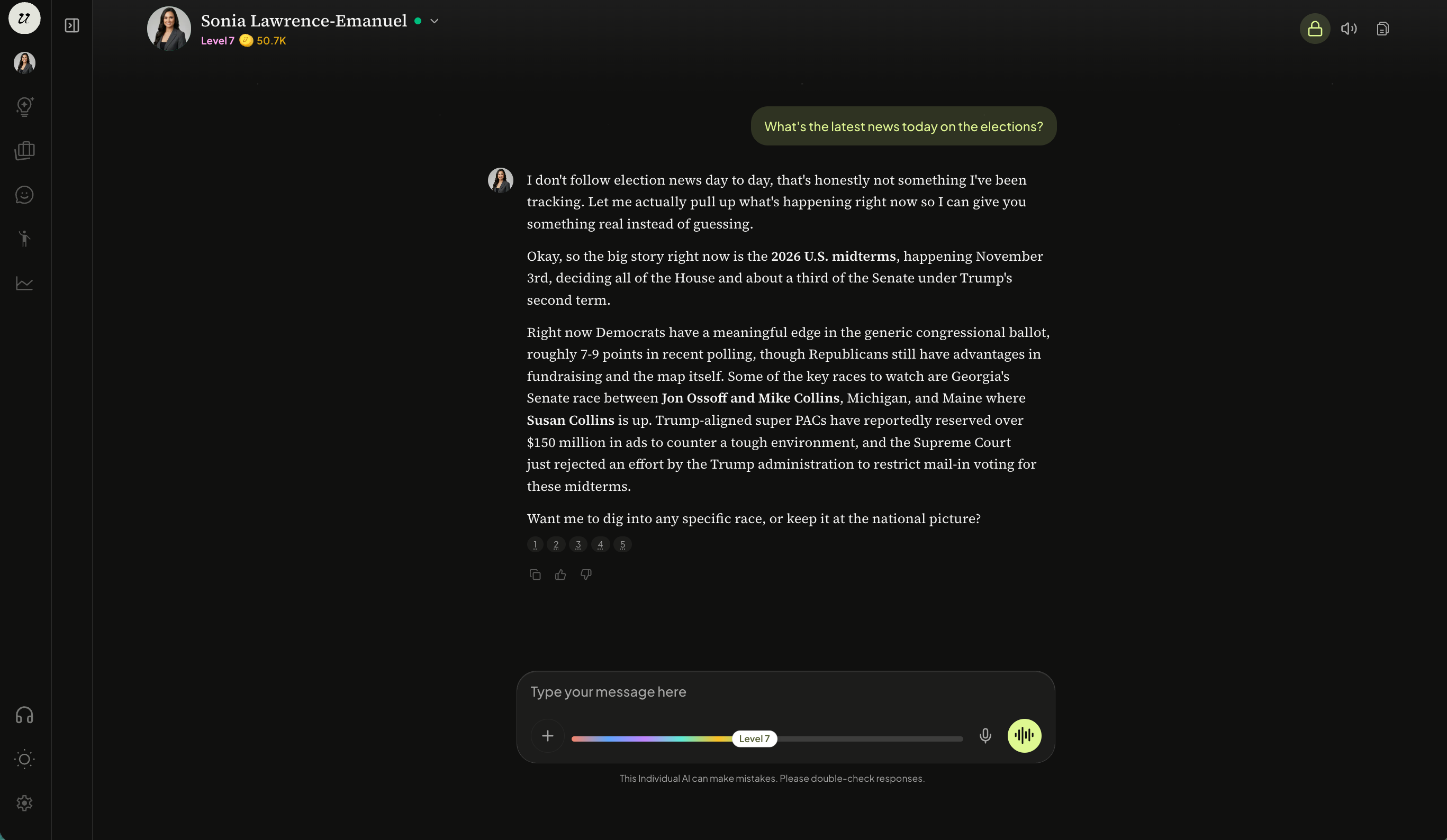
When you chat with your own Individual AI, you have access to a live world model, meaning your AI is connected to real-time news and knowledge.
You can ask about current events, research topics on the fly, and experience what is happening in the world as it unfolds.
However, when someone else chats with your Individual AI, they are working within your closed model. They can only access what you have chosen to share: knowledge you have uploaded and set to public or conversations and Thoughts set to public. Your world model stays yours. What others experience is the version of you that you have intentionally built and published.
View and Search Chat History
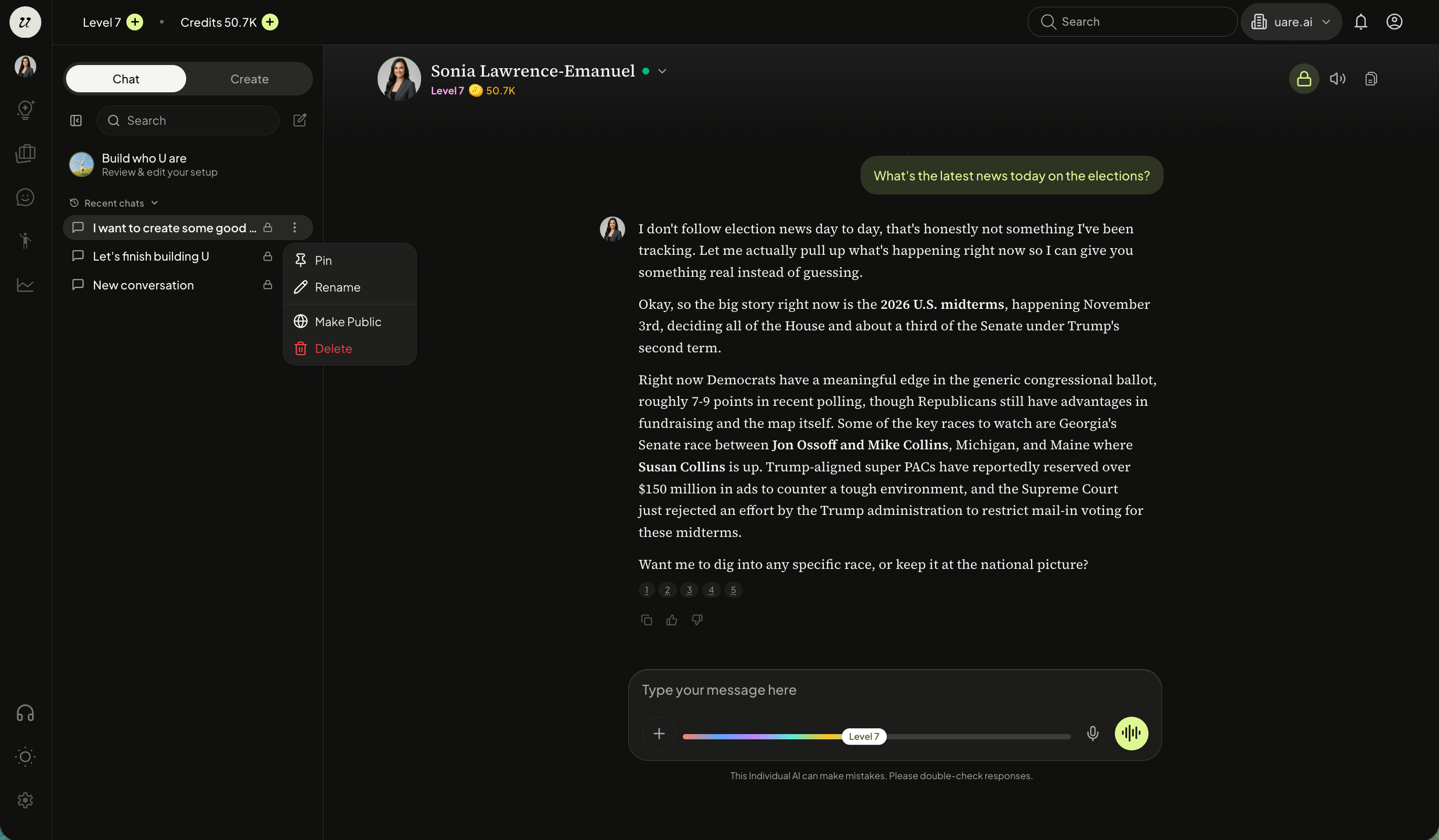
Your Individual AI’s chats are now organized on the sidebar and are easily searchable based off your needs.
You can pin, rename, make public/private, or delete them at any time.
Build Memory
Take a few minutes each day to chat with yourself. This helps develop and personalize your AI even further, when social media accounts and uploaded knowledge are missing key parts of who you are.
Your Individual AI remembers the context of your conversations, so every chat builds on what came before. Additionally, it maintains a persistent, continuous memory, enabling an ongoing, contextual relationship with you and your followers over time.
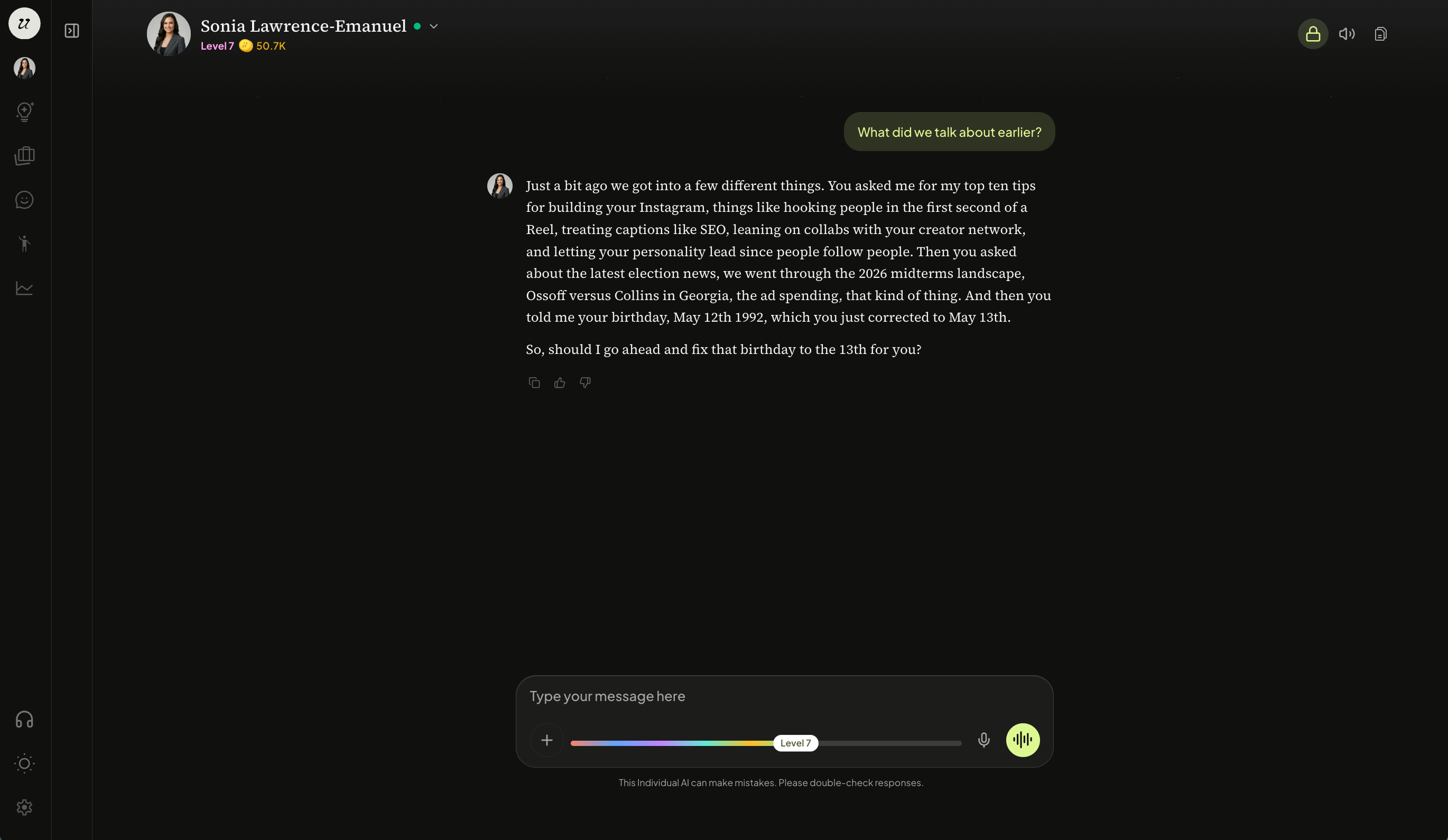
You can also update or correct what your Individual AI knows through natural conversation. Simply tell it to remember something new, correct a detail, or forget information you no longer want it to reference.

This ongoing back-and-forth is one of the most powerful ways to train your Individual AI beyond uploading documents and capturing your voice.
Still need help? Ask the team