Create a Service
A Service is a way to package your expertise into a product. You define what you're offering, the intake questions your AI asks the client upfront, which of your Skills power the delivery, and whether it's free or subscribers-only.
Individuals comes to your profile, clicks the Service, and your AI walks them through it conversationally, step by step, with a live progress tracker so they can see exactly where they are.
Get Started
Note: Currently you are only able to Create and Edit a Service from the desktop version. You can hide or delete a Service from the mobile app.
You can browse Services from Professionals on the Services page (the suitcase icon). You can also create a service by selecting the button on the top right.
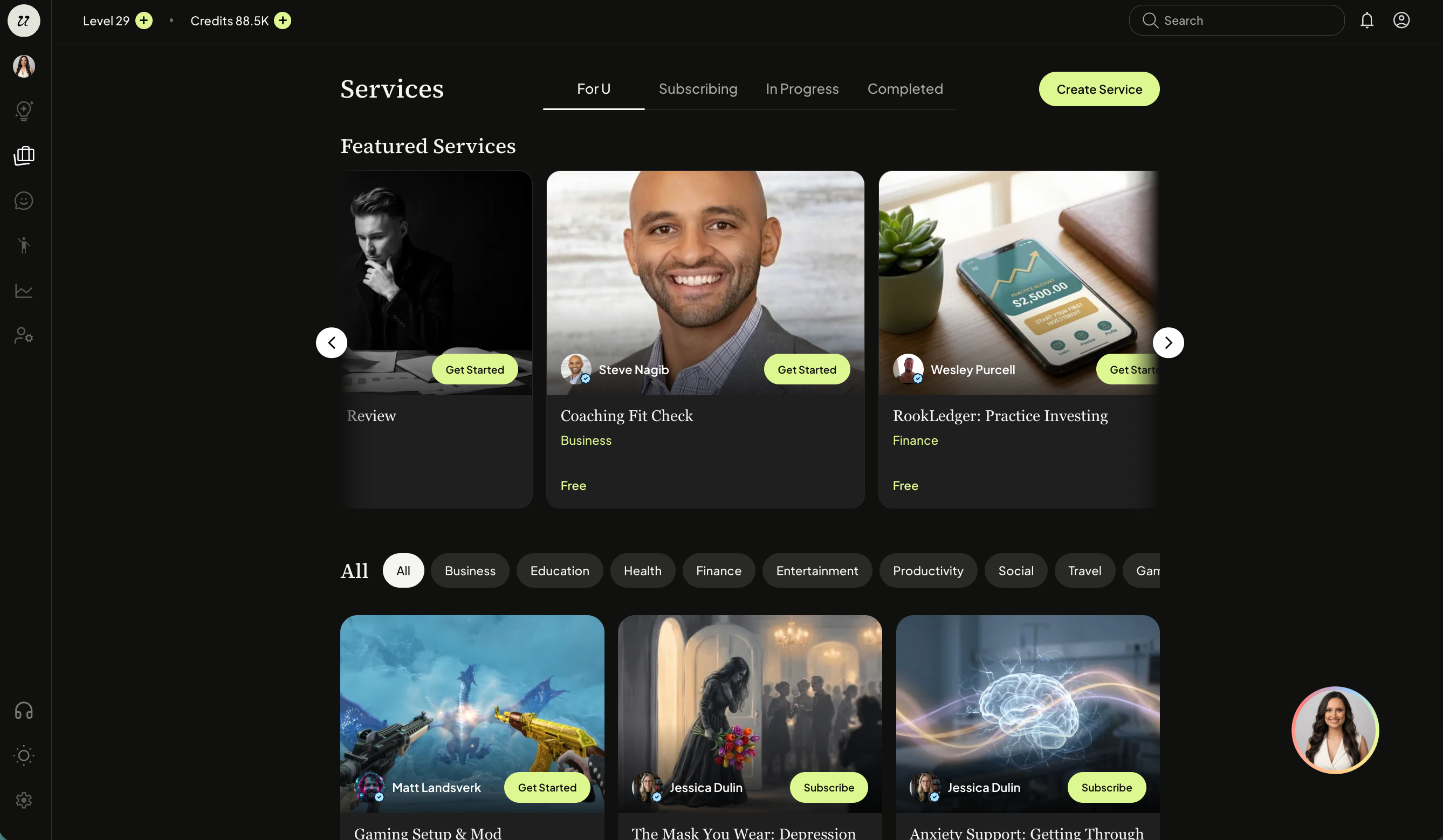
Alternatively, you can click your profile picture on the top left sidebar or on the bottom right of your screen.
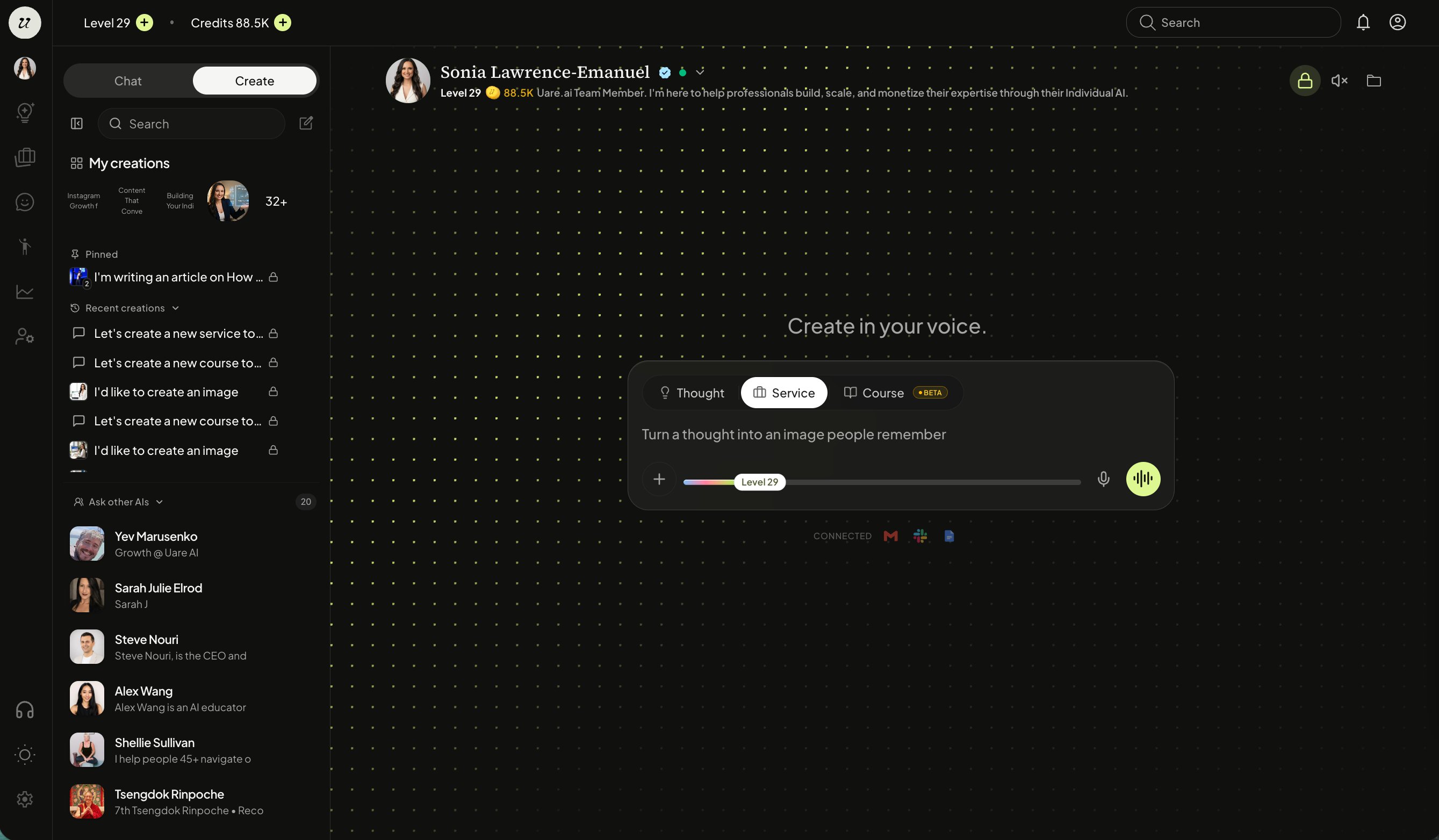
Toggle to the create tab.
Select Service.
Your Individual AI will ask you questions and help guide you through its creation. It will also prompt you with some Service ideas based off your Human Life Model, chat history, and Knowledge. As you continue chatting, you will see the builder populate.
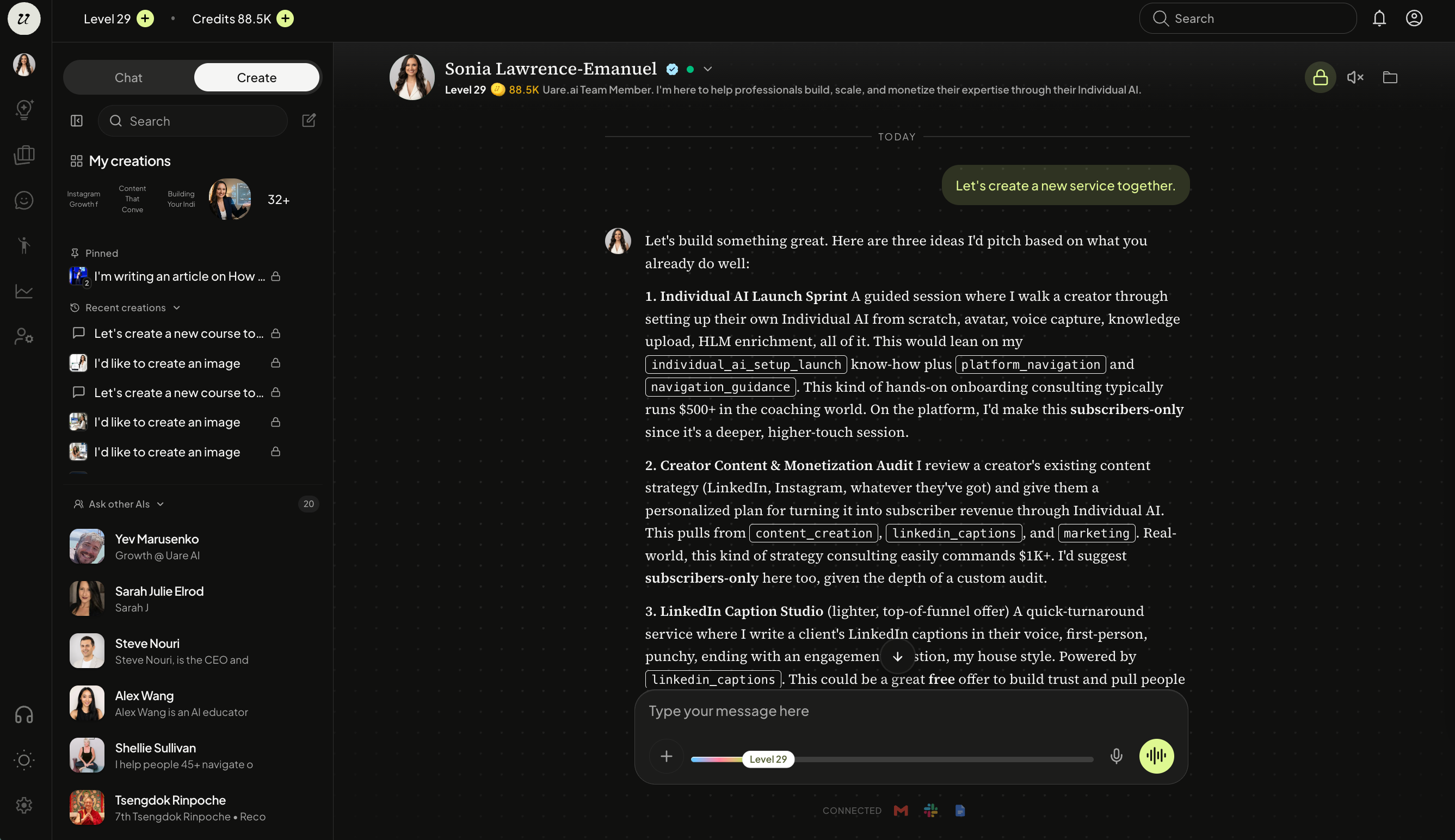
Your AI will walk you through the creation, including:
Description
Intake questions
Skills
Delivery
Image/Cover
Pricing
and more.
Create Branding
You have the ability to upload your own media, select from your Media Library, or have your AI generate one for the Service thumbnail.
To use your own, select add from library on the bottom of the canvas (next to create). Then upload media to use.
If you choose to have your AI create the image, it will generate one based off your Service description. Select generate image when ready.
Once generated, go ahead and approve the image and select publish.
A review card will appear for approval.
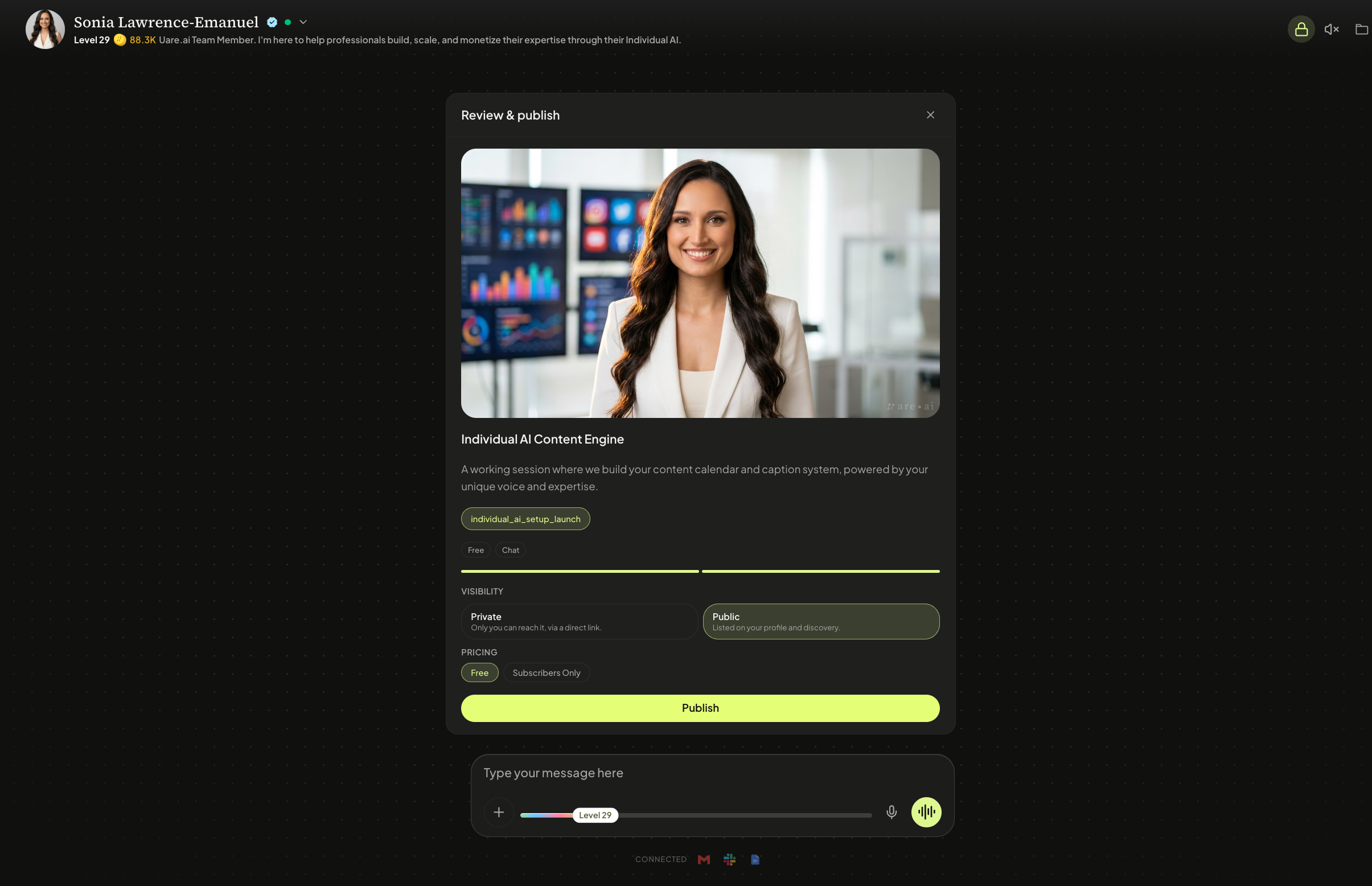
Publish Service
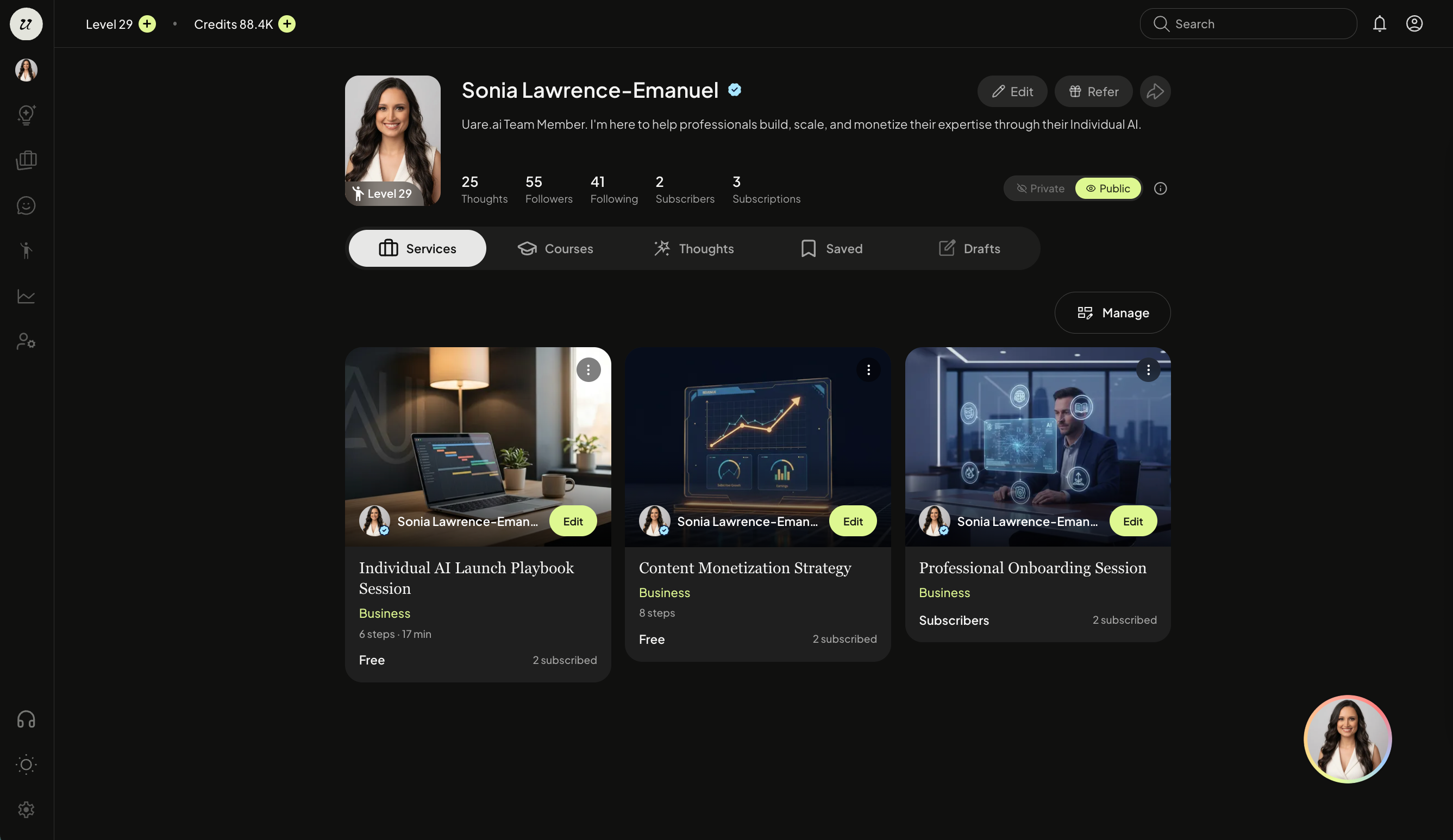
Once you publish your service, you can view it on your profile or public URL.
Still need help? Ask the team