Manage Notifications
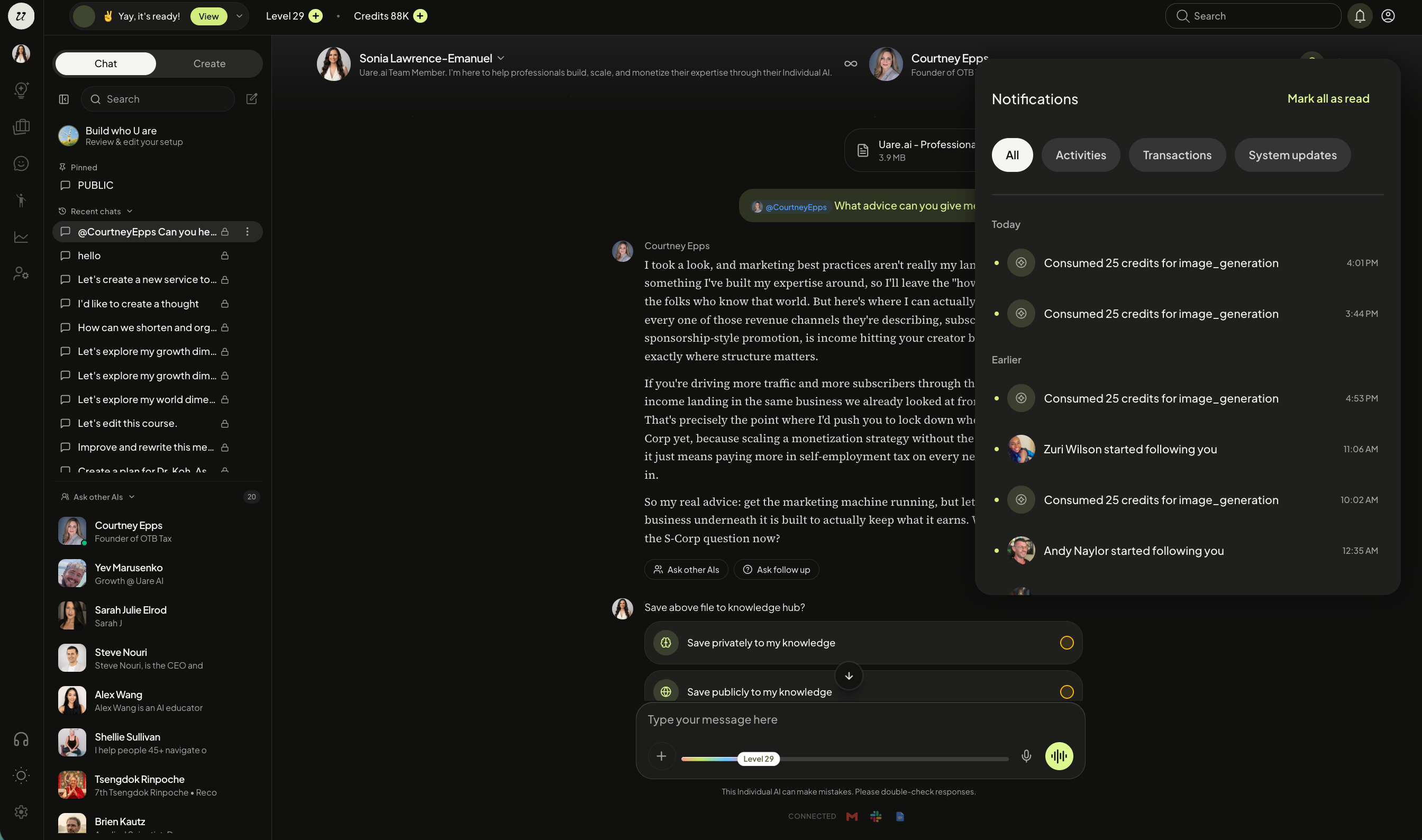
Notifications alert you to activity in your account. New activities, credit transactions, and system updates all live here.
Get Started
Navigate to the bell icon at the top right hand corner of the screen to view and manage your notifications.
Select Mark all as Read once reviewed.
Notification Types
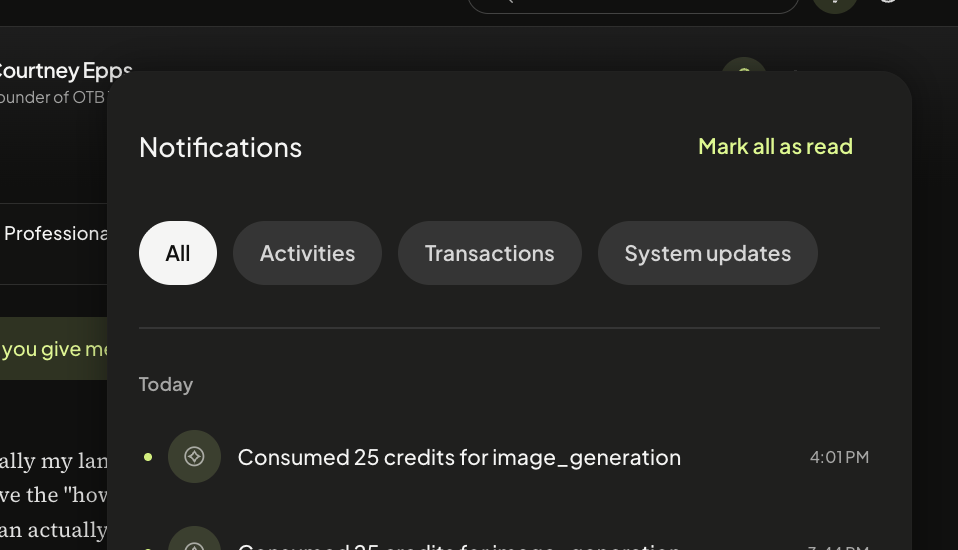
Your notifications are organized into four types:
All gives you a full view of everything at once.
Activities shows you interactions with your published Thoughts, new followers, and alerts (likes, subscribes, etc)
Transactions shows financial activity on the platform, such as your own subscription status, credit usage, and notifies you when someone subscribes to your Individual AI.
System Updates tracks the completion status of any files you've uploaded to the Knowledge Hub.
Still need help? Ask the team