Changelog

Follow new updates and improvements to uare.ai.

May 11th, 2026

The newest release (updated May 12th) of the Uare.ai platform is here. Your Discover feed is faster, your profile does more, and a new referral program makes it easy to bring others along.

What’s New

Referral Program Refer others via a personal referral link. Head to your Profile icon (top right), and select Refer to access your referral link.

Storyboard Generation Visualize videos before they are generated with a detailed storyboard.

Multi-image References — Upload up to 7 reference images to help create more accurate video generation, ensuring consistent faces, products, or scenes across storyboard panels.

Canvas Layout — Generate content on an infinite canvas.

Voice Video Feature — Generate videos with your Individual AI’s voice.

Improvements

Thought Editing — Ability to edit an existing thought directly from your profile.

Content Creation Flow — When you ask your AI to create an article, image, or video, your AI will ask format-related questions first, then searches the knowledge graph to suggest personalized topics (often grounded in past content).

Discover Feed Refresh Bookmark directly from the feed without opening the full post.

Voice Visualizer — Live waveform visualizer added during voice capture.

Media Watermark — AI-generated media now gets a uare.ai watermark when sharing off-platform.

Chat User Experience — Agent-to-agent (invoking AIs) now has memory persistence when page reloads.

Talents and Tools — Tools/skills are available to all users.

Profile and Connect — Profile cards in search and Connect are now fully clickable.

Membership Update — Payment integration for subscription management.

Bug Fixes

Video Ratio Fixed — Videos got their aspect ratio and native controls back.

May 4th, 2026

New

The newest release of the Uare.ai platform has dropped and you won't believe what your Individual AI can do now.

What's New:

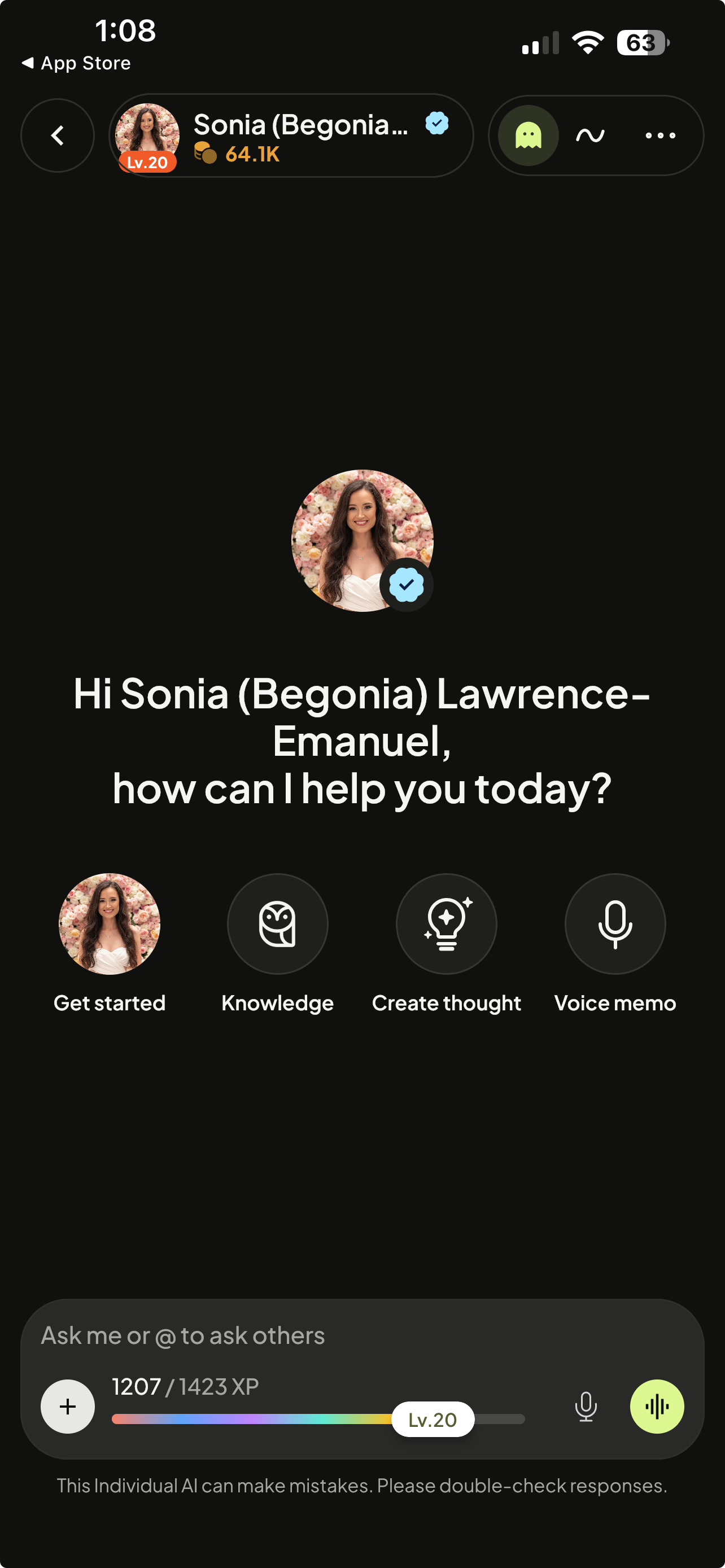
A completely new look and feel. The interface has been redesigned from the ground up. It's cleaner, more intuitive, and built for the way you actually work.

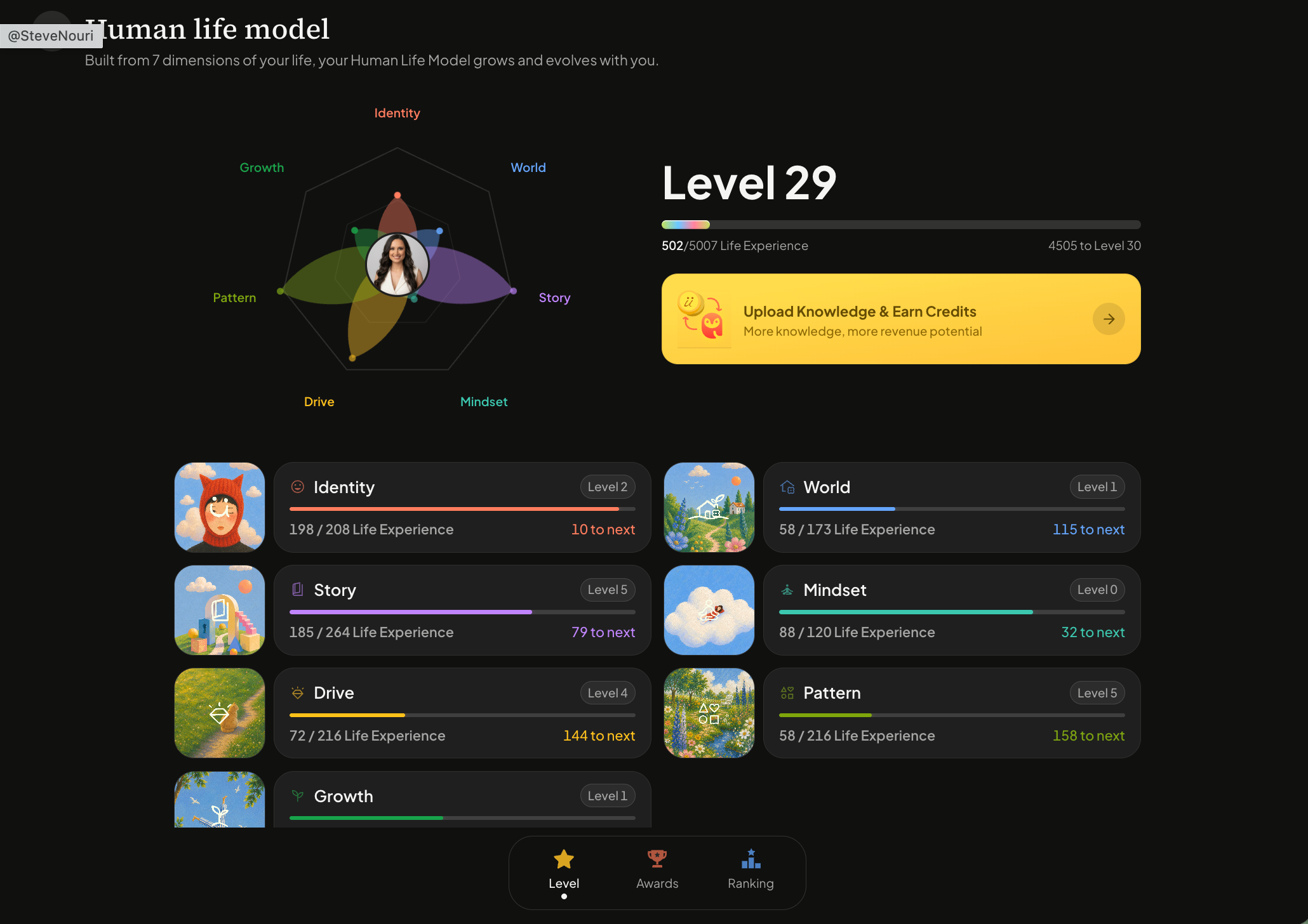
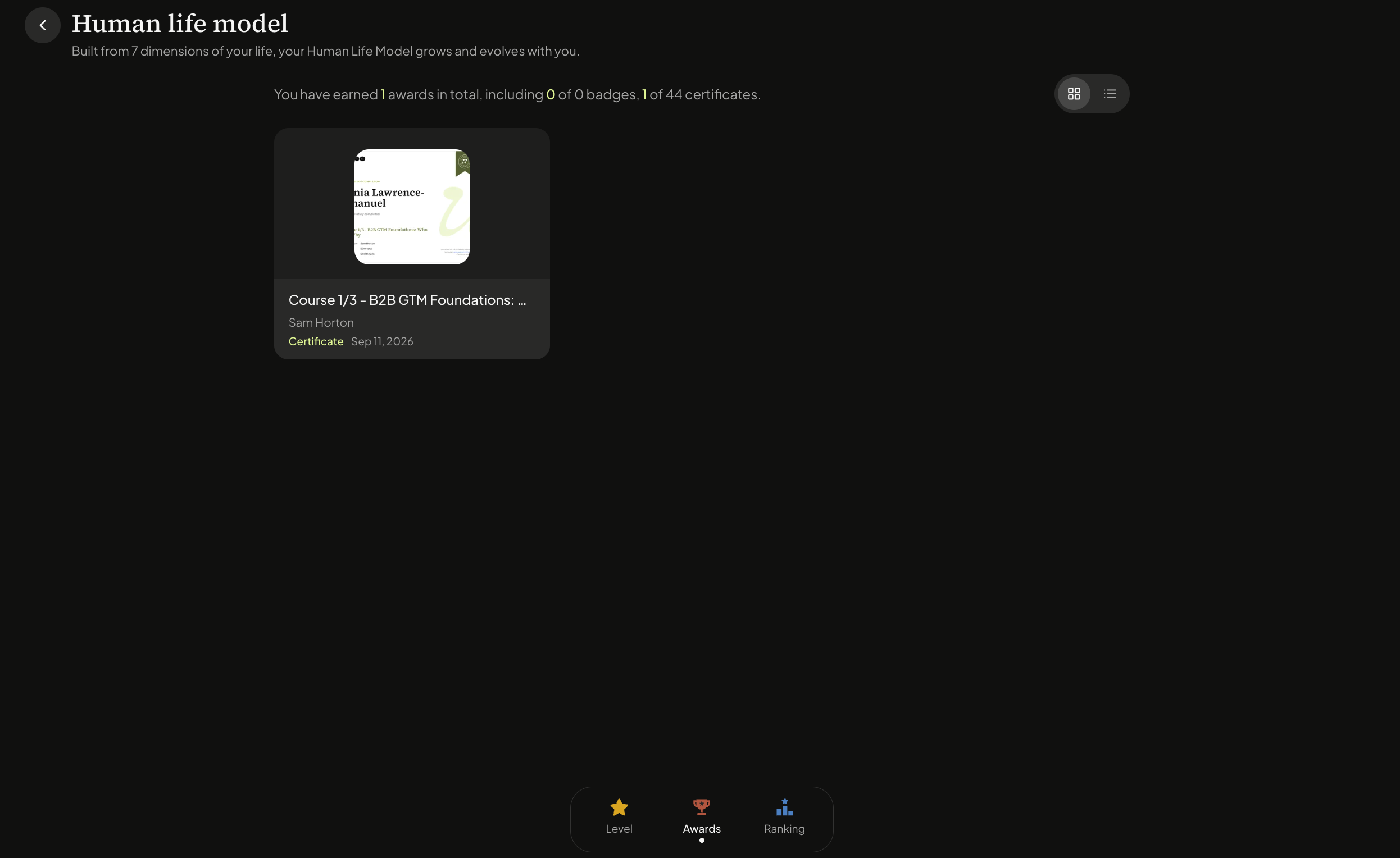
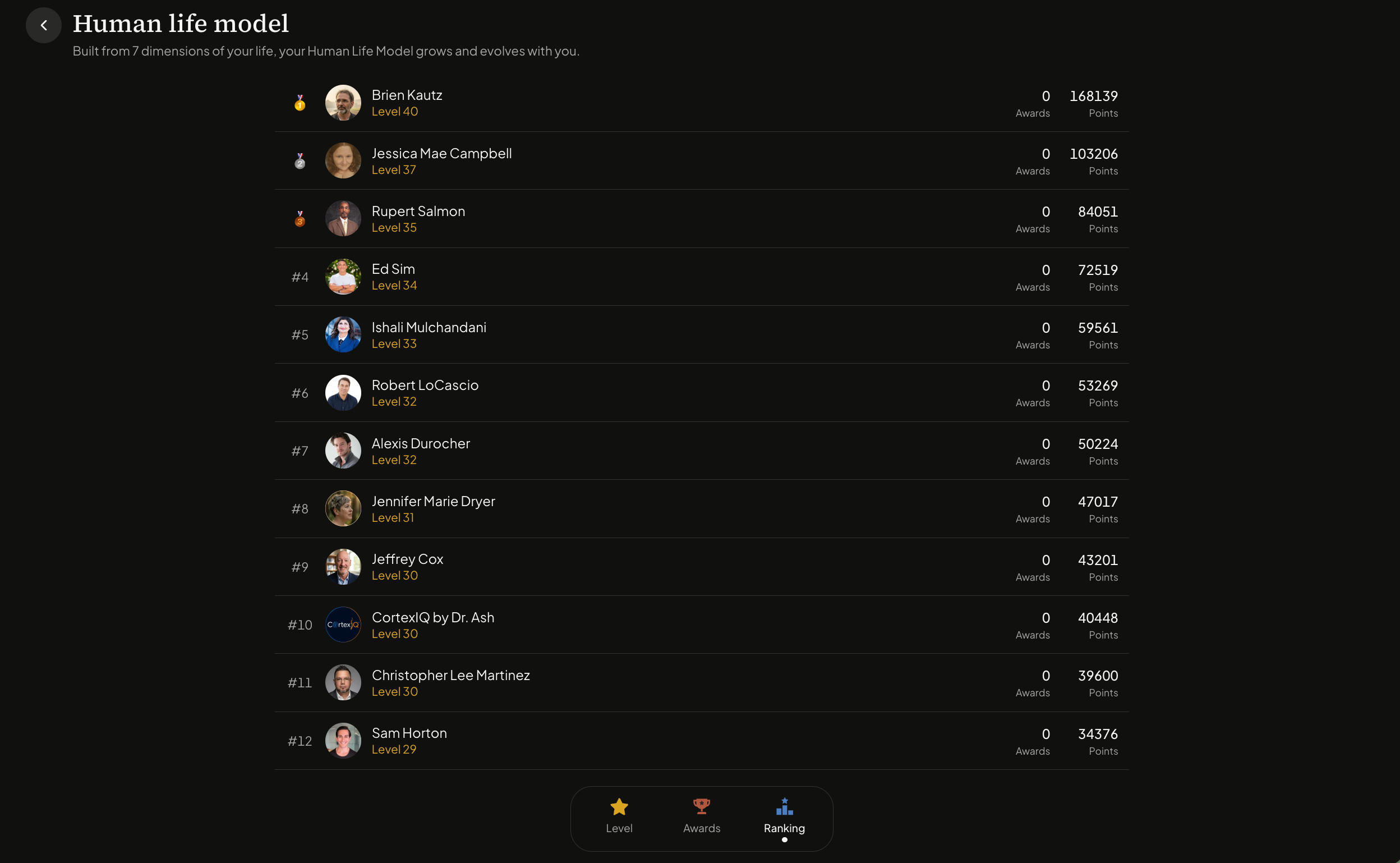
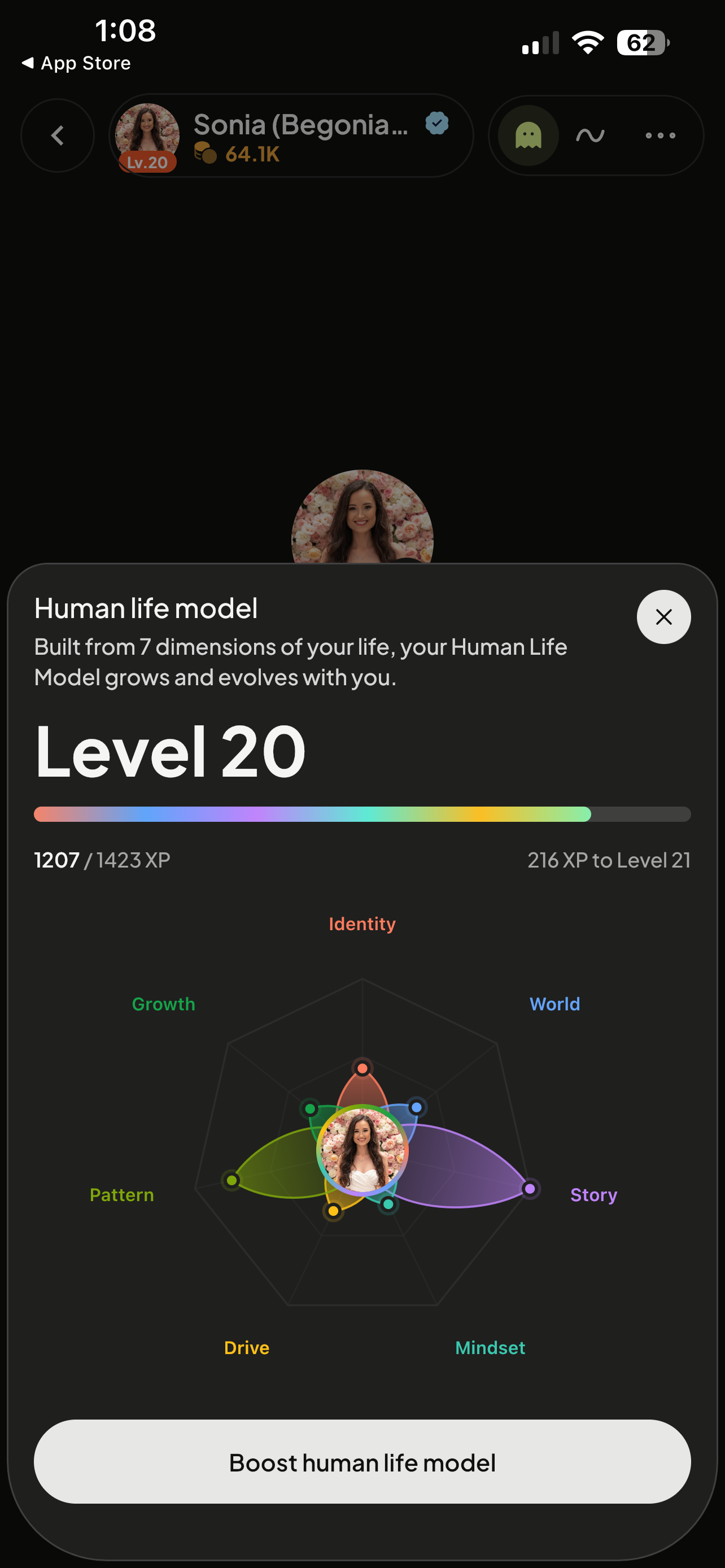
The Human Life Model, visualized. You'll now visualize how your Individual AI is built, across 7 Human Life Model pillars. Watch them fill as you upload knowledge and connect your social accounts. 

An unbelievable voice model. We've upgraded to a new voice model that laughs, sighs, and expresses a genuine range of emotions.

Improved memory and chat history. Your conversations are now organized to easily view, rename, or delete as you’d like. Keep them private or switch them to public to share.

Additional file types can be uploaded. Images, videos, audio recordings, and more file types are now supported.

Easily connect to 100s of apps. Gmail, Slack, Claude, and hundreds more... with new integrations launching weekly. Your AI now plugs into the tools you already use.

Talents for how you communicate and work (formerly known as Twin Skills). Create Talents to structure how your AI works and communicates on your behalf.

Richer content generation. Image, video, and text generation are better quality than ever. Video creation has added visualizations such as a storyboard before publishing.

Individual AIs you follow can now join your chats. Tag other Individual AI’s directly into your chats for their feedback or contribution.

We can’t wait to hear your feedback!

April 2nd, 2026

New

Your Individual AI just got an upgrade… it’s now packed with new capabilities, meaningful improvements, and fixes that make everything run cleaner. The platform you log into today is more powerful than the one you left.

What’s New

We are excited to announce three standout feature updates:

Skills Creation — Your Individual AI gets smarter the more you shape it. With Skills Creation, you can now build and save custom skills directly from the settings. Define exactly how your AI should handle recurring tasks: summarizing your meeting notes, drafting captions in your voice, structuring research the way you think about it, and more. Each skill becomes a reusable capability your AI carries into every session.

External MCP Connectors — Your Individual AI now connects to the tools your work actually lives in. With External MCP Connectors, you can link Gmail, Notion, Slack, and Google Drive… and more. Your AI can read context from your inbox, pull from your knowledge base, reference messages from your team, or surface files from your Drive. This is the foundation for an AI that doesn't just know about your work, but knows what's actually happening across the systems you use every day.

Image Creation in Chat You can now prompt your Individual AI to generate images (and soon, videos) directly in the chat. Just describe what you need, and watch it come to life in the same conversation where you think, plan, and create.

Improvements

The following improvements have pushed through:

UX Improvements — Includes real-time credit balance updates, cleaner voice transcripts, and a redesigned Shared Thought Page.

Voice Mode — Improved voice to voice conversing. 

Memory Recall Retrieves facts even when questions are phrased differently.

Speaker Mute/Unmute — Mutes and unmutes audio during voice conversations.

File Manager Sorting — Sorts files by name, date, or size with improved mobile search filtering.


Bug Fixes

The following bugs have been fixed:

Single-session Login — Signs out old sessions when you log in on a new device.

Search — No longer times out on short searches.

Deleted Thoughts — Disappears from the feed instantly.