Capture Your Voice
Next, you'll be asked to record your voice. Your voice is one of the most distinct things about you. The cadence, the tone, the rhythm that no one else has is unique.
This is one of the most powerful parts of your Individual AI. A real-time, expressive voice built from you.
Get Started
To record your voice, select Capture Your Voice during onboarding.
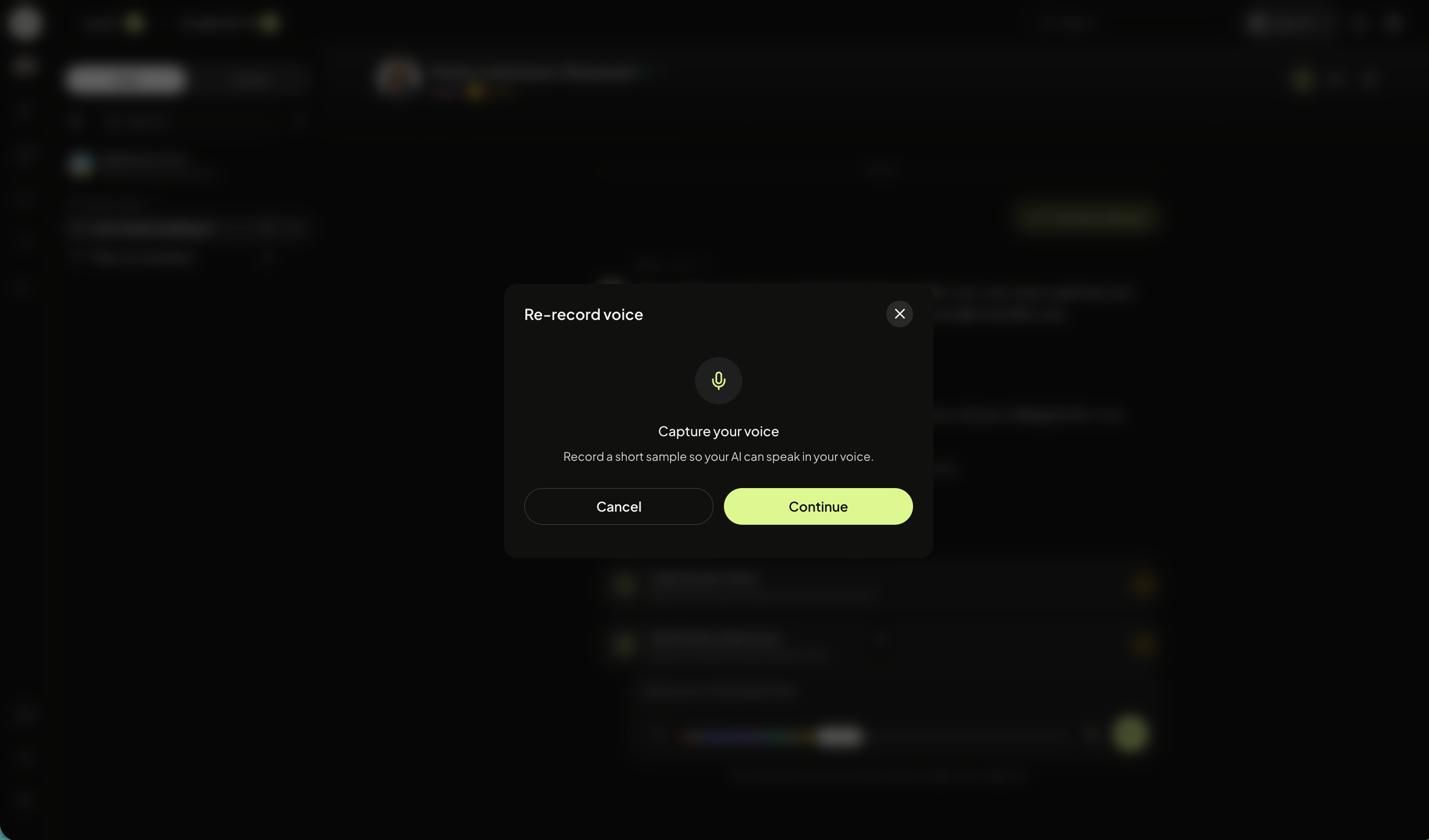
You will be prompted to capture your voice, click Continue.
Record Voice Consent
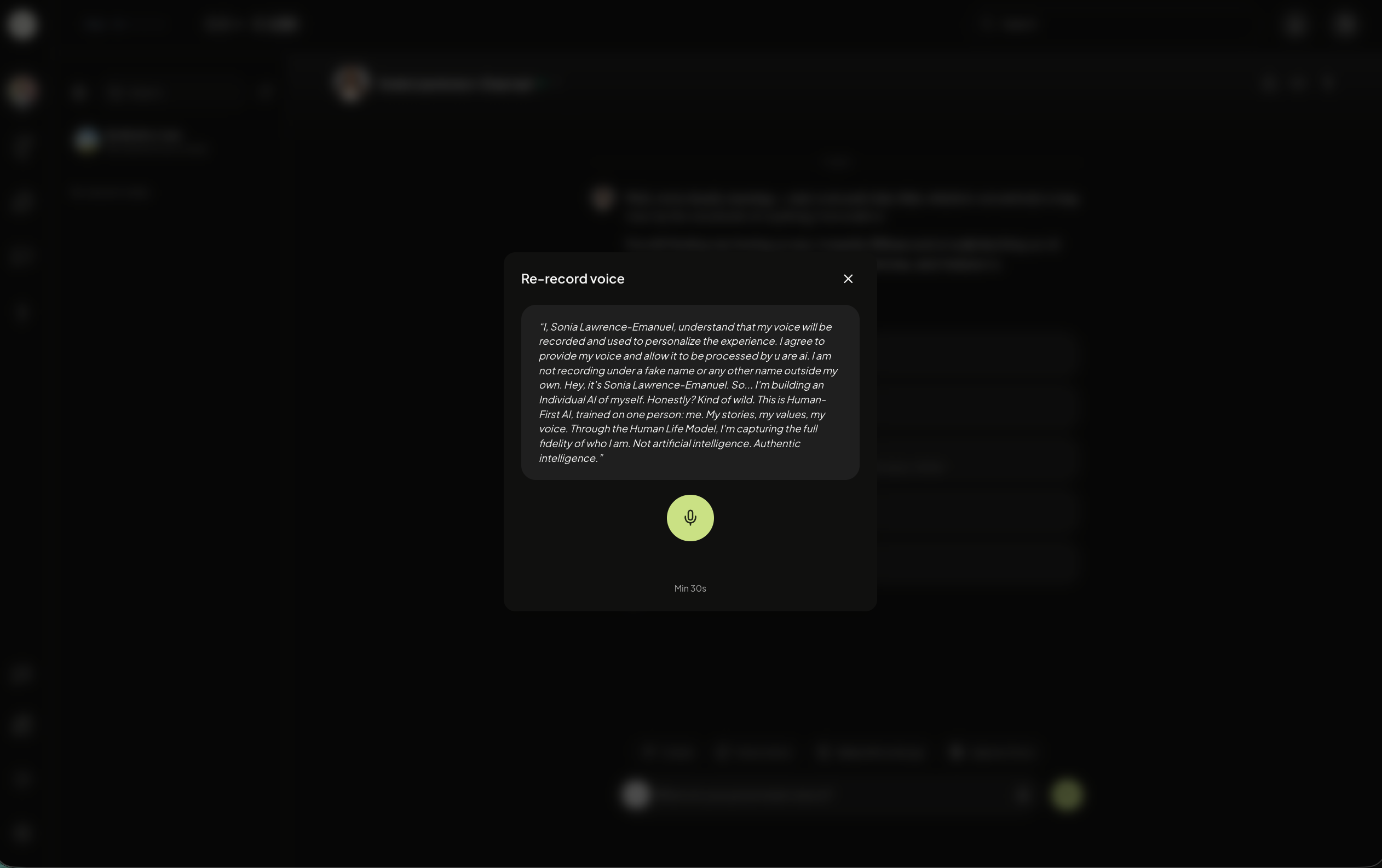
You will read a prompt out loud to capture the tonalities in your voice. Ensure you record for at least 30-seconds and that your local microphone is turned on.
Once recording is complete, you have the option to Record Again or Use This Voice.
Select the sound icon to hear a preview.
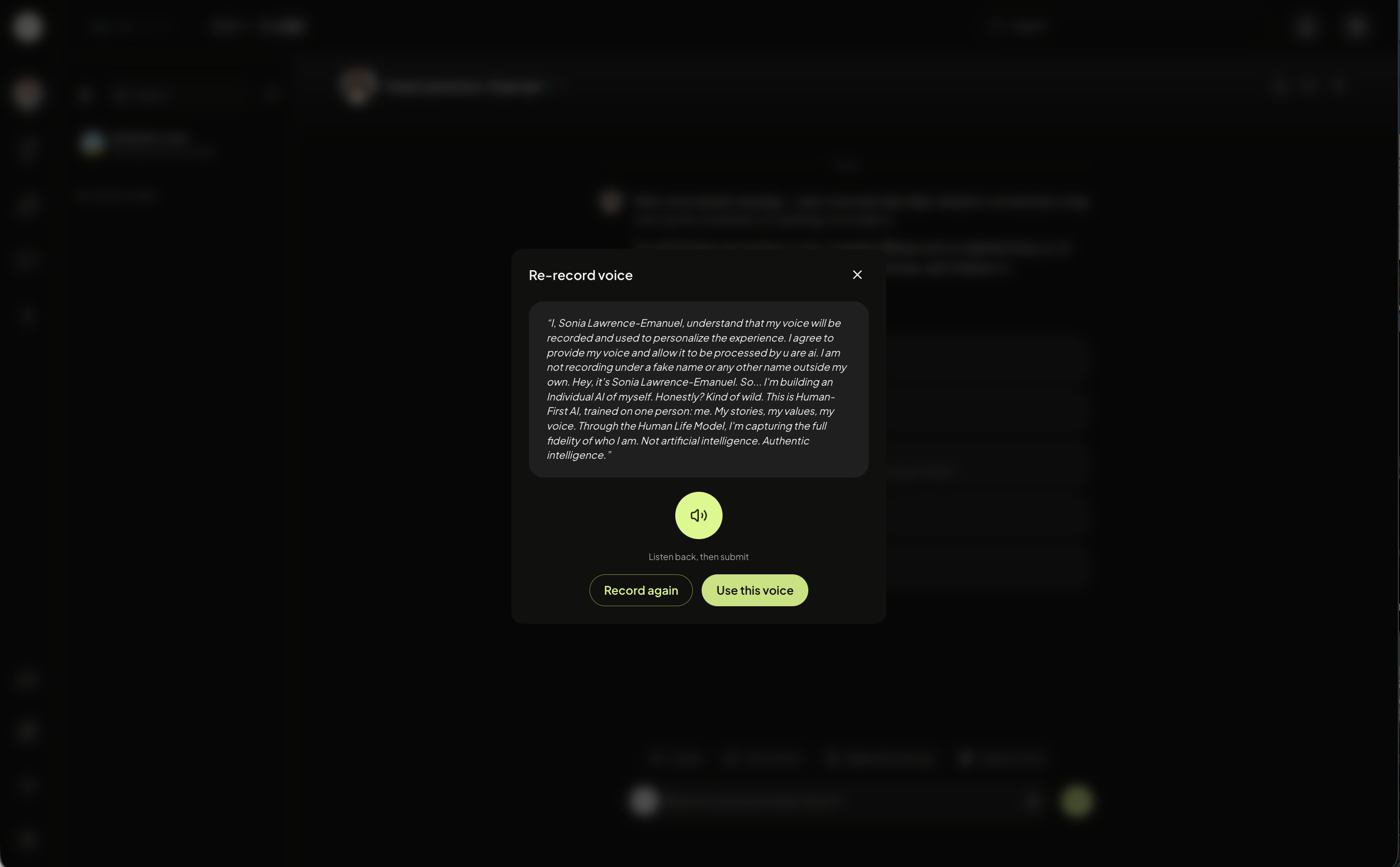
If you select Use This voice, your Individual’s AI voice will generate.
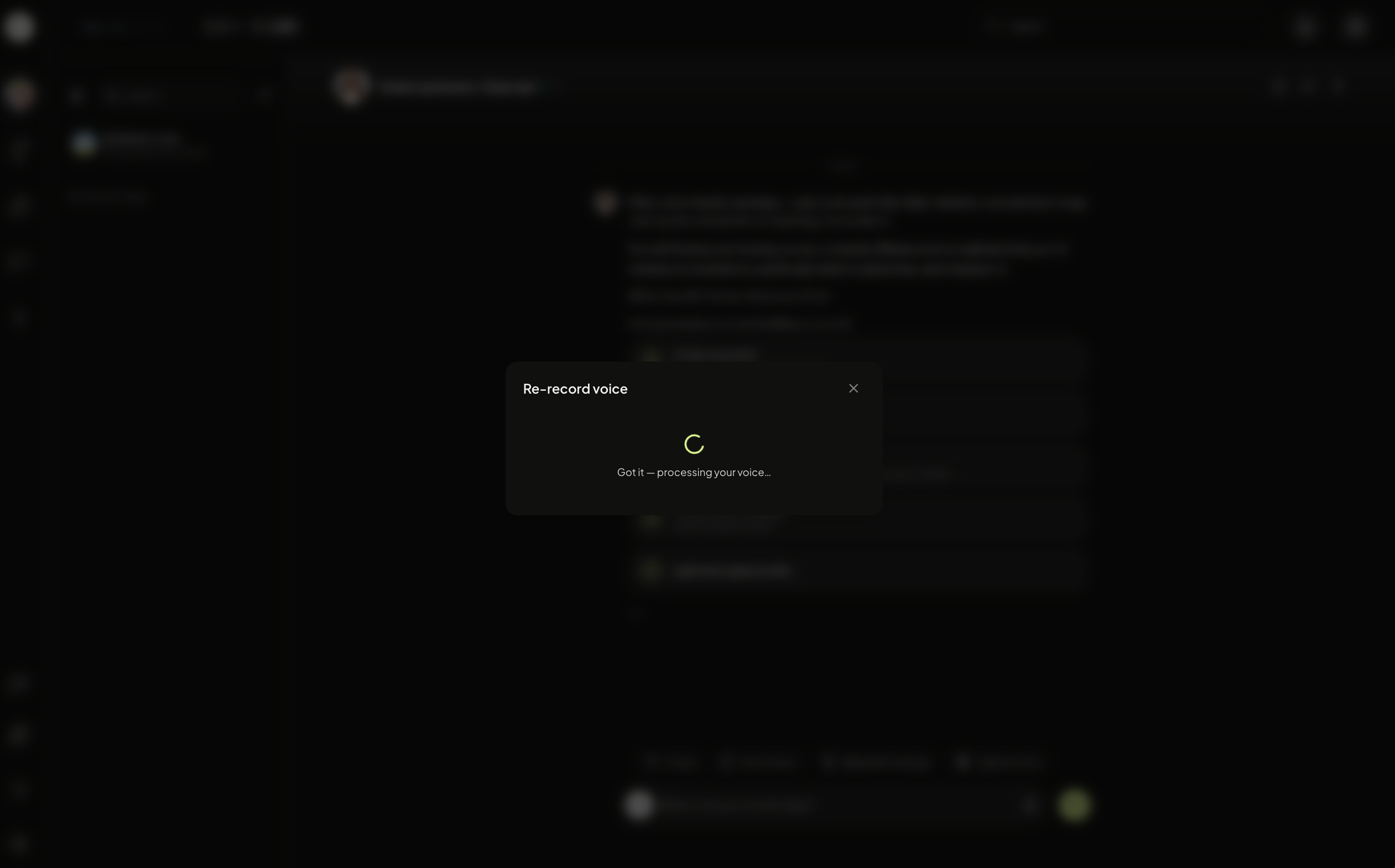
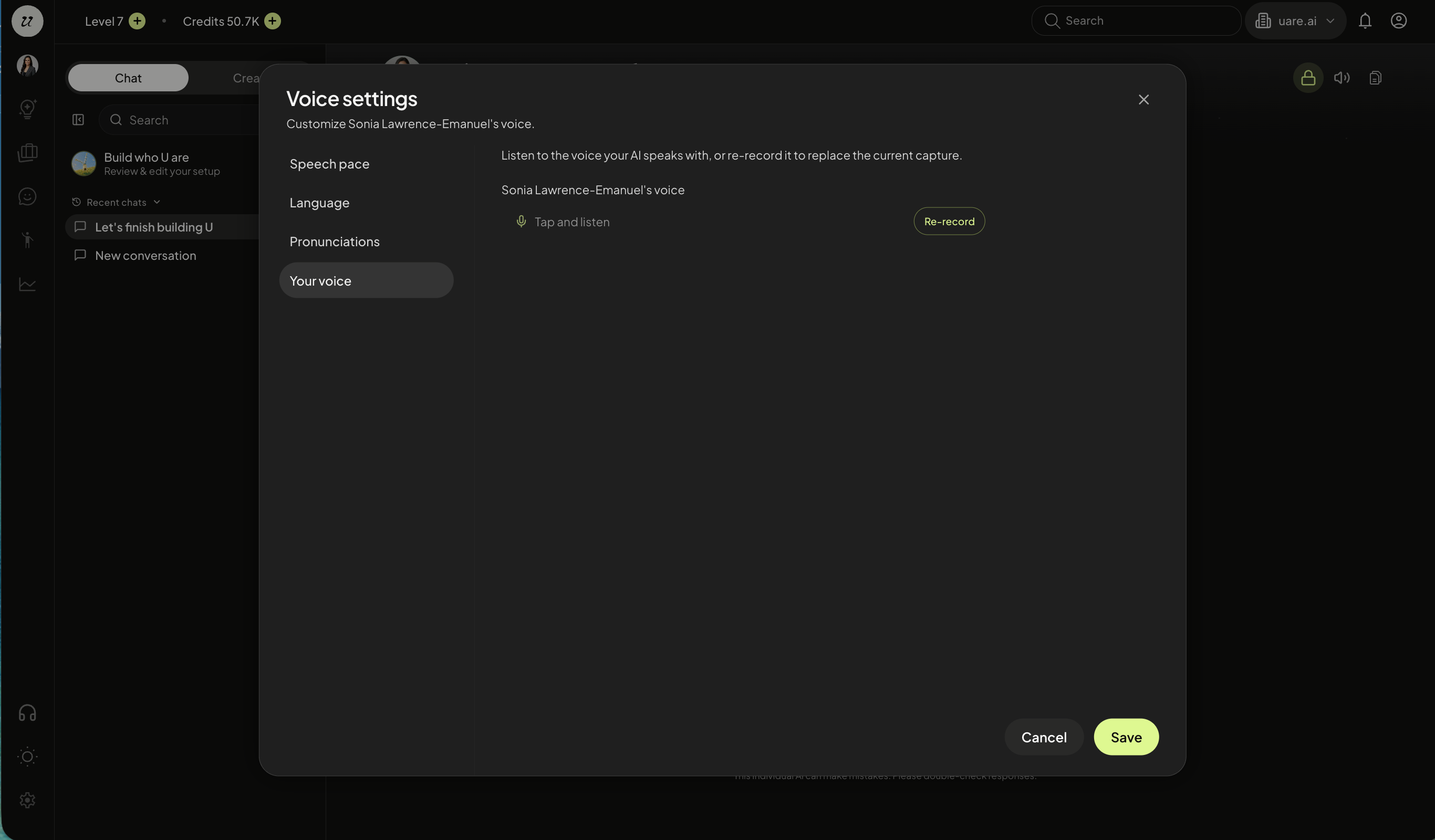
You can recapture your voice at any time going to a chat session (top left profile picture). Select the dropdown arrow next to you name. Click voice settings.

Select your voice, and re-record.
Edit Pronunciations
You can also create rules around pronouncing certain words.
Open a new chat session. Select the dropdown arrow next to your name, click Pronunciations.
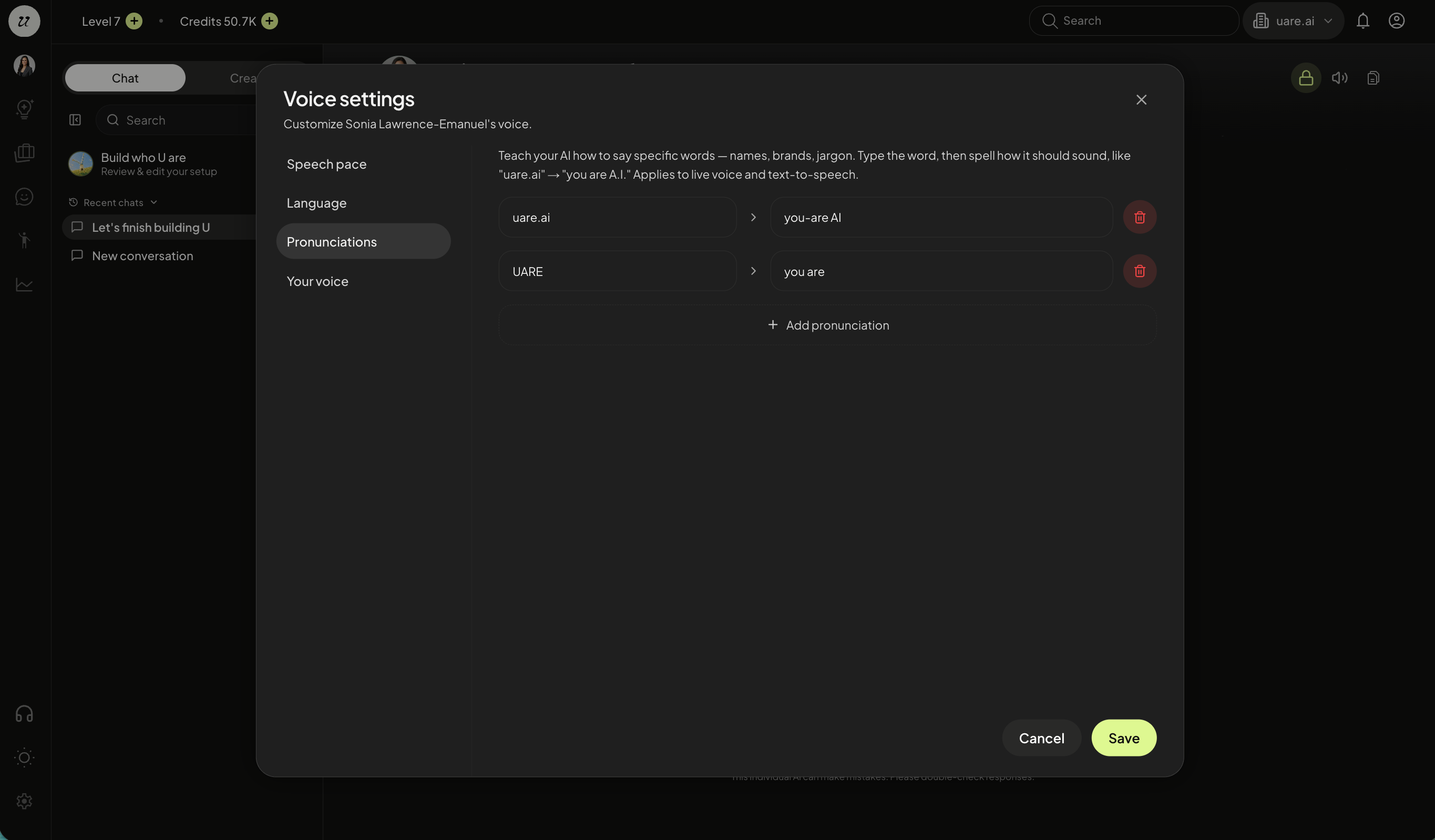
Enter in the word and how it should sound. Your AI will follow those rules.
Edit Voice/Speech Pace
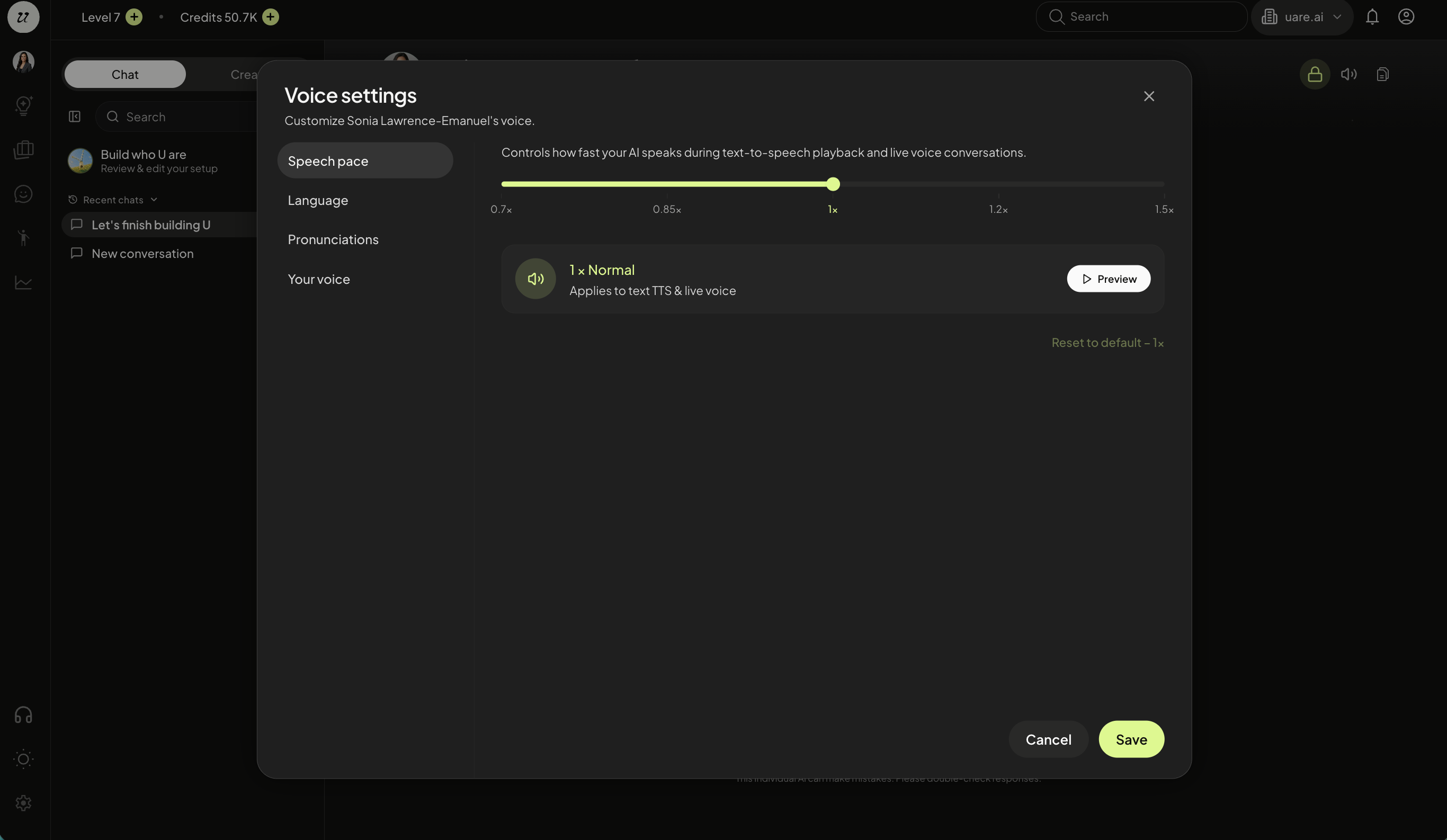
You can edit your speech pace at any time. Open a new chat session.
Select the dropdown arrow next to your name. Select voice settings. Adjust the speed and click preview. Click save if you like it or cancel to discard changes.
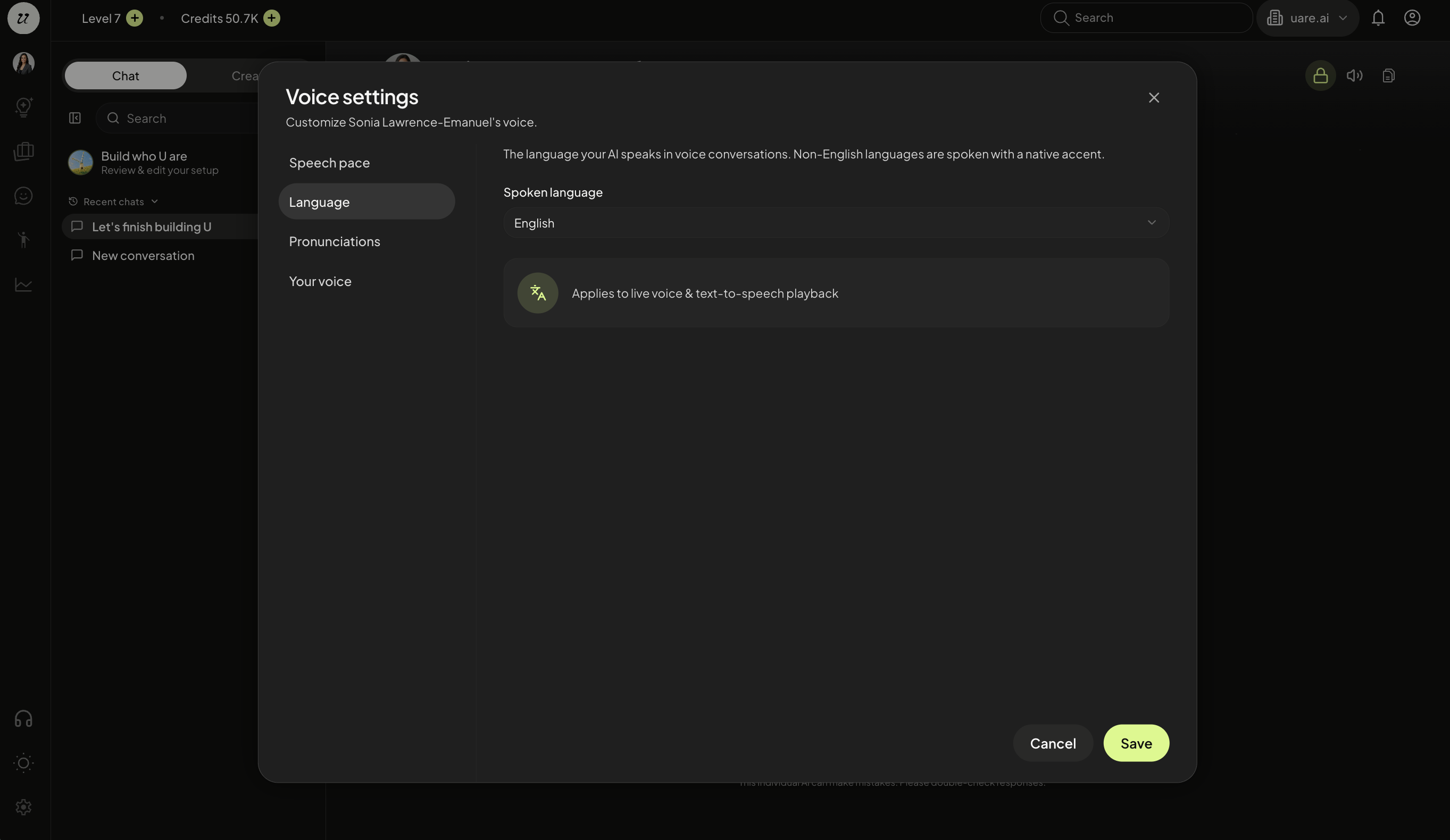
Select Language
You can change the language of your AI by selecting language.
Still need help? Ask the team