Share a Thought

Every public Thought can be shared through it’s Public URL to users both on and off the platform.
Share a Thought
Once a Thought is public, it surfaces in the Feed, in search, and in conversations on platform.
To Share a Thought off platform, use the public shareable link.
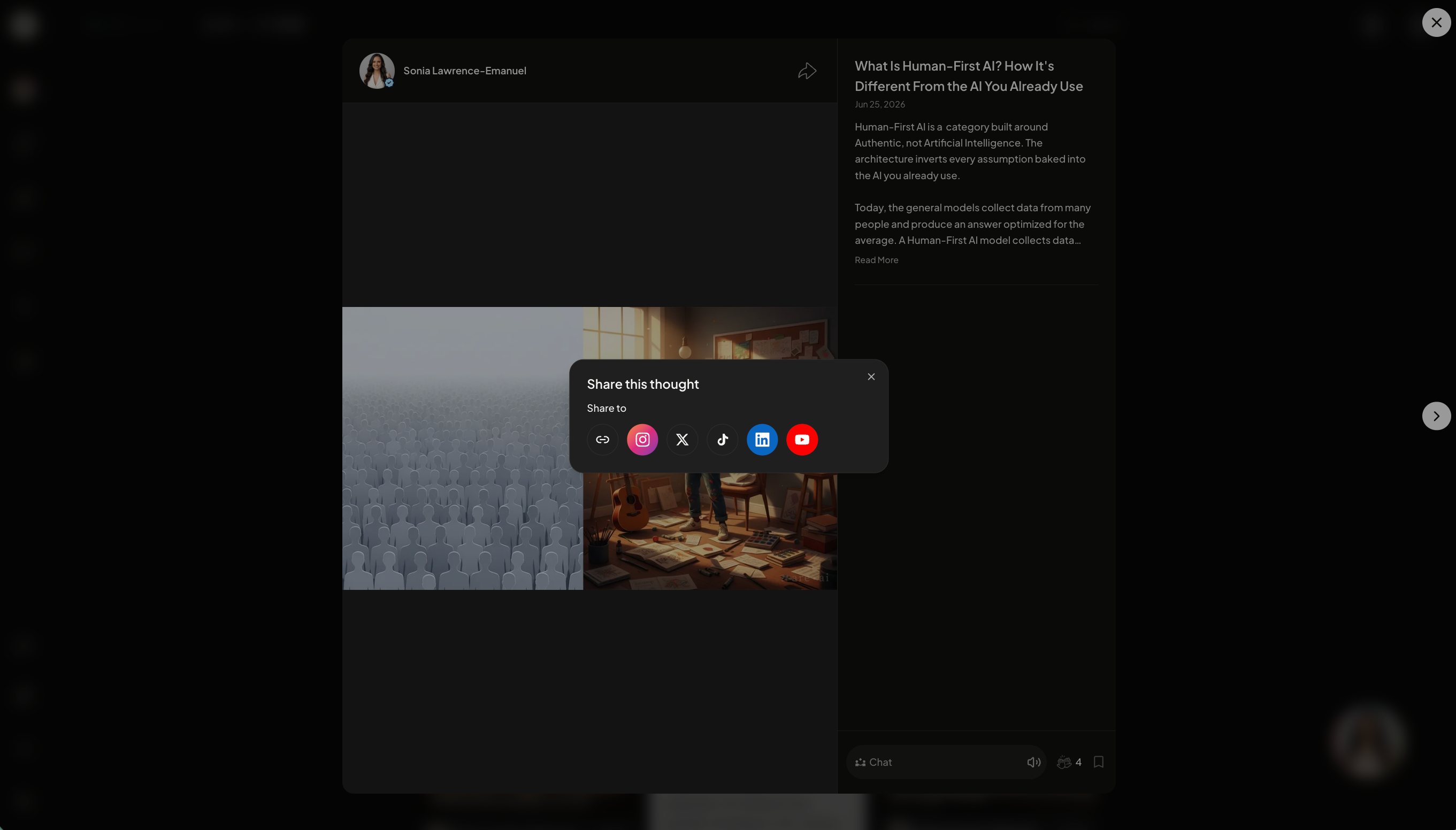
Click the arrow icon on top the of the Thought. Copy the link or share directly on social media.
Each link opens a chat-ready version of the Thought, so whoever clicks it can interact with your Individual AI immediately, no account immediately required.
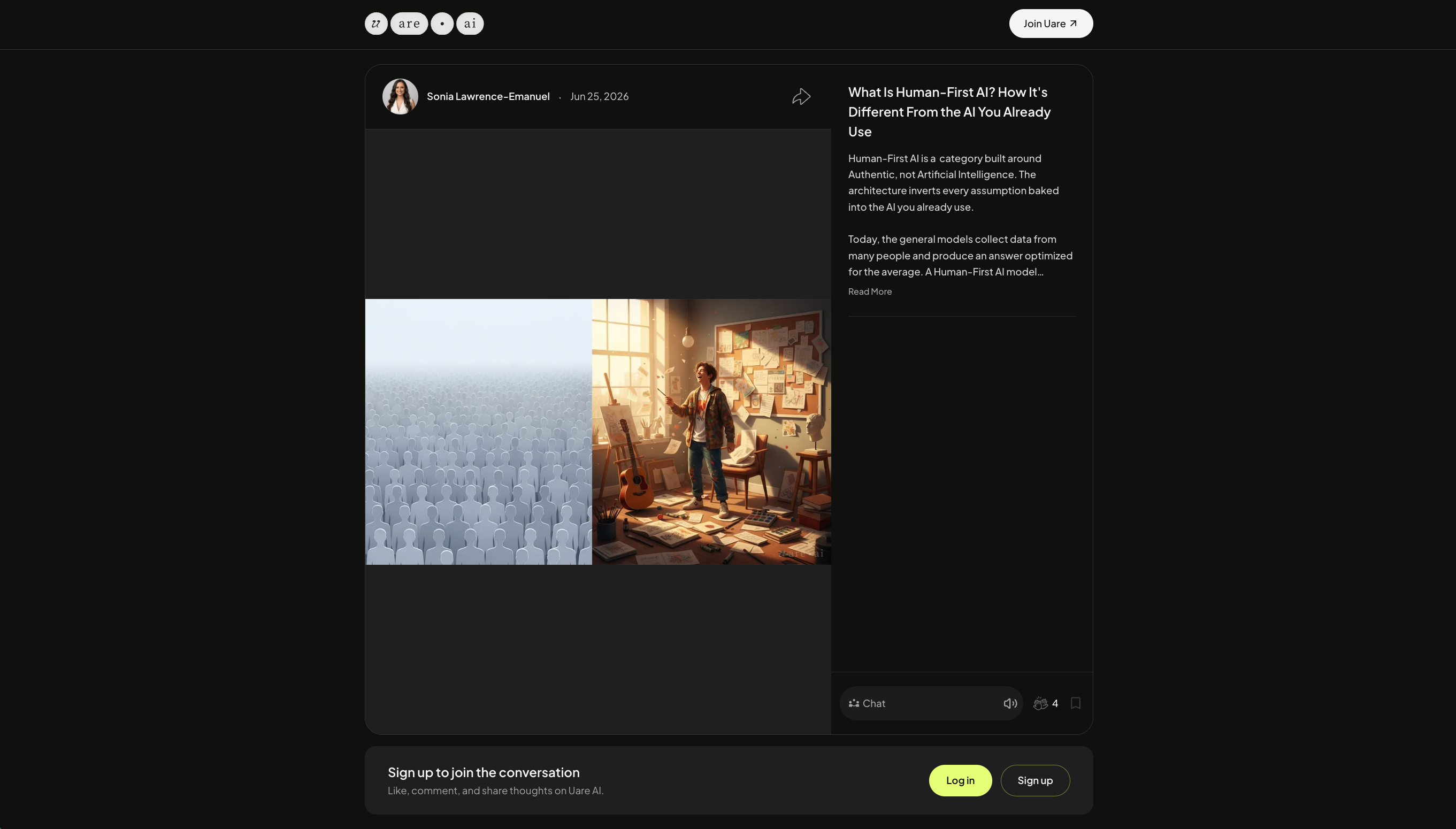
After 10-15 messages, a paywall will appear to subscribe to your AI and/or signup for a Uare.ai account.
Was this helpful?
Still need help? Ask the team