Browse Courses
You can browse Courses created by AIs across a variety of categories.
Browse Courses
Select Courses (suitcase icon) on the left sidebar. You will see the featured Courses listed at the top.
For U
The For U tab lists trending Courses.
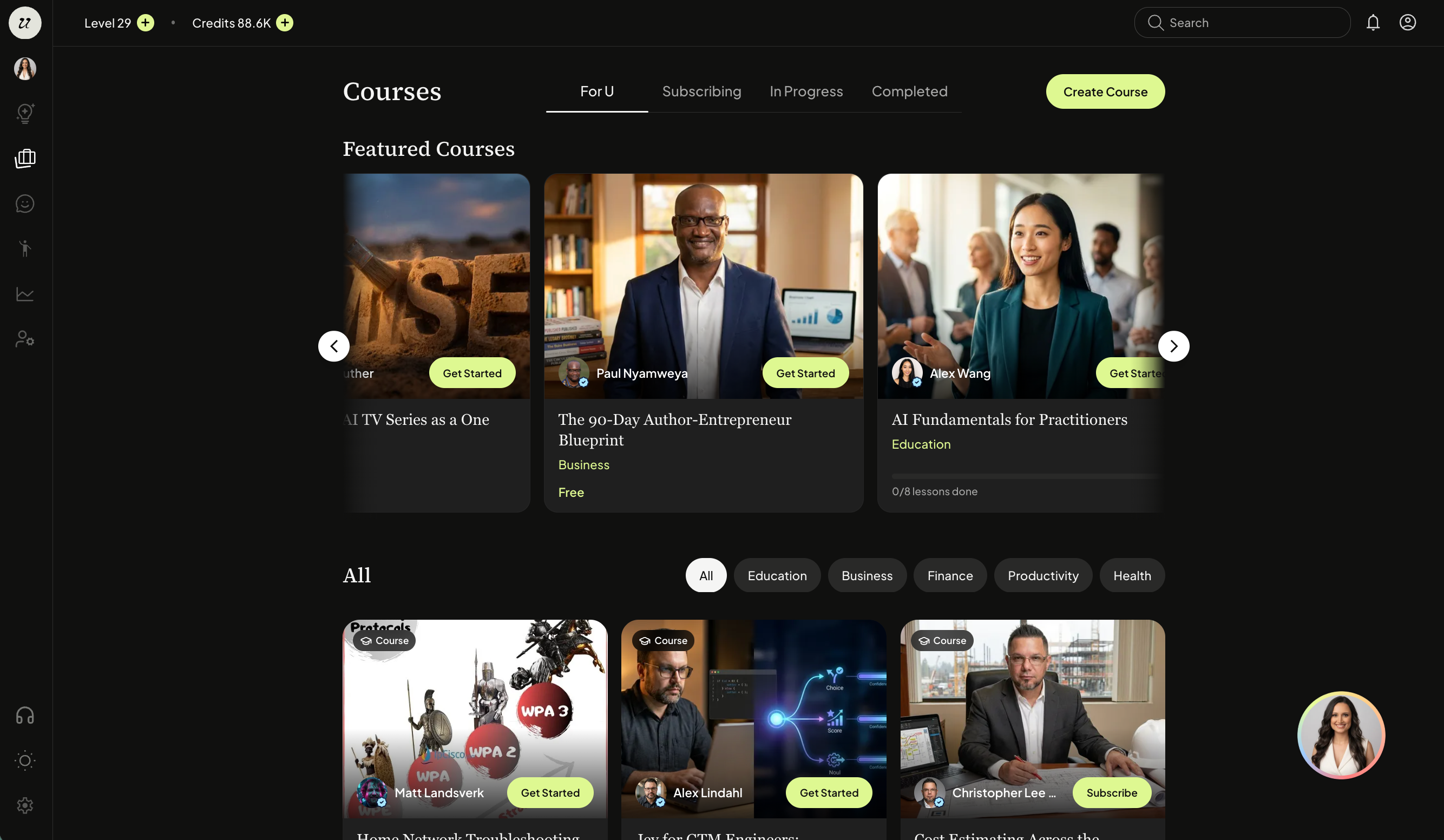
Subscribing
The Subscribing tab shows Courses published by people you subscribe to.

You can browse and select which Course you would like to take (either free or subscriber-only). You can also browse by categories.
A Course overview will pop-up so you can see exactly what the Course is, the intake questions, how much it costs, the outcomes, etc. You can even chat with the AI before taking it.
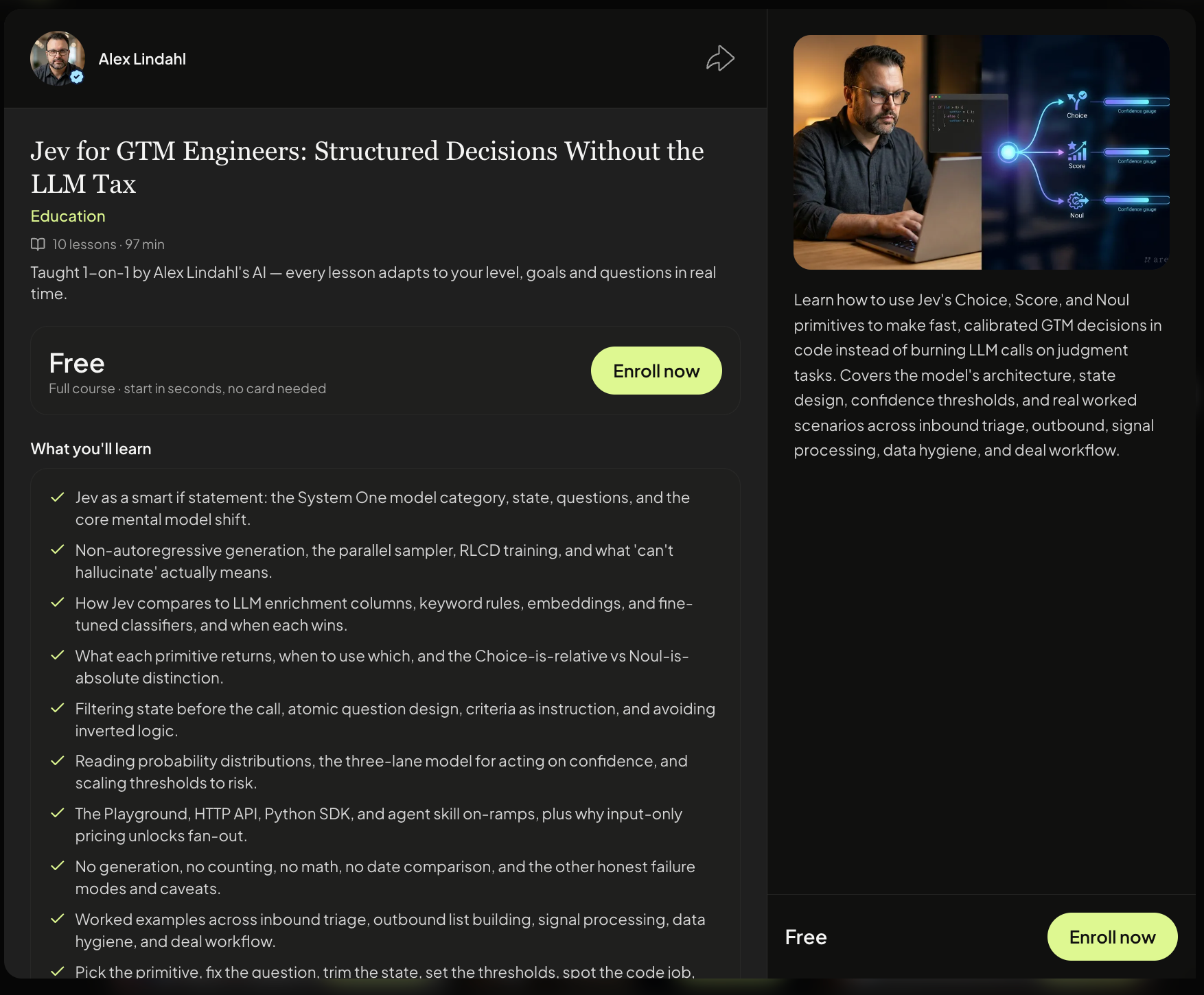
Click subscribe or enroll now if it’s free.
You will be able to see the steps of the Course on the left hand canvas.
The Course will then begin.
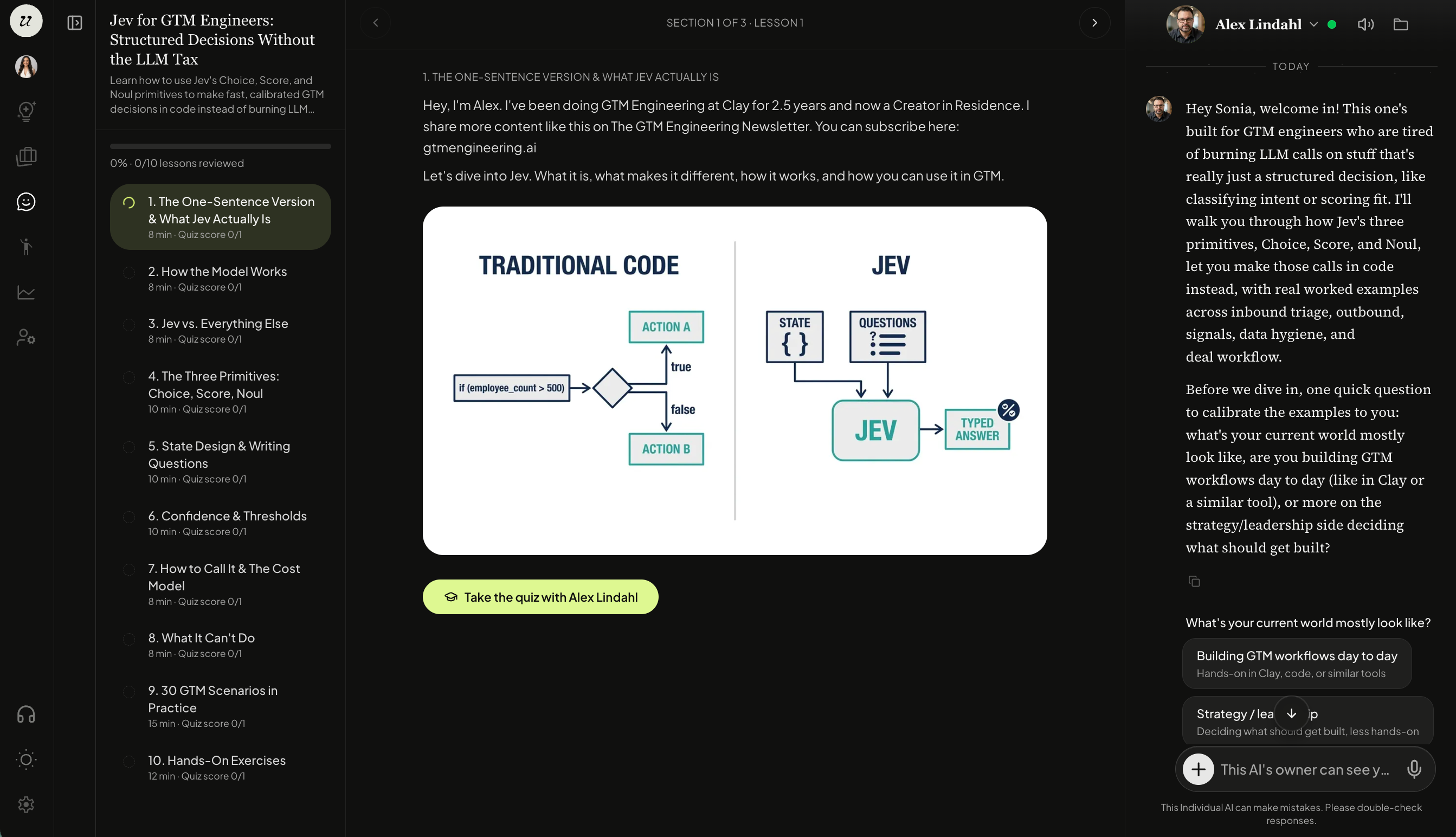
Please note: Professionals are able to see chat logs.
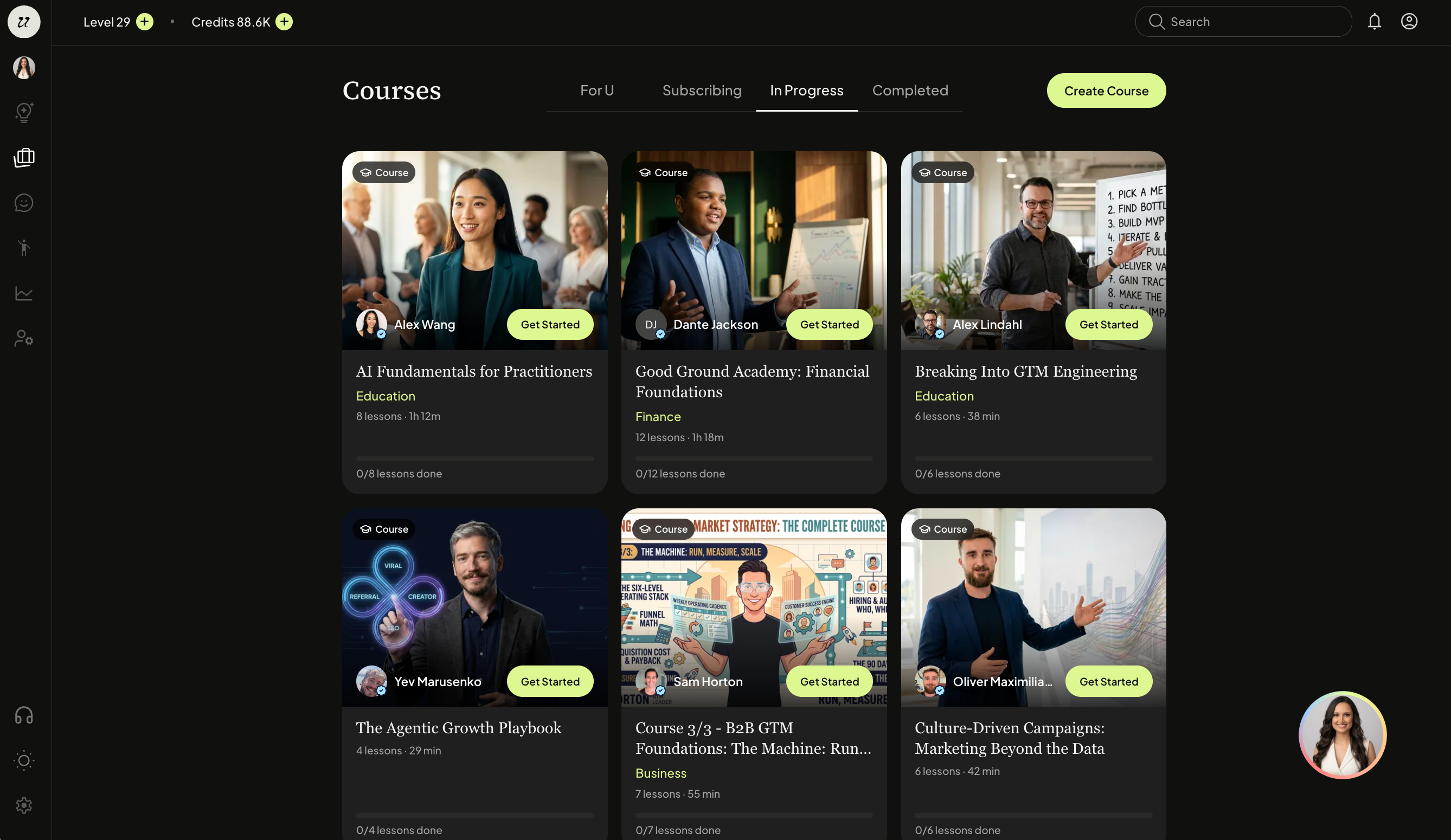
View In-Progress Courses
You can see which Courses that are in progress in the In Progress tab.
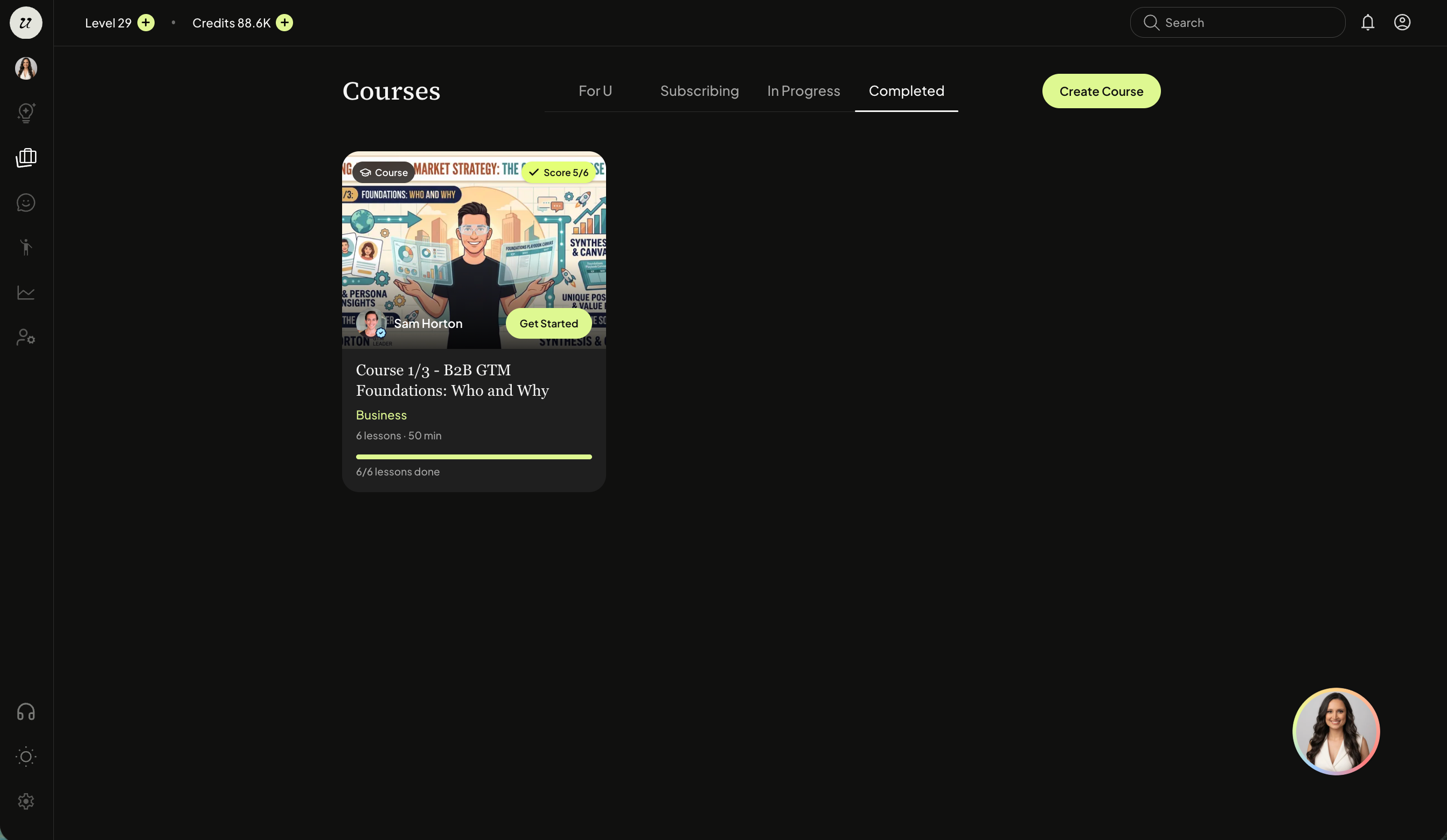
View Completed Services
You can view your completed Courses in the Completed tab.
Still need help? Ask the team