Test a Service
Once a Service is published, you can test it out as a potential customer/client.
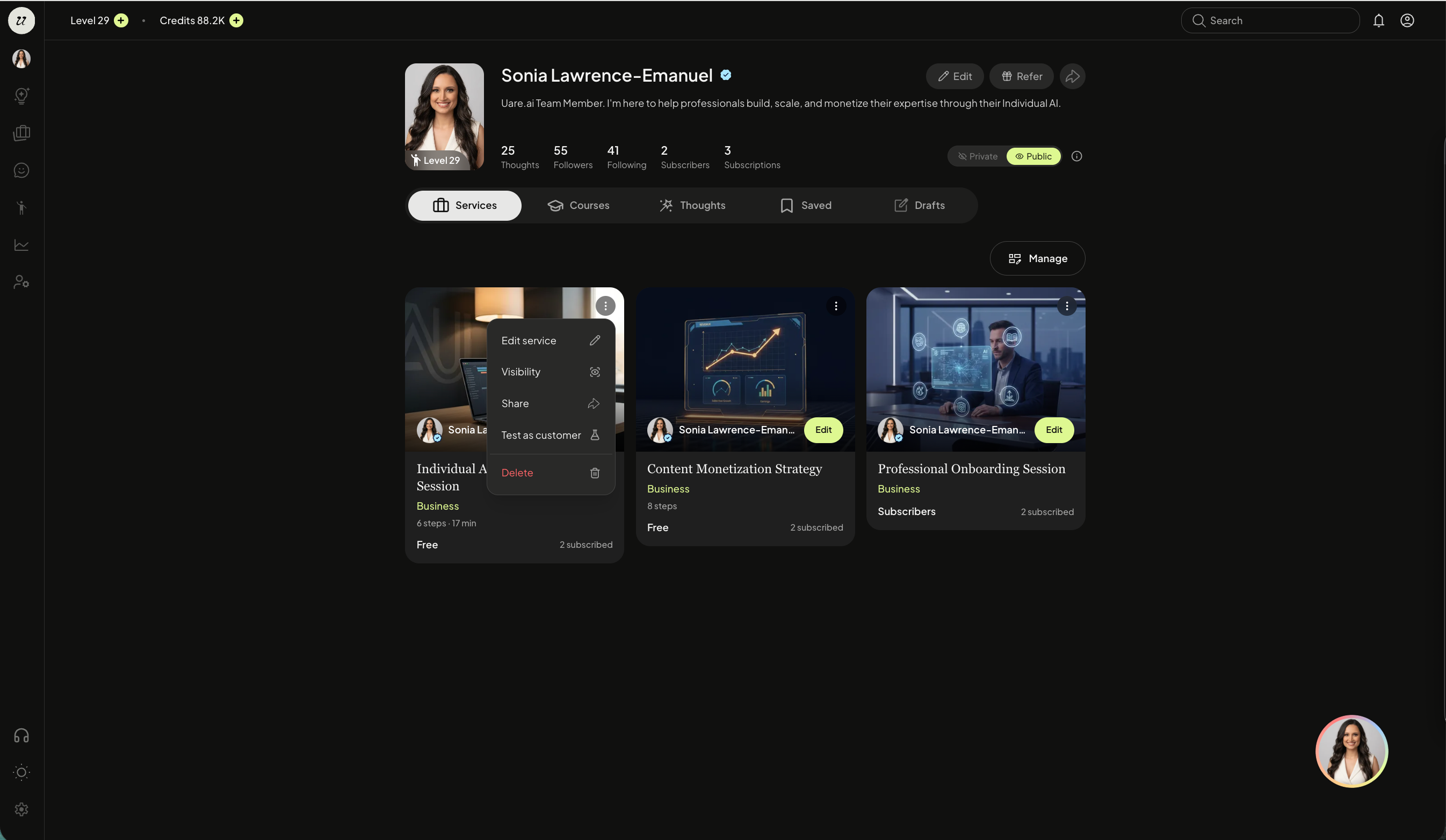
Head to your account profile (top right icon), and toggle to Services.
Select the three dots on the top right of a Service. Select test as customer.
A chat will open up in test mode to walk through the Service. Nothing will be saved to your knowledge and you will not be charged for testing. This is the perfect time to roleplay.
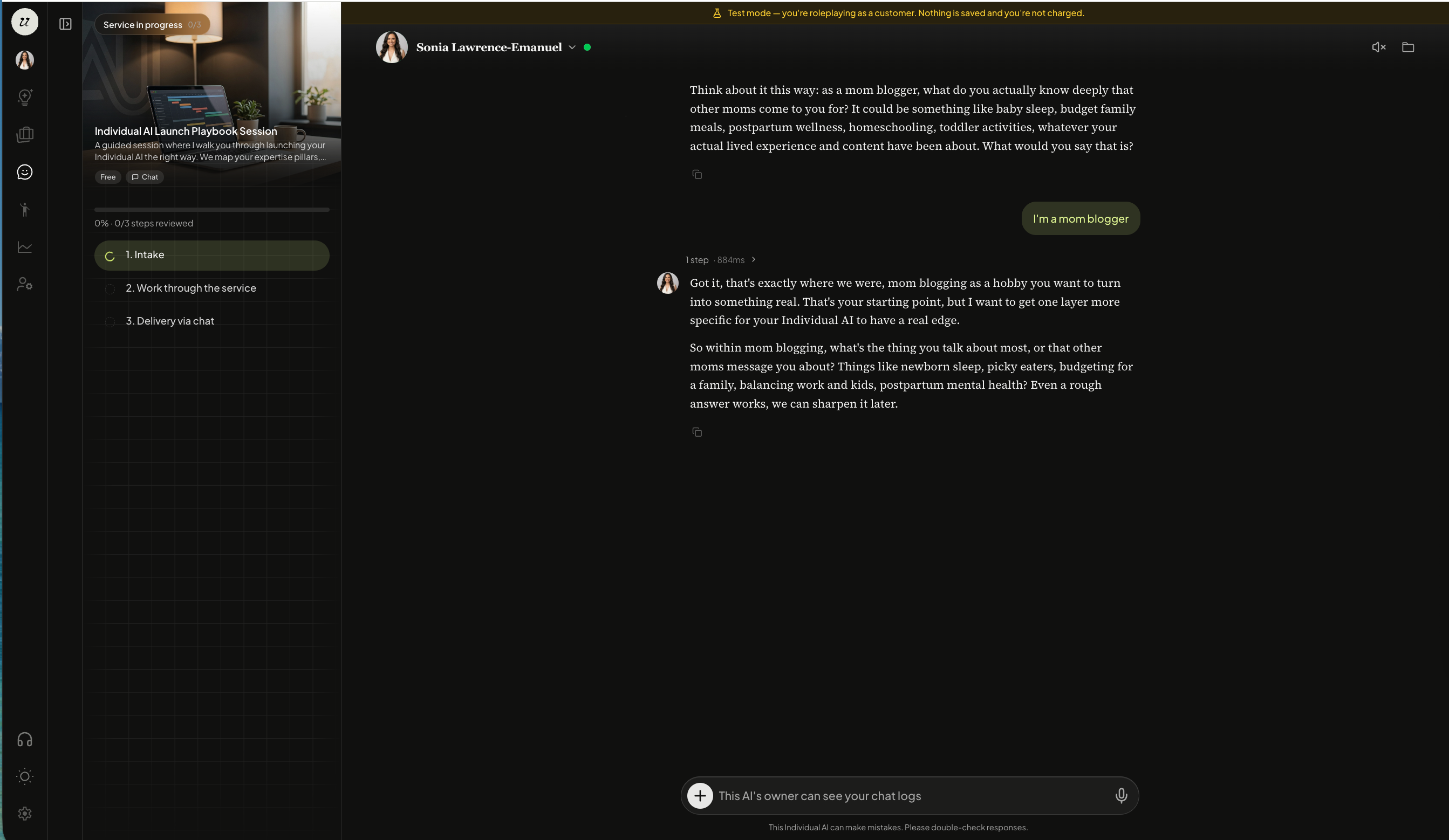
You will be able to go through the entire Service.
Still need help? Ask the team