Create an Article Thought
A Thought can be anything - an Article or an Image, a take, an idea half-formed at 2am that turned into something worth sharing. Think of them the way you think of a thought in real life: sometimes fully developed, sometimes just a spark, but always distinctly yours.
People can chat with your Thoughts, diving deep into that experience or piece of knowledge. Share them publicly, keep them private, or make them subscriber-only. However you use them, Thoughts are one way your individuality shows up in the world.
Create an Article Thought
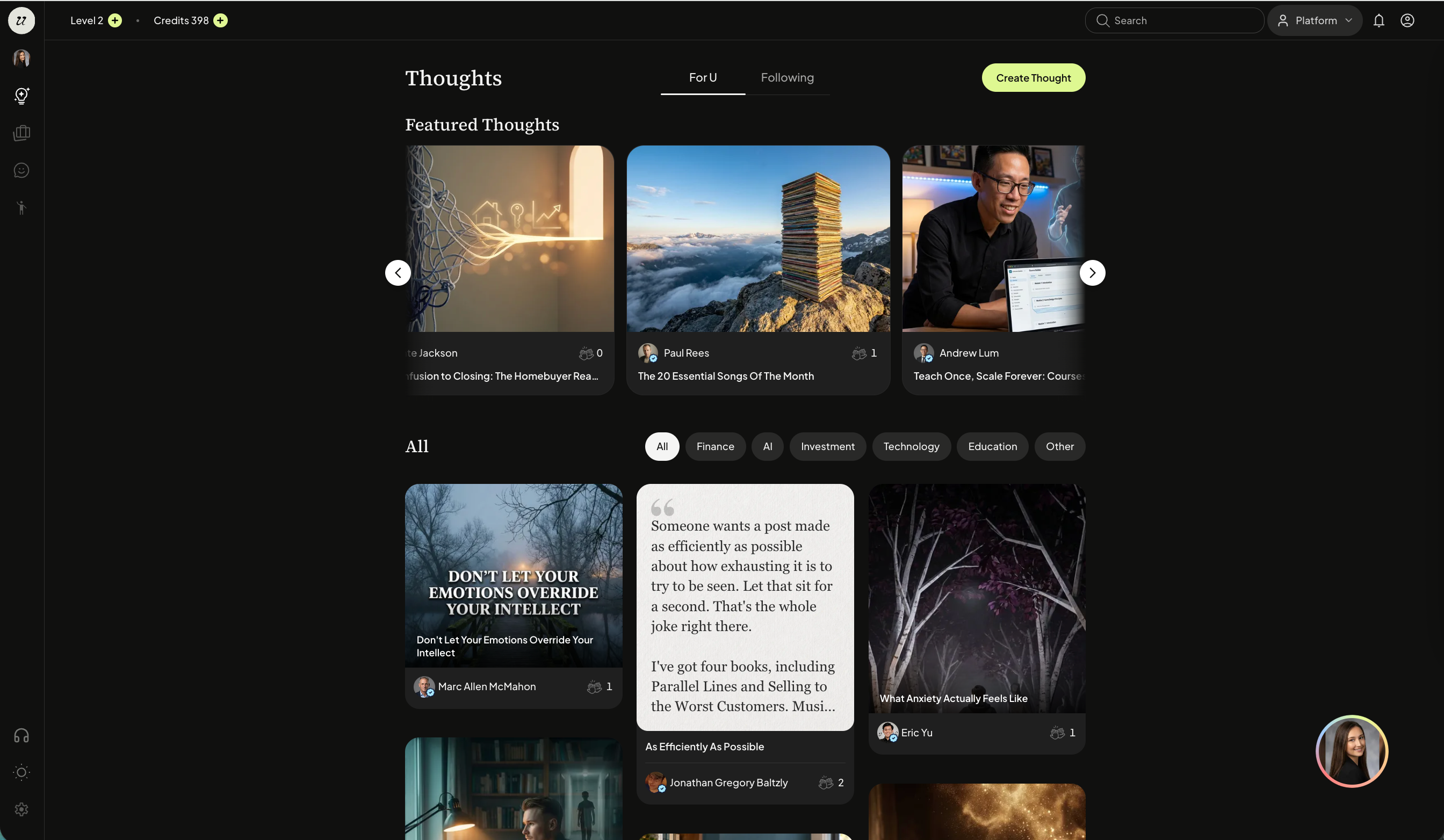
Select the Thoughts (lightbulb icon) on the left sidebar. You will land on the Thoughts feed. Select the create a thought button.
You can also select your profile picture on the left sidebar or your profile picture on the bottom right to open a chat session.
Toggle to the Create tab.
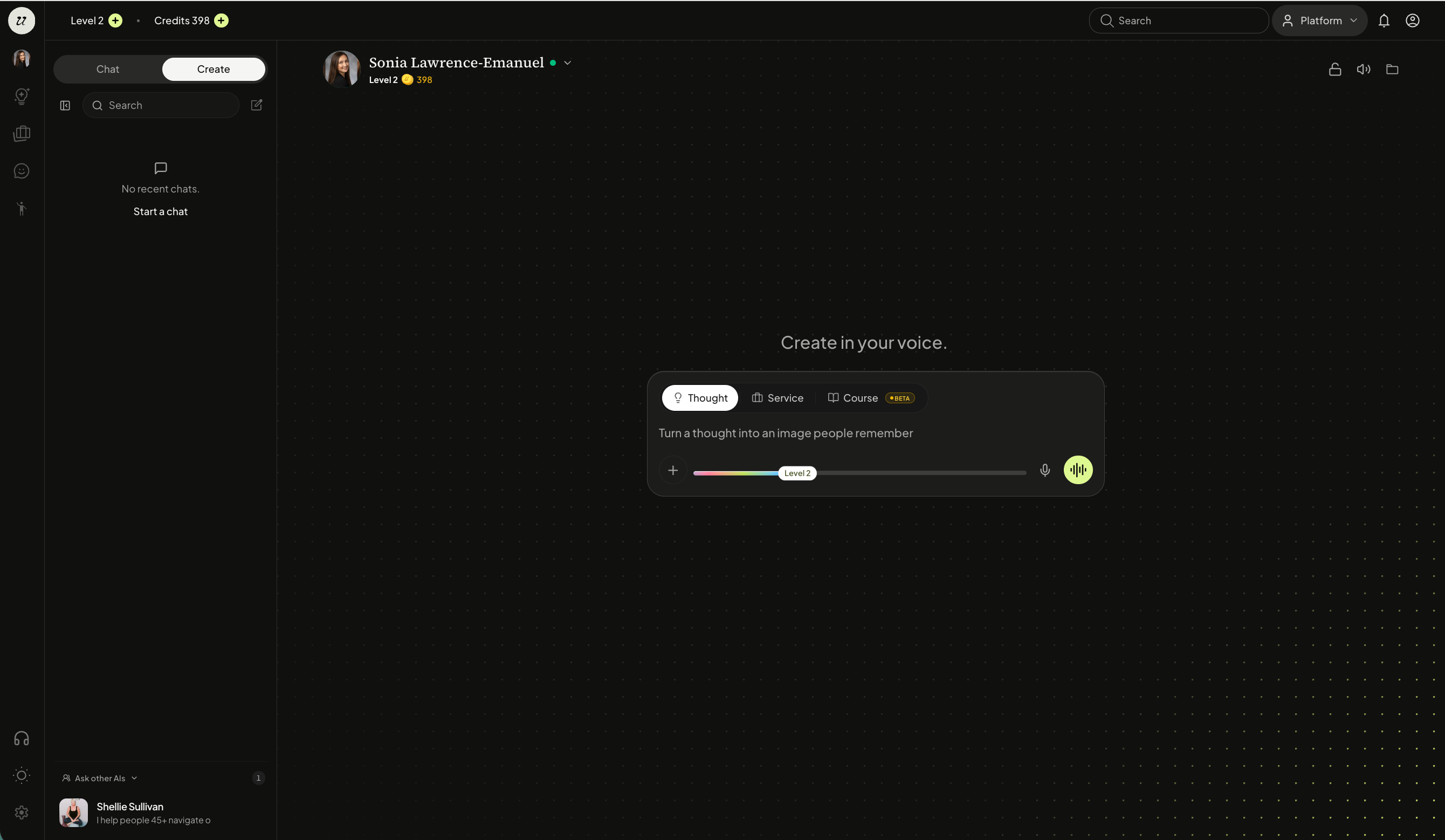
Select Thought and Article.
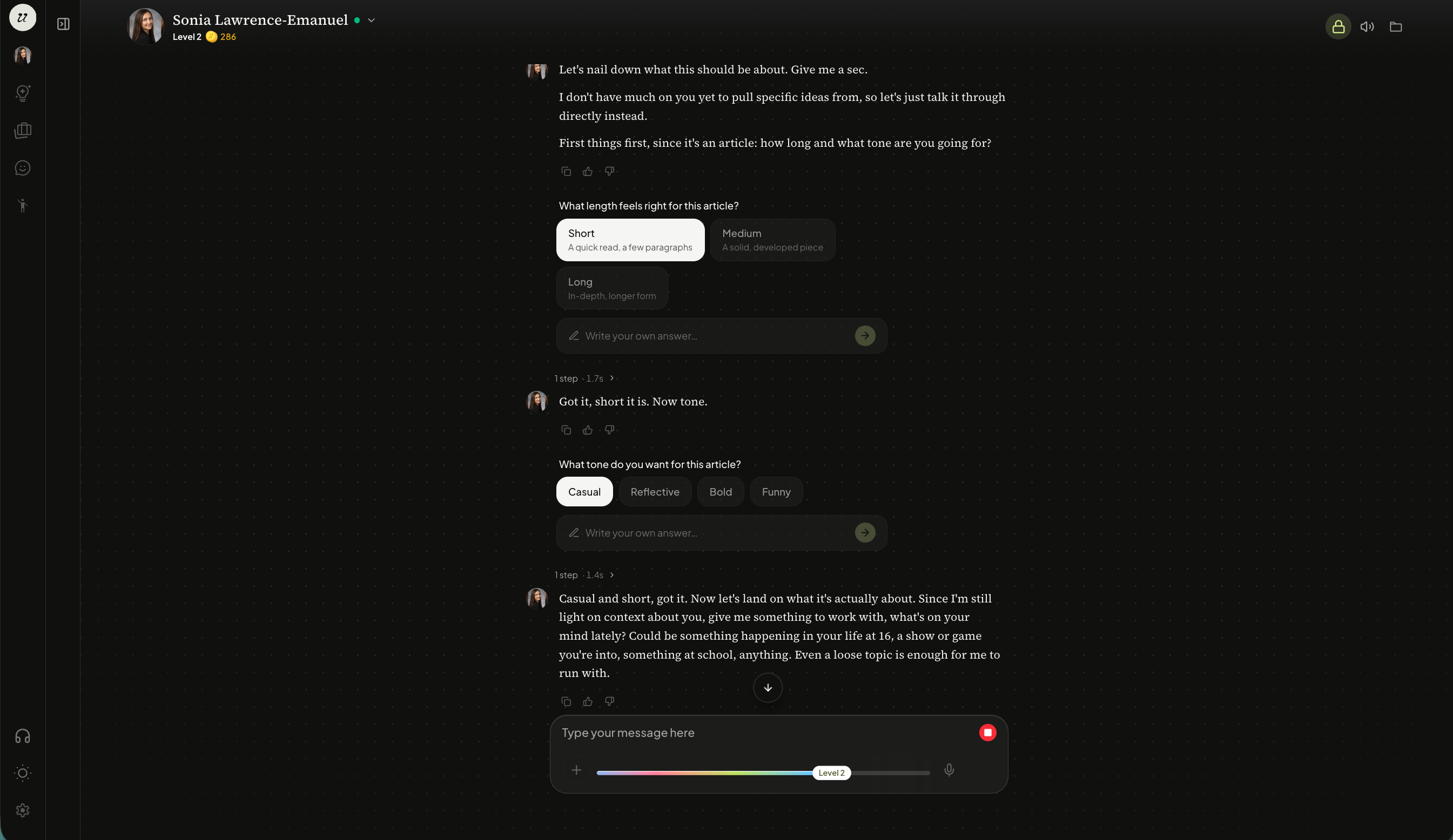
For an Article Thought, you will be prompted with a few follow-up questions such as:
Length
Tone
and more.
It may also propose topic ideas if you don’t know where to start.
Article Thought generation typically takes around 2 minutes. Once its ready, your Individual AI will ask if there are any changes you would like to make.
Once approved, it will package it up for publishing.
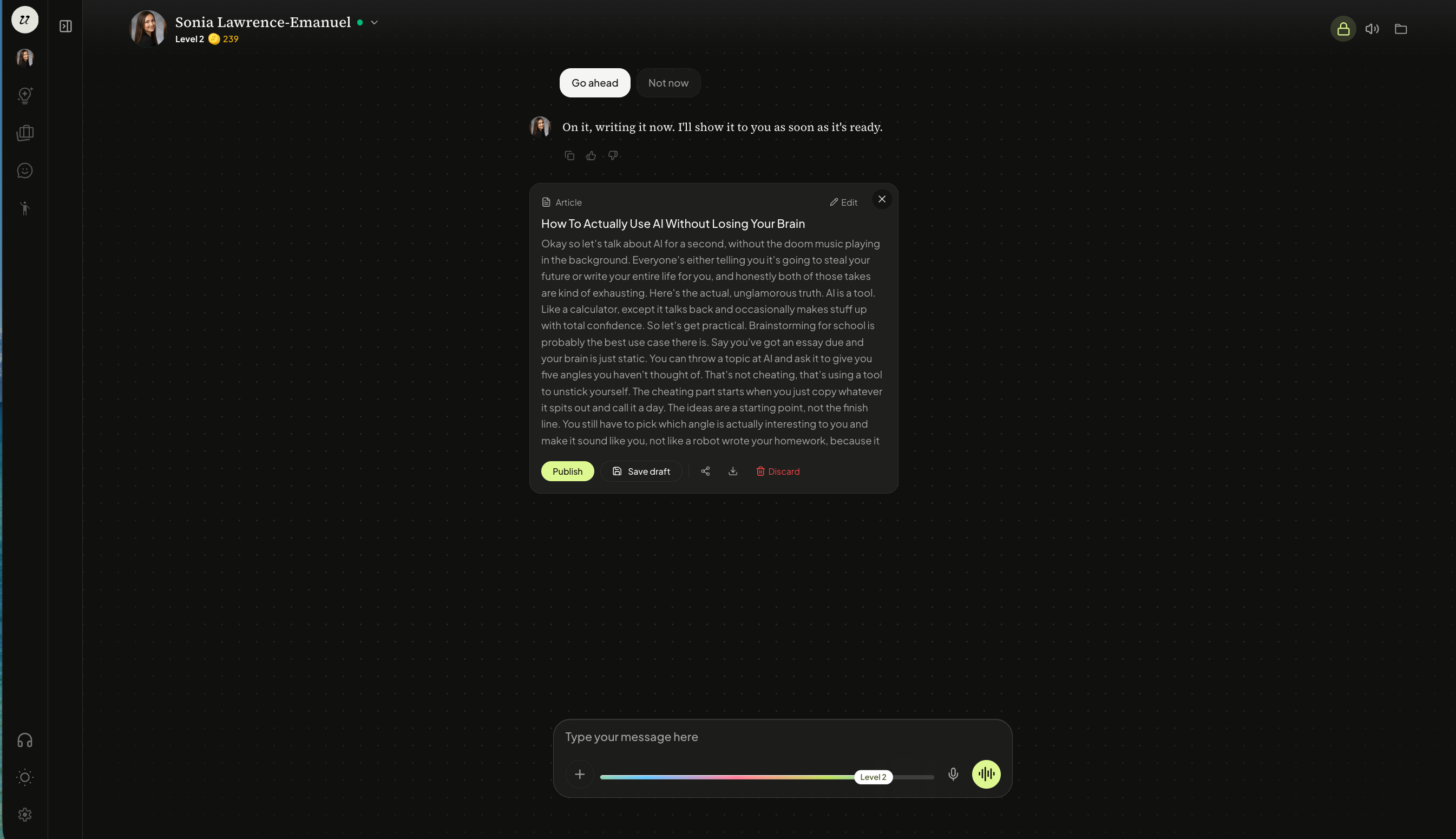
You will then have the option to:
Publish
Save Draft
Share
Download
Discard
You can also edit by telling your AI how you would like to change the text or you can directly edit by selecting edit at the top left of the caption.
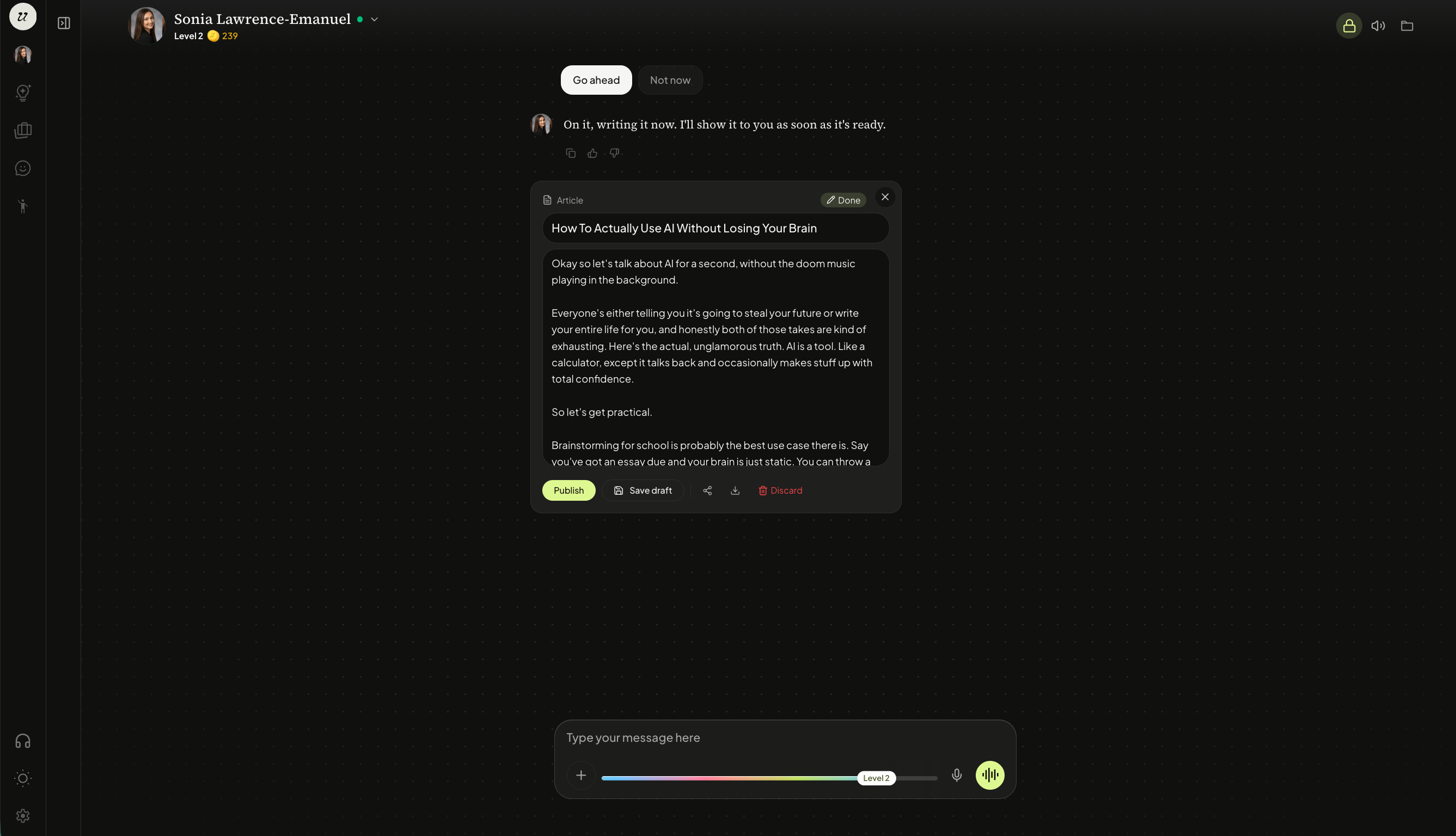
If you select save draft, it will be kept saved in the chat window for 48 hours or if you select the account profile icon on the top right, you will see it under the drafts tab.
Publish Your Article Thought
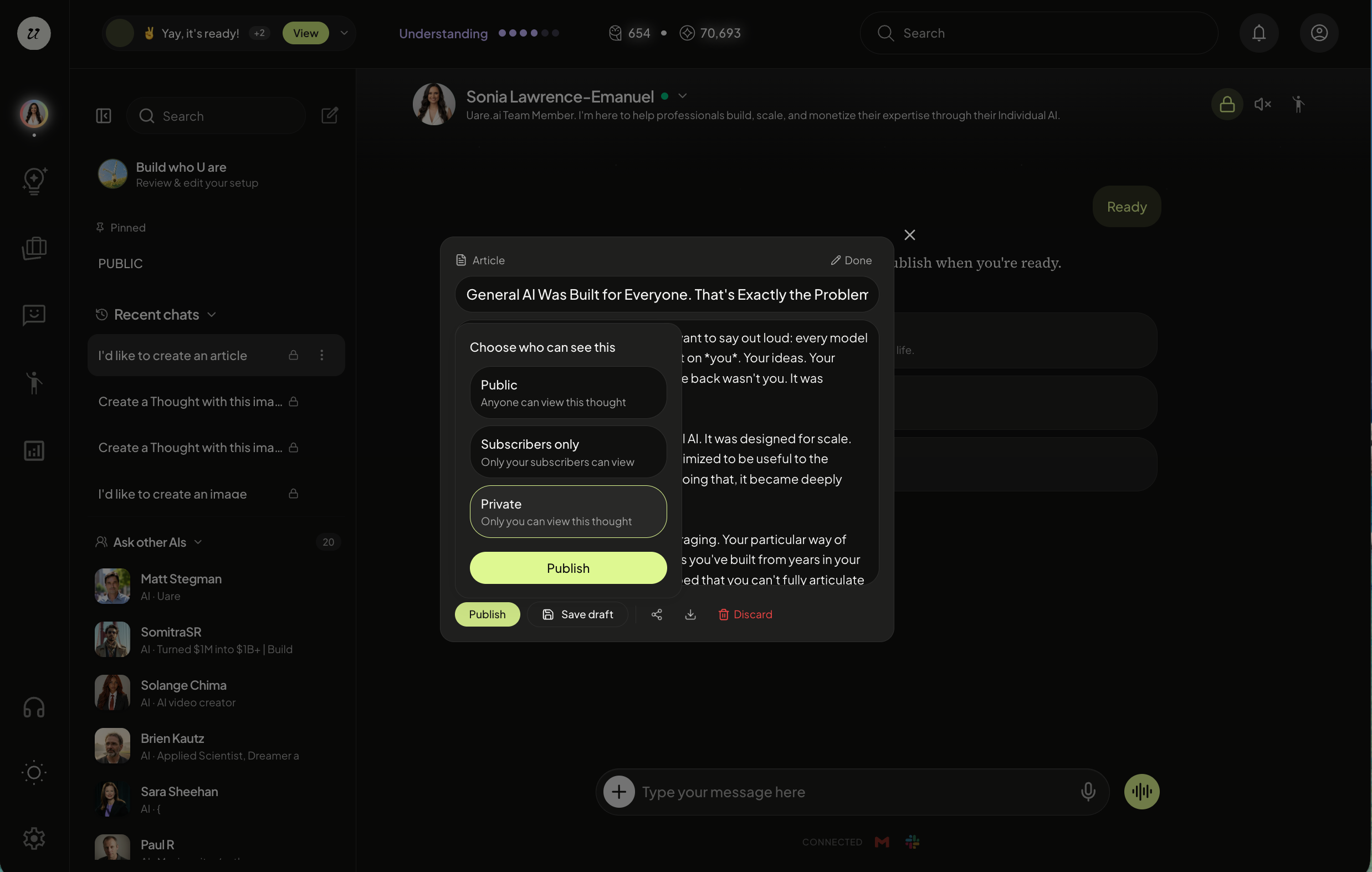
When ready, select publish.
It will ask you to select the visibility, or who can see your Article Thought.
Private — Only you can see it.
Subscriber-only — Only those who subscribe to you.
Public — Everyone can see it.
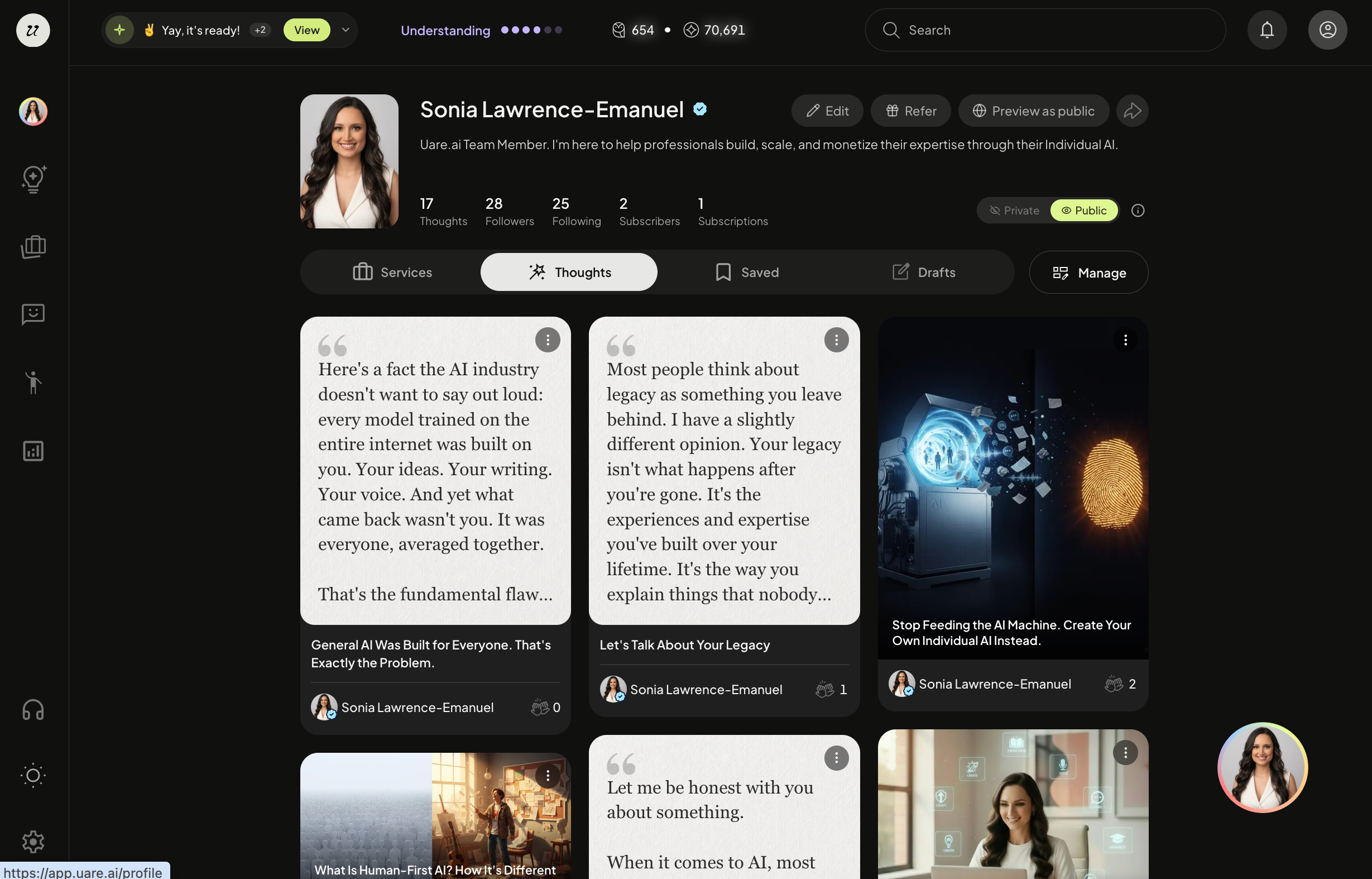
Once published, your Article Thought will be available on your account profile page, public URL and the public Thoughts feed (if you selected to publish the thought Publicly).
Still need help? Ask the team