Manage a Course
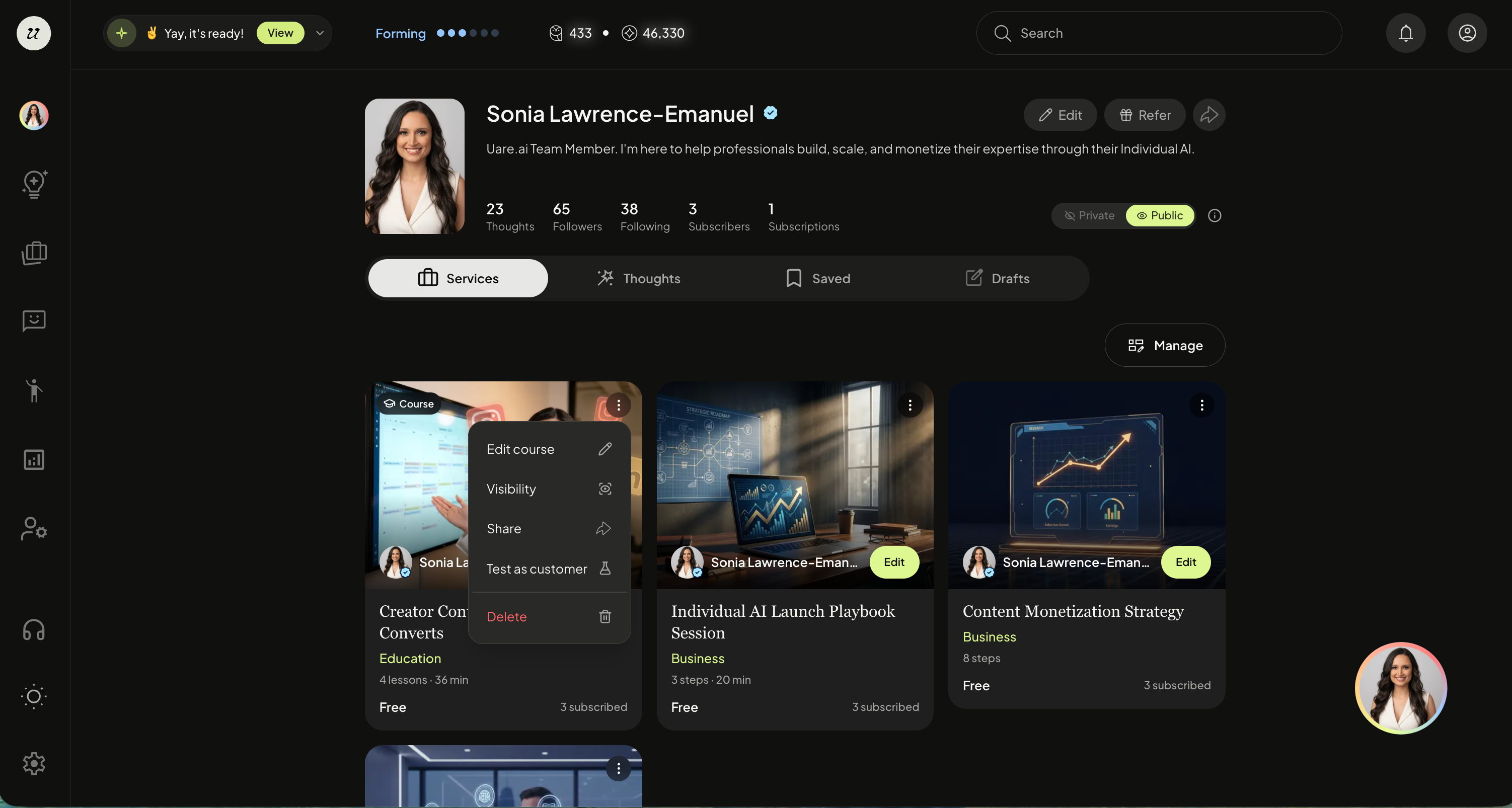
To manage your course, navigate to your profile page (top right icon).
Toggle to Services, and click the three dots on the top right of the Course thumbnail.
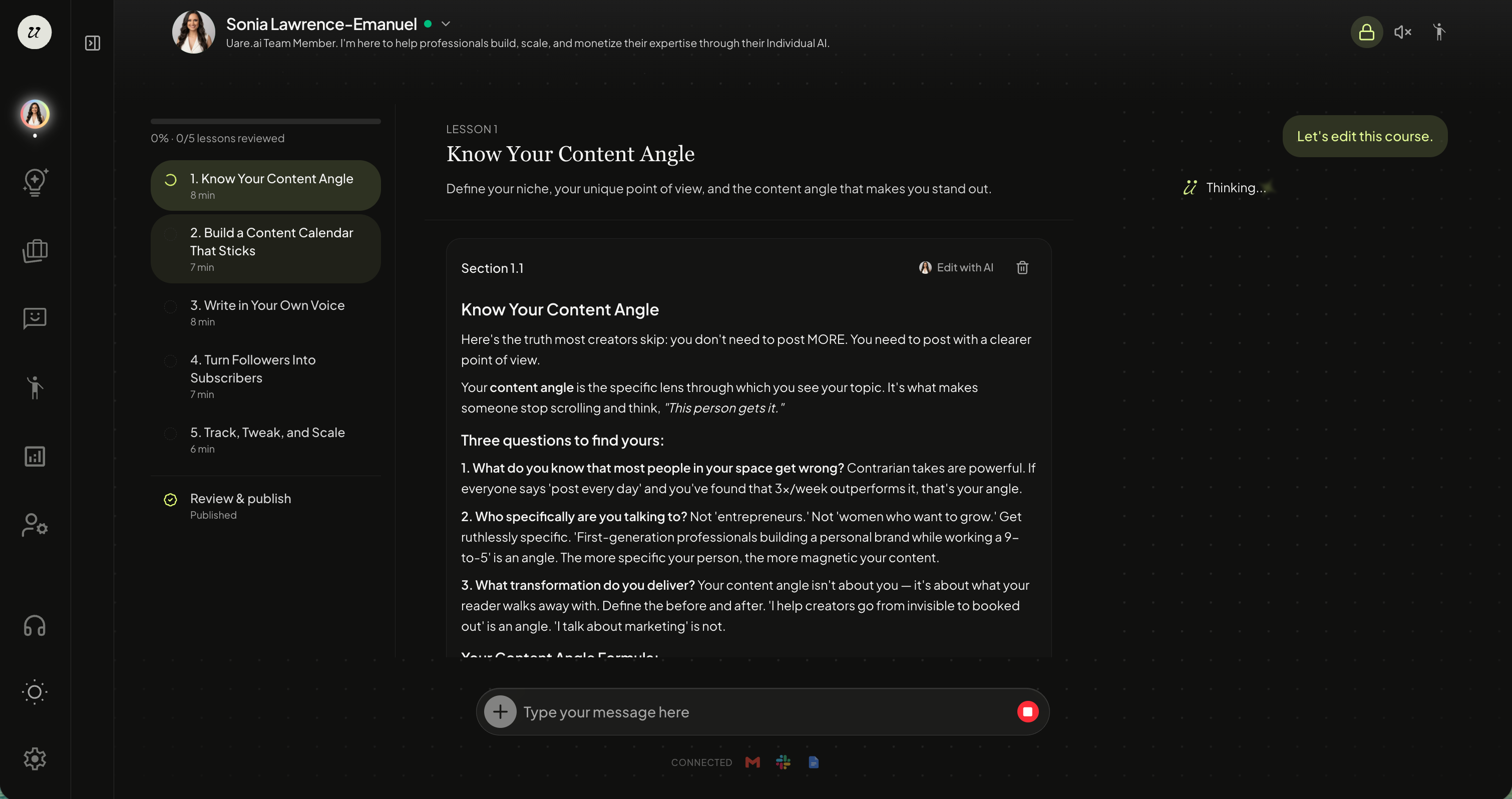
Edit a Course
Select edit course to make changes to the lessons.
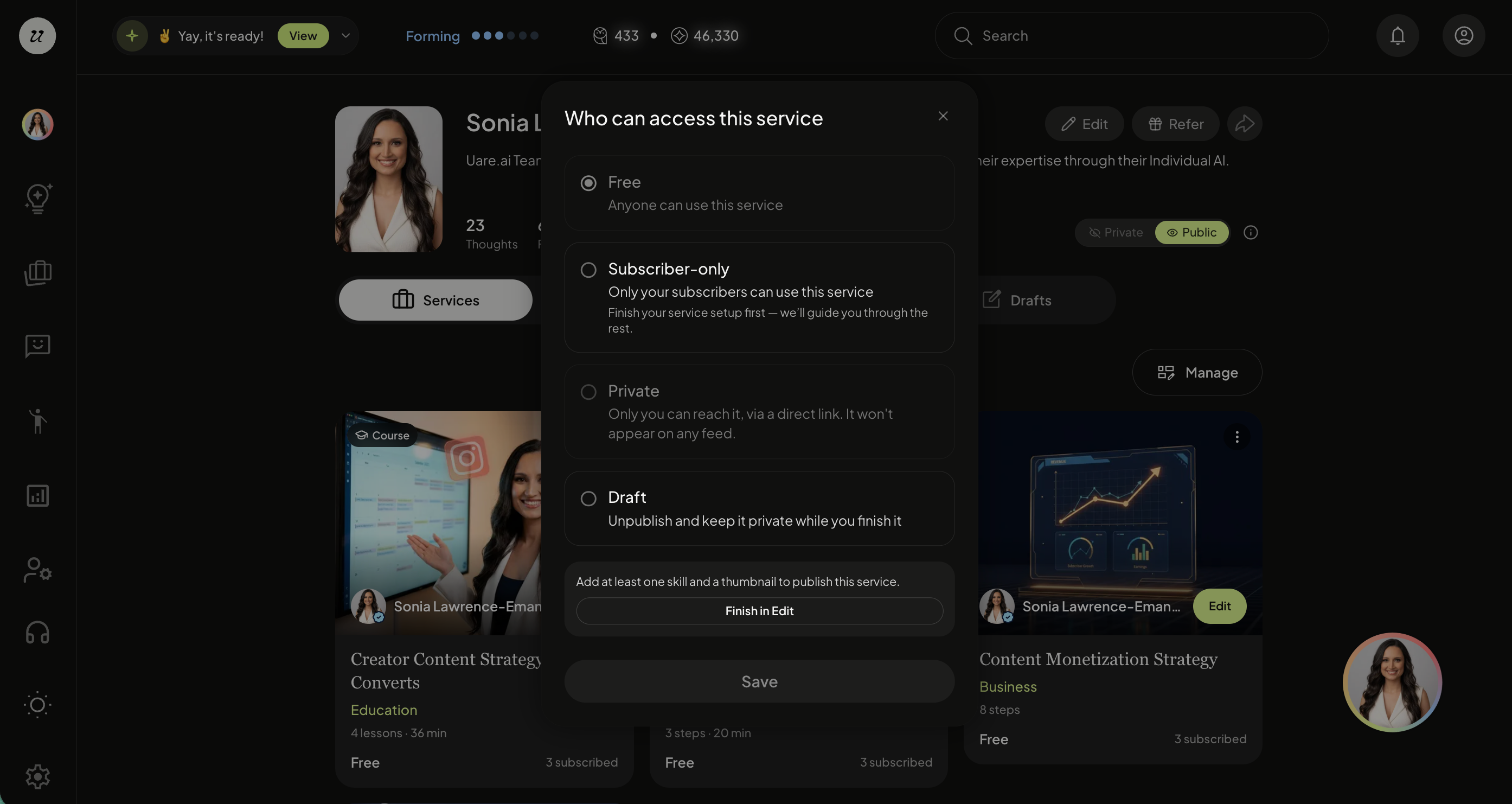
Visibility
You can change the visibility of the course at any time.
Select from:
Free
Subscriber-only
Private
Public
Draft
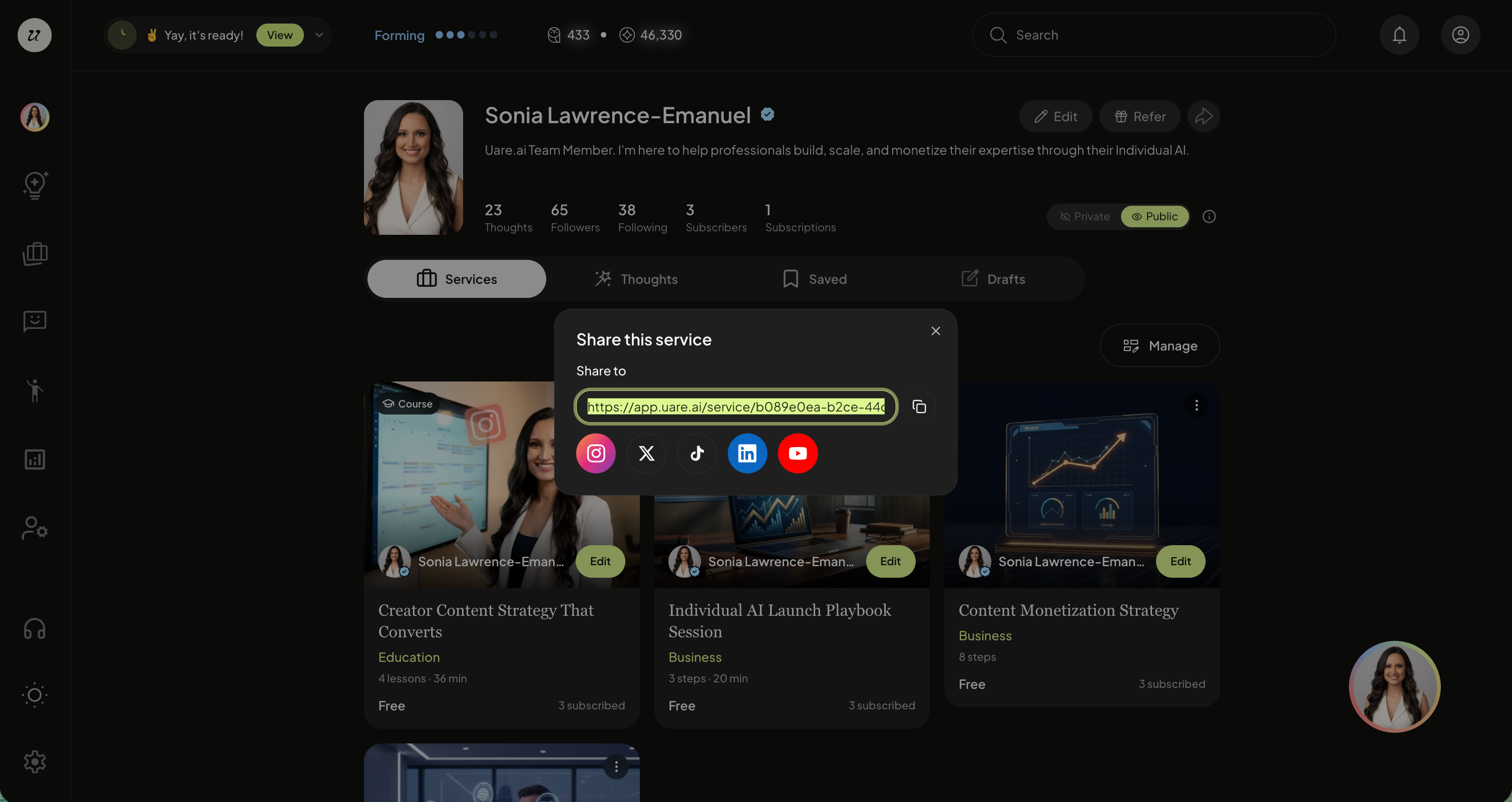
Share
Share your Course off-platform with a public URL.
Test as Customer
You can also test as a customer, without saving any knowledge to your AI (this is great for roleplaying as potential leads).
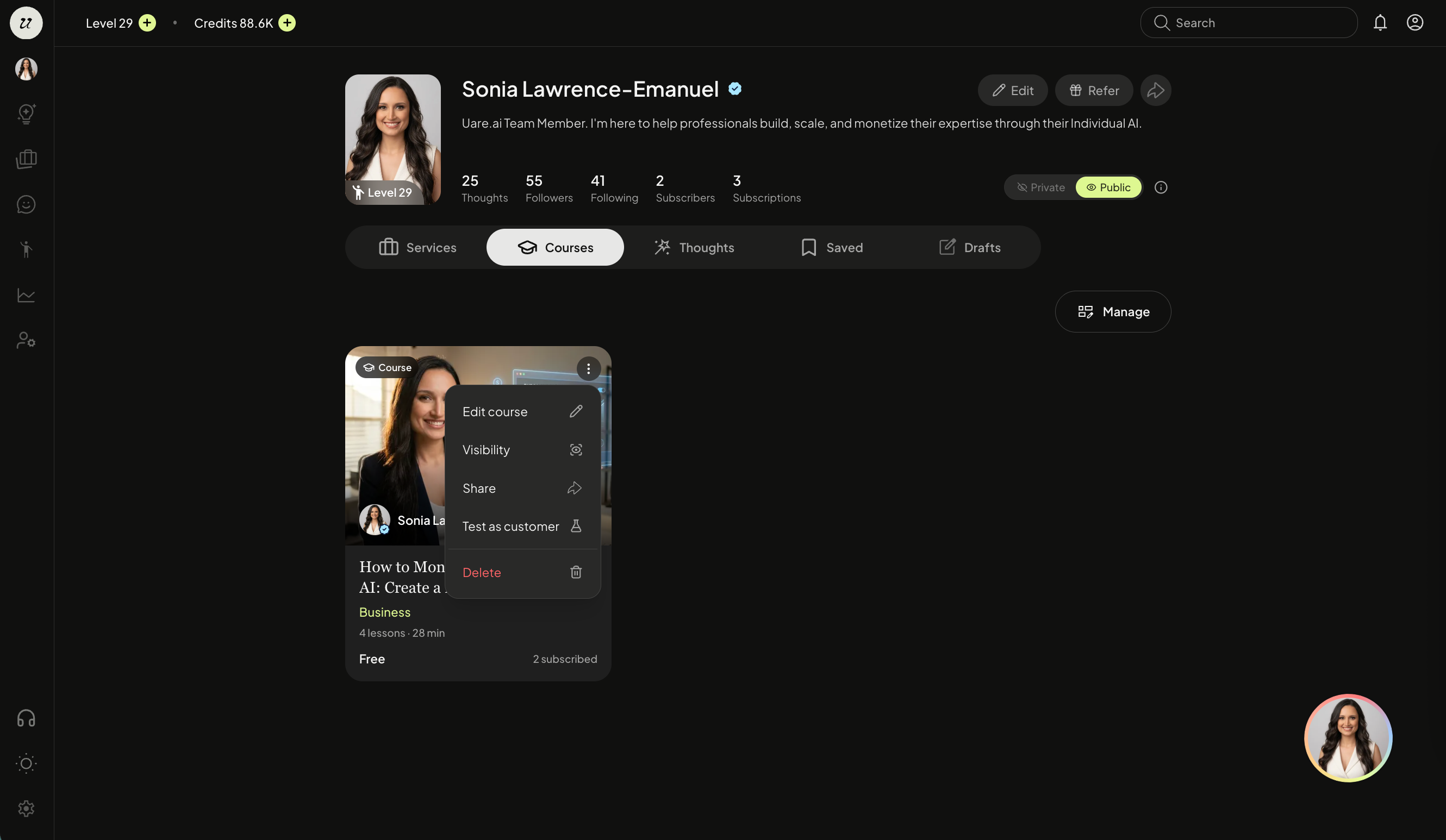
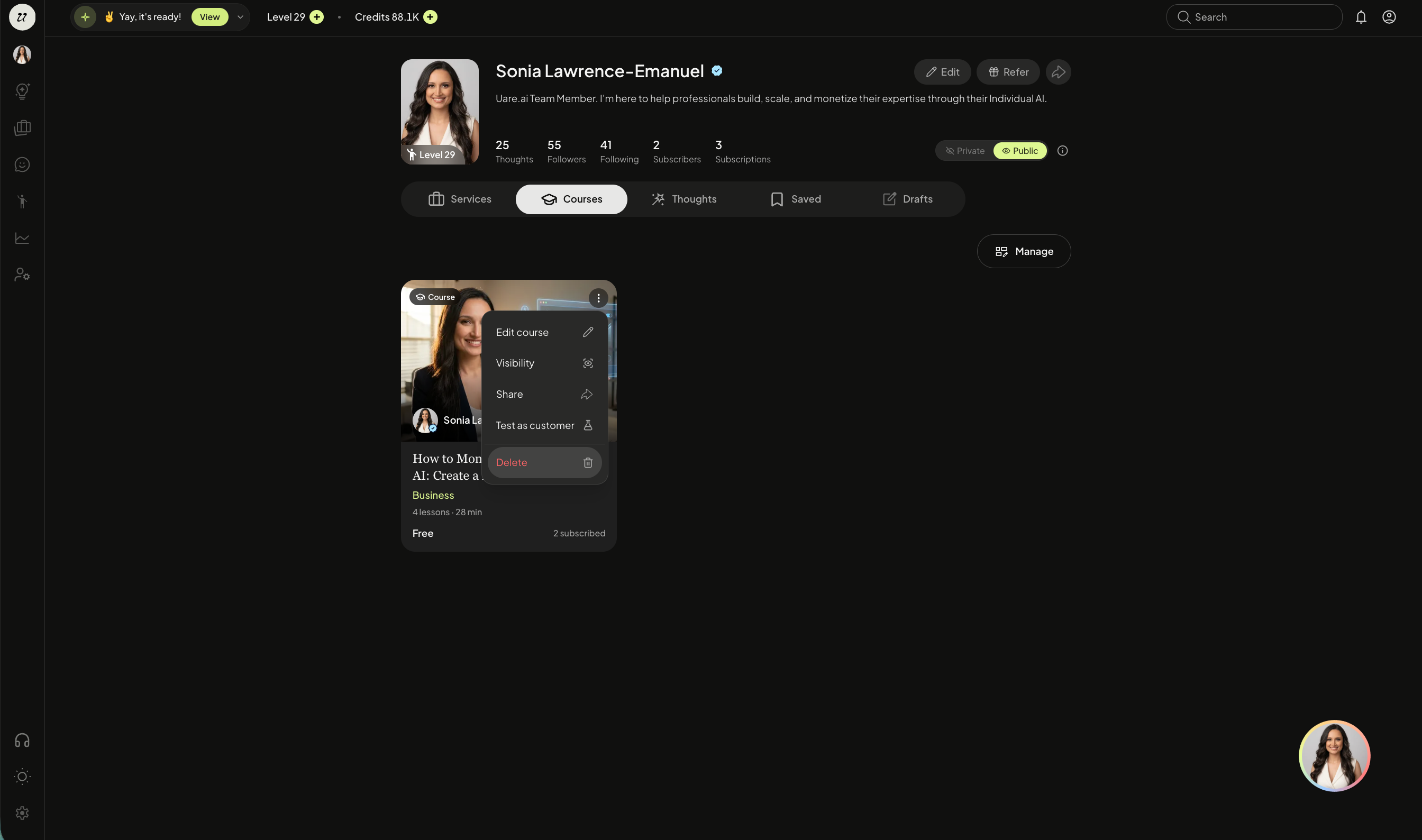
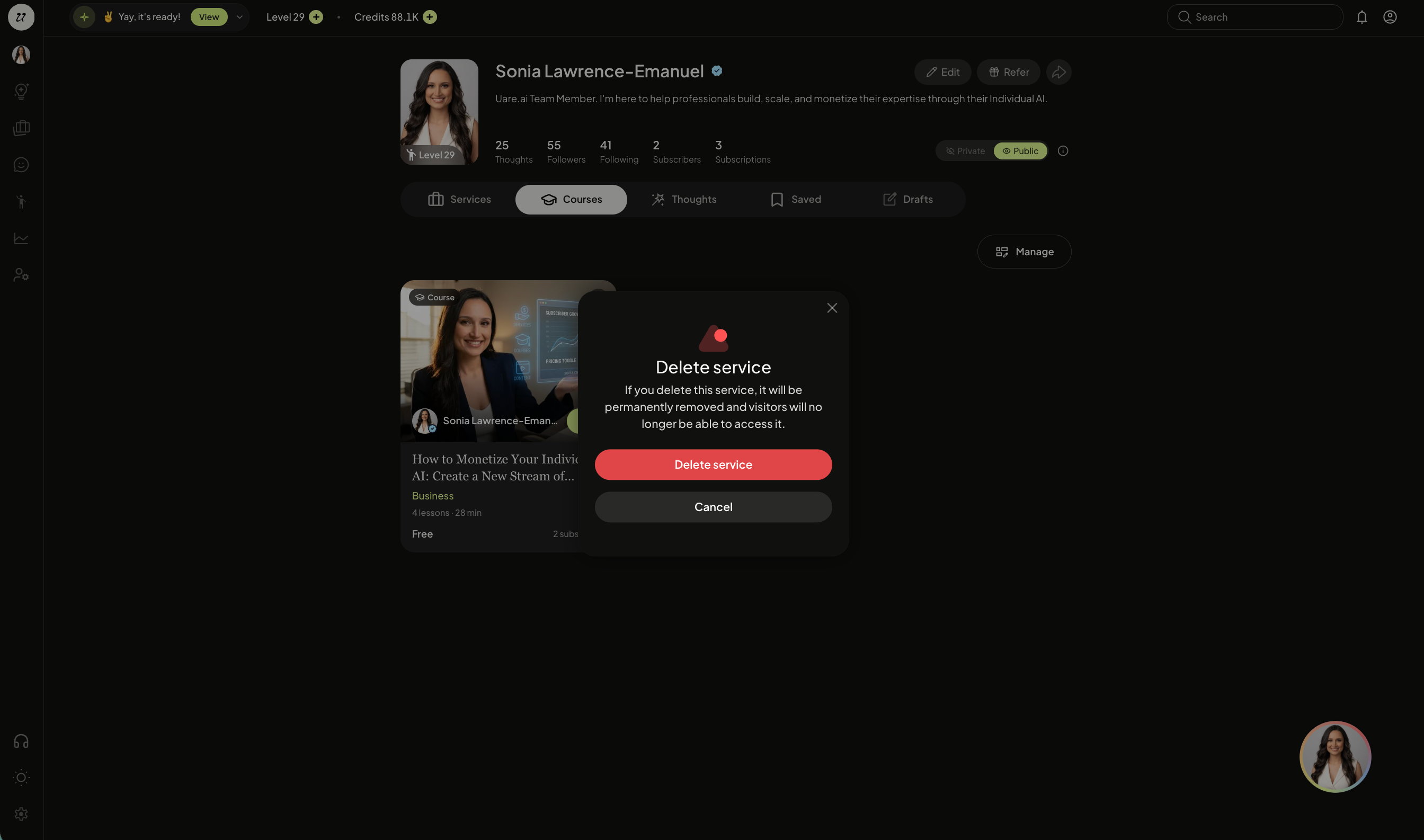
Delete
Select delete to delete the Course.
Still need help? Ask the team