Manage an Artifact
You are able to update an Artifact’s content or settings at any time.
Get started
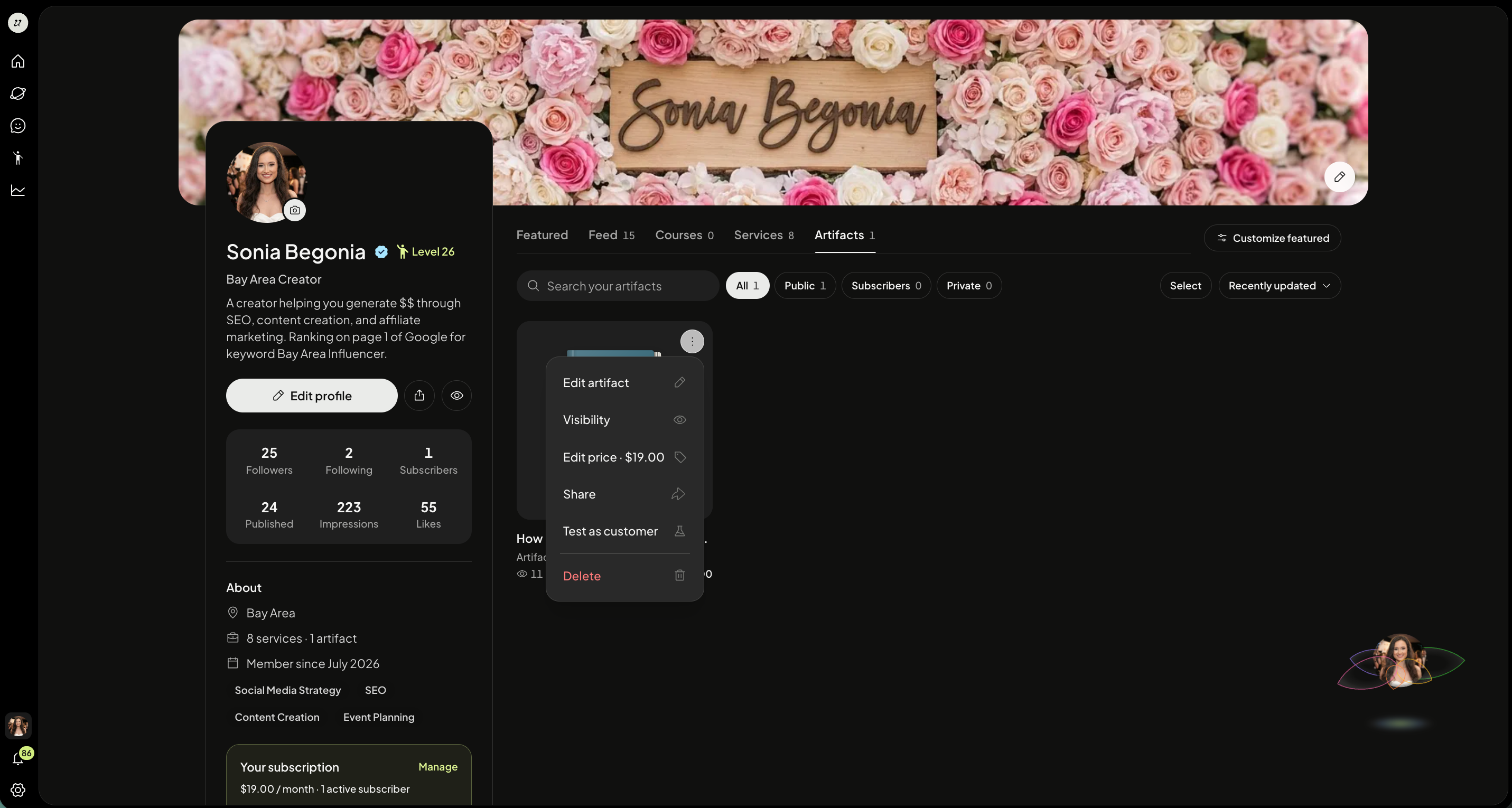
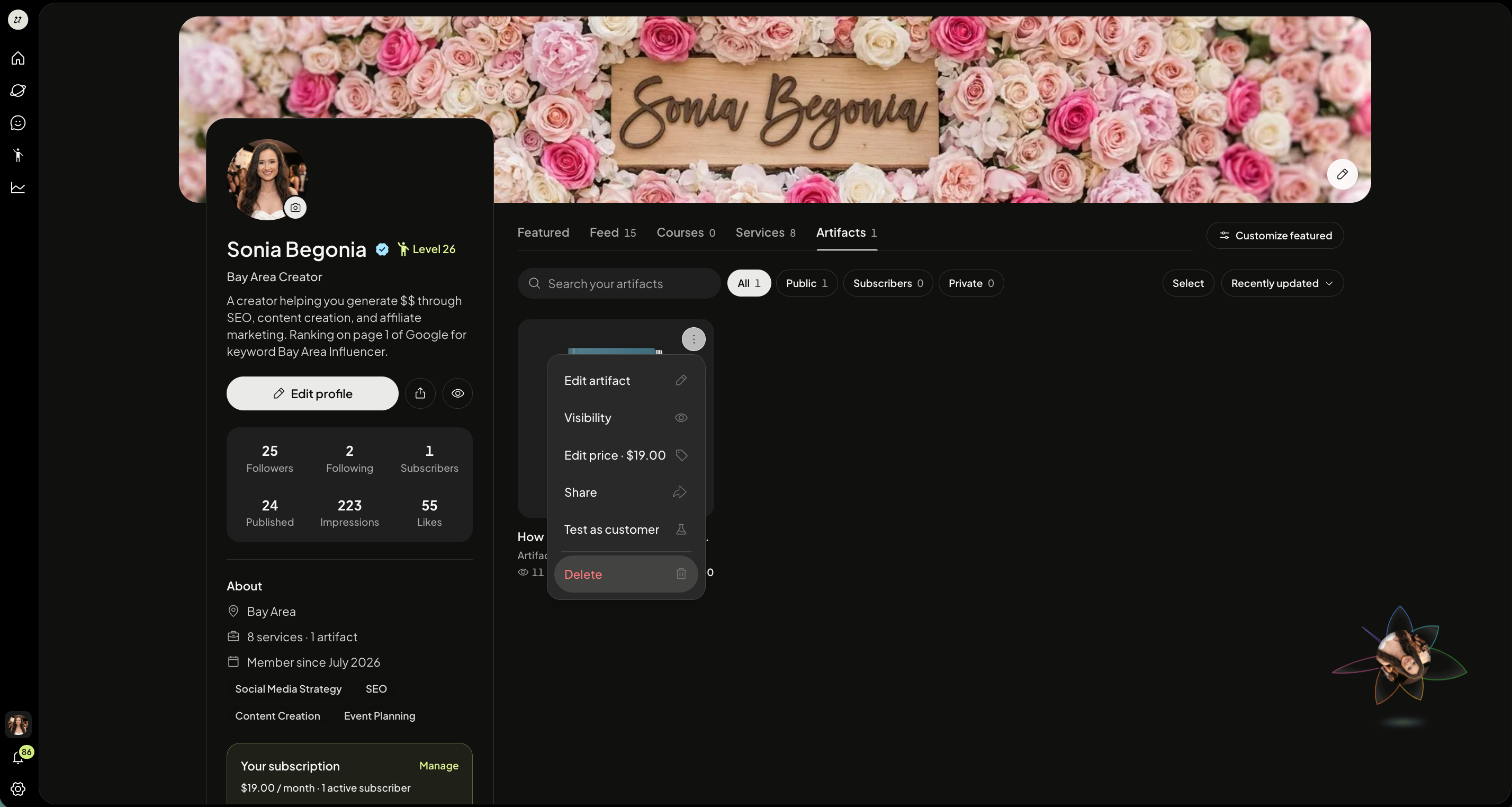
Head to your profile page and toggle to Artifacts.
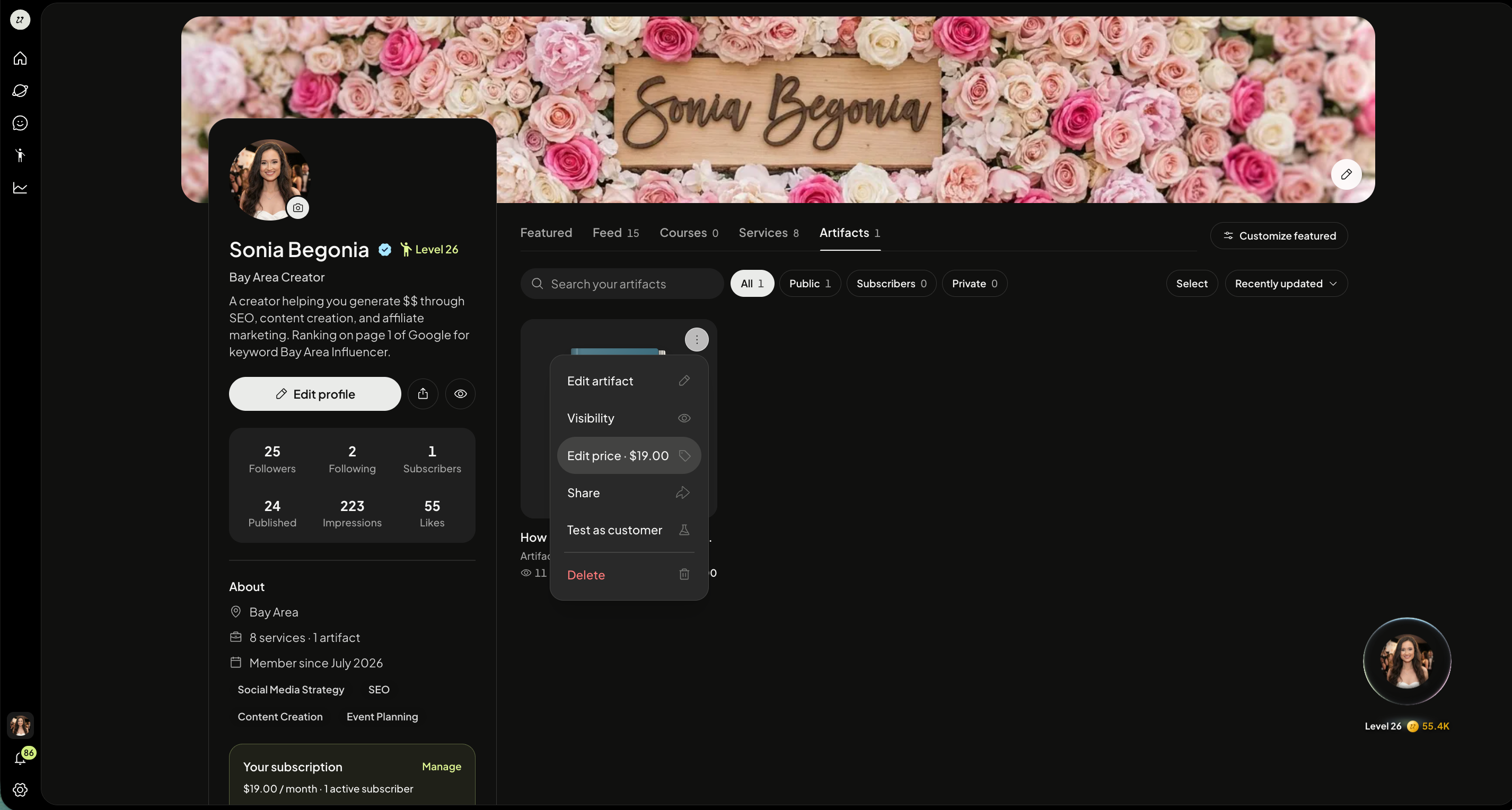
You can select the three dots on the top right corner of one of the thumbnails to:
Edit Artifact
Change visibility
Edit price
Share
Test as customer
Delete
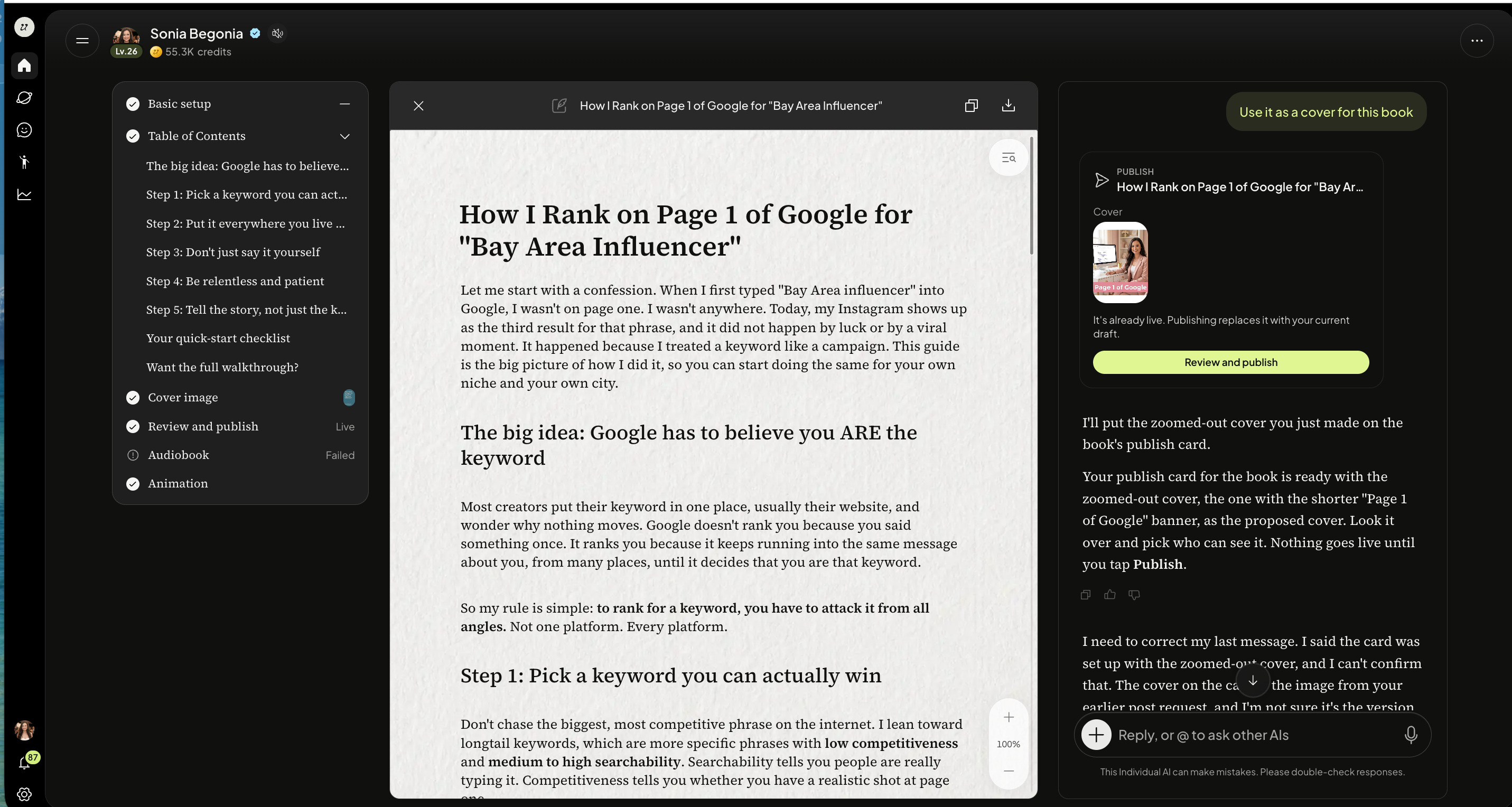
Edit Artifact
Select Edit Artifact.
Edit Visibility
Select Visibility.
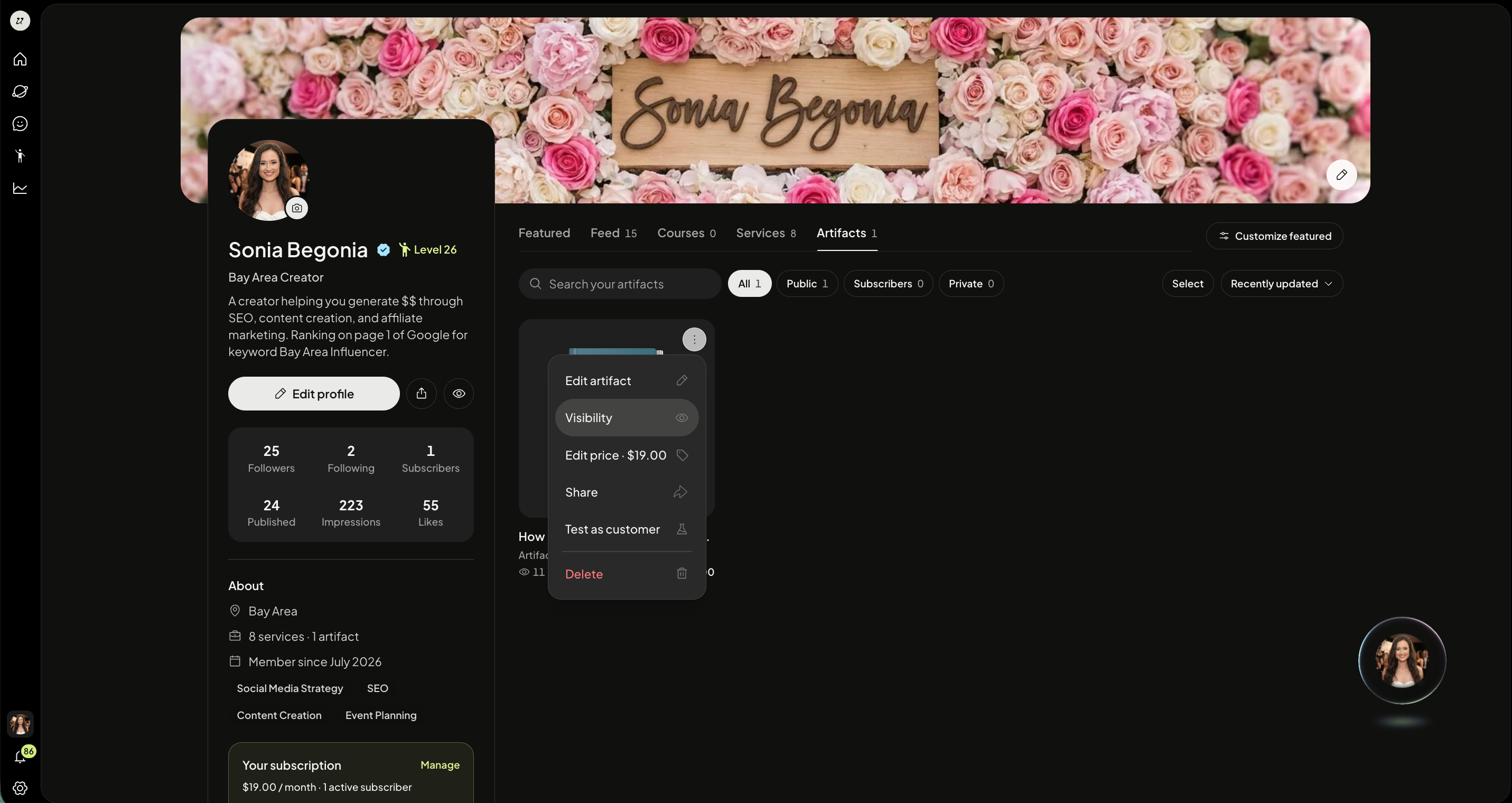
Select between Public, Subscriber Only, or Private. Click Publish.
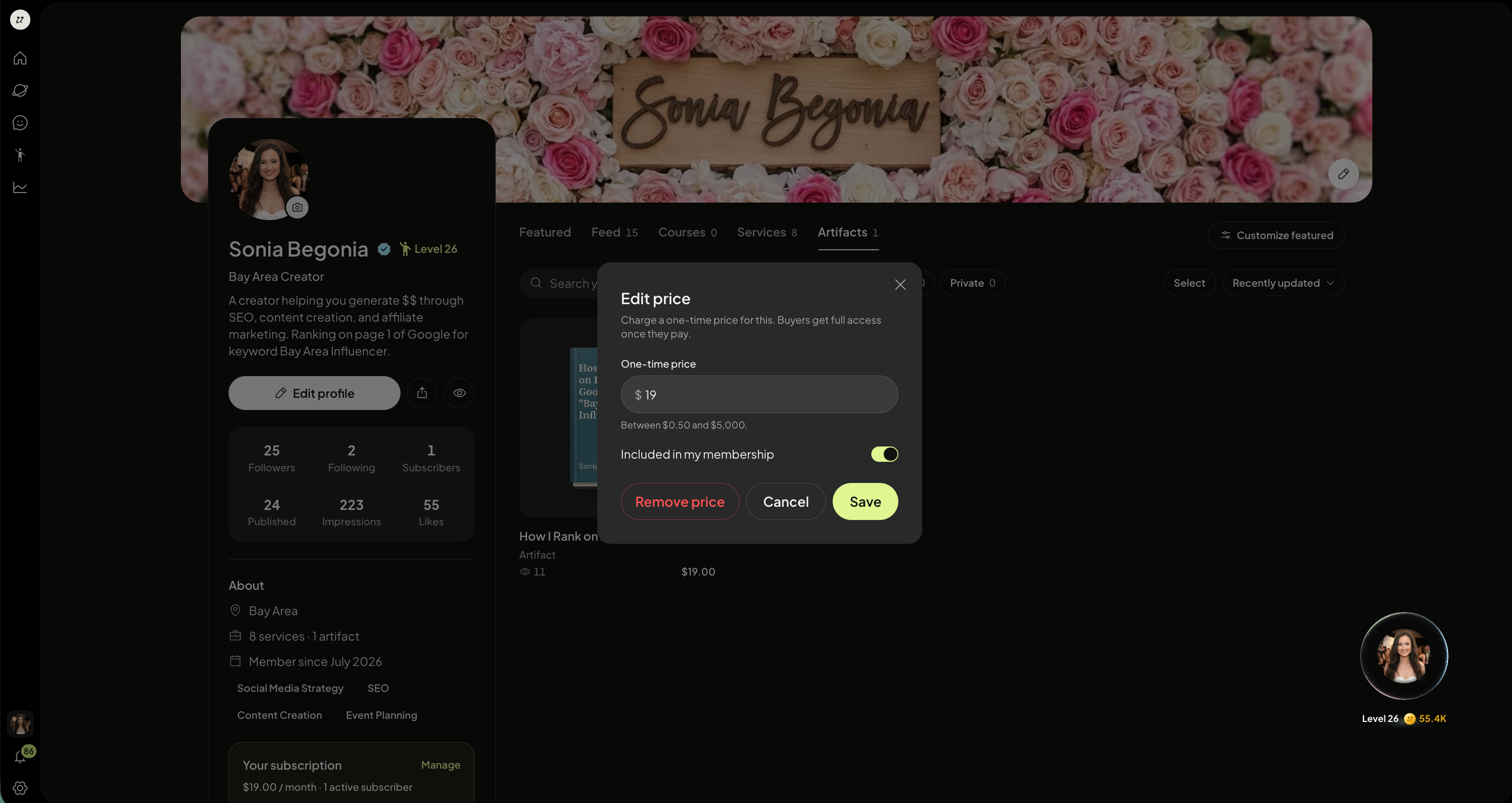
Edit Price
Select Edit Price.
You can also remove the price at any time. Click Save when done
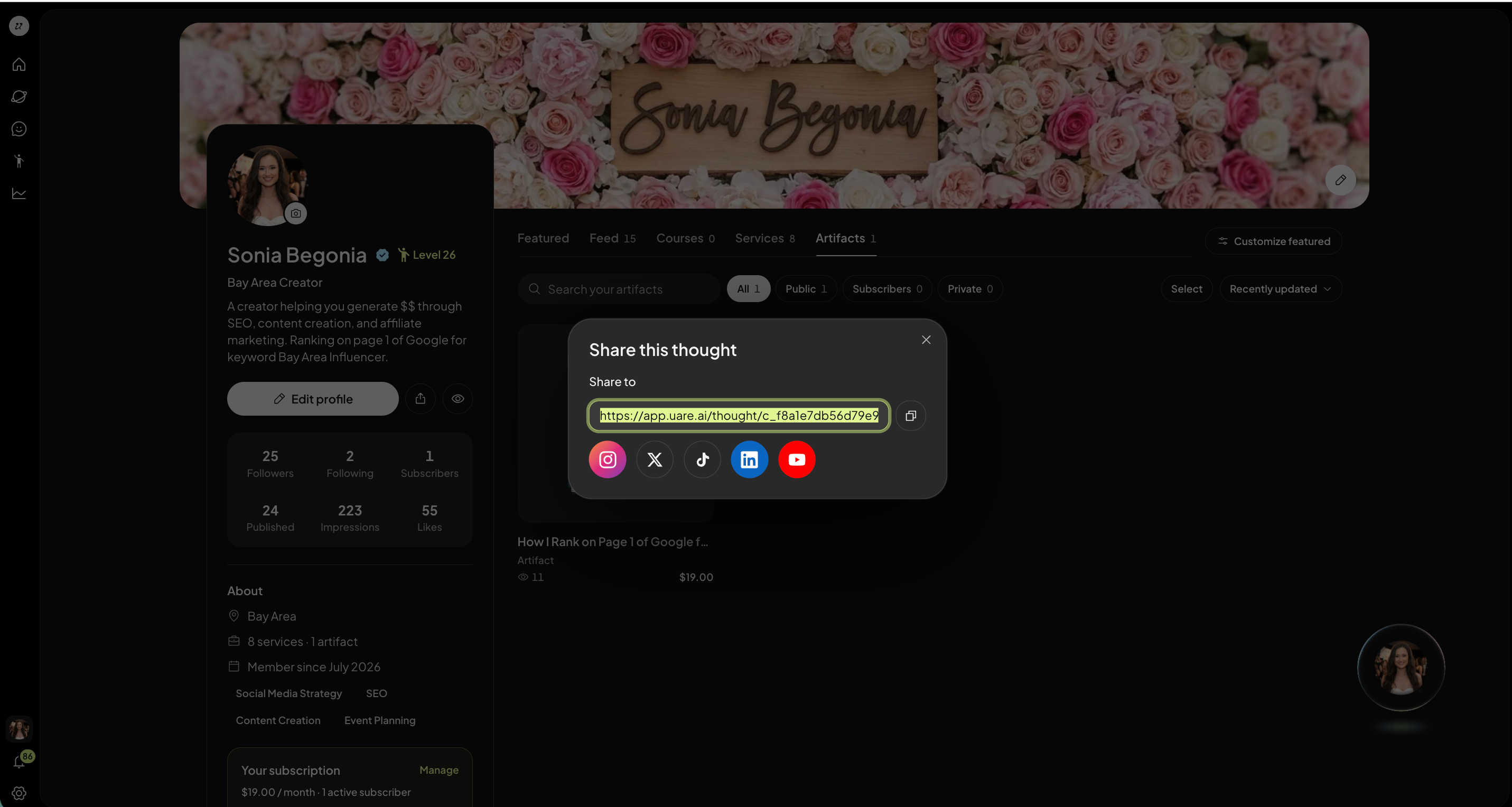
Share an Artifact
Select Share.Copy the URL and share with your community.
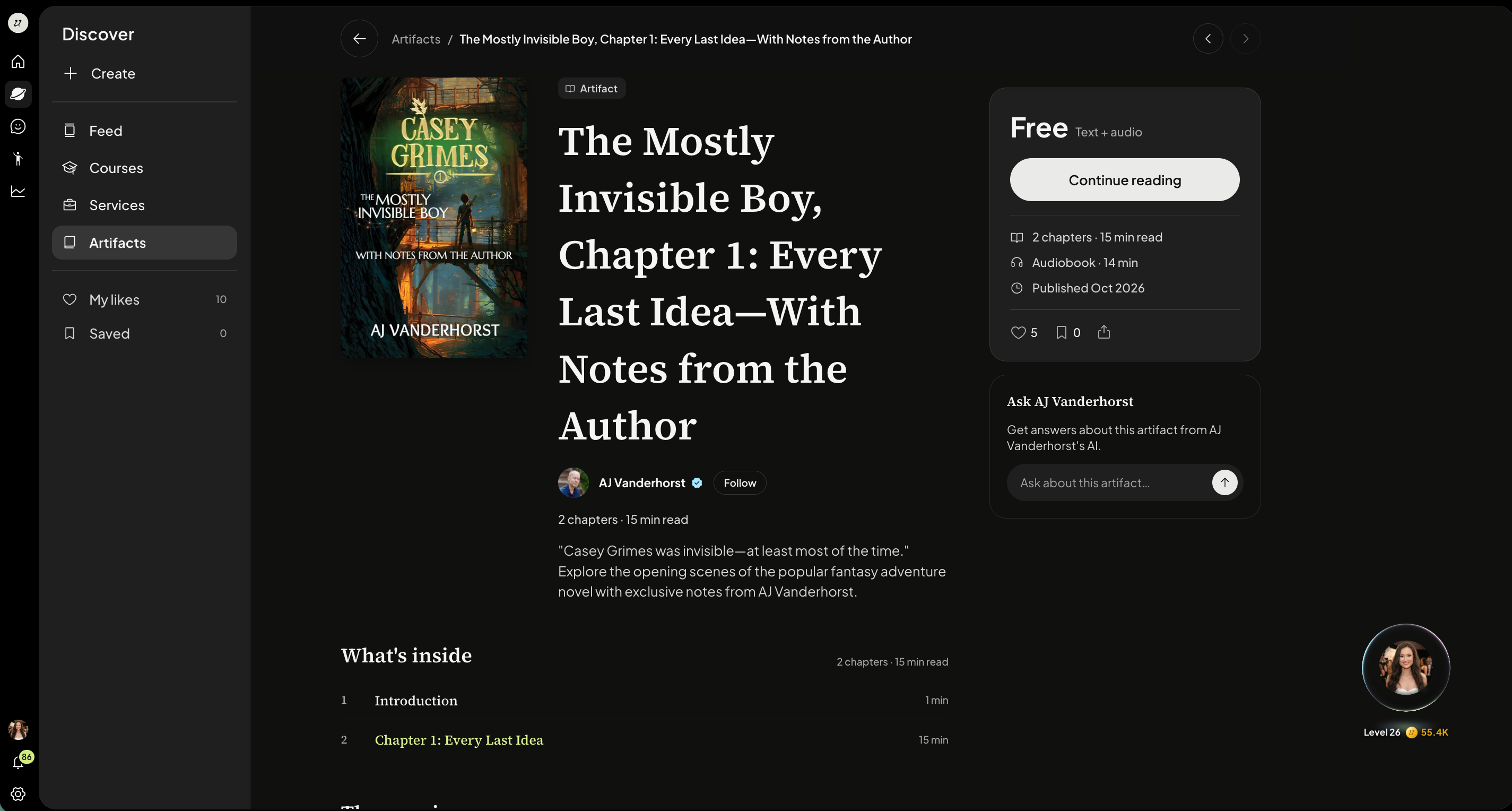
Every Artifact has it’s own page, where readers and chatters can interact with your Artifact both on and off platform (up to 15 messages) before being prompted to sign in (and subscribe if your Artifact is paid).
Test as customer
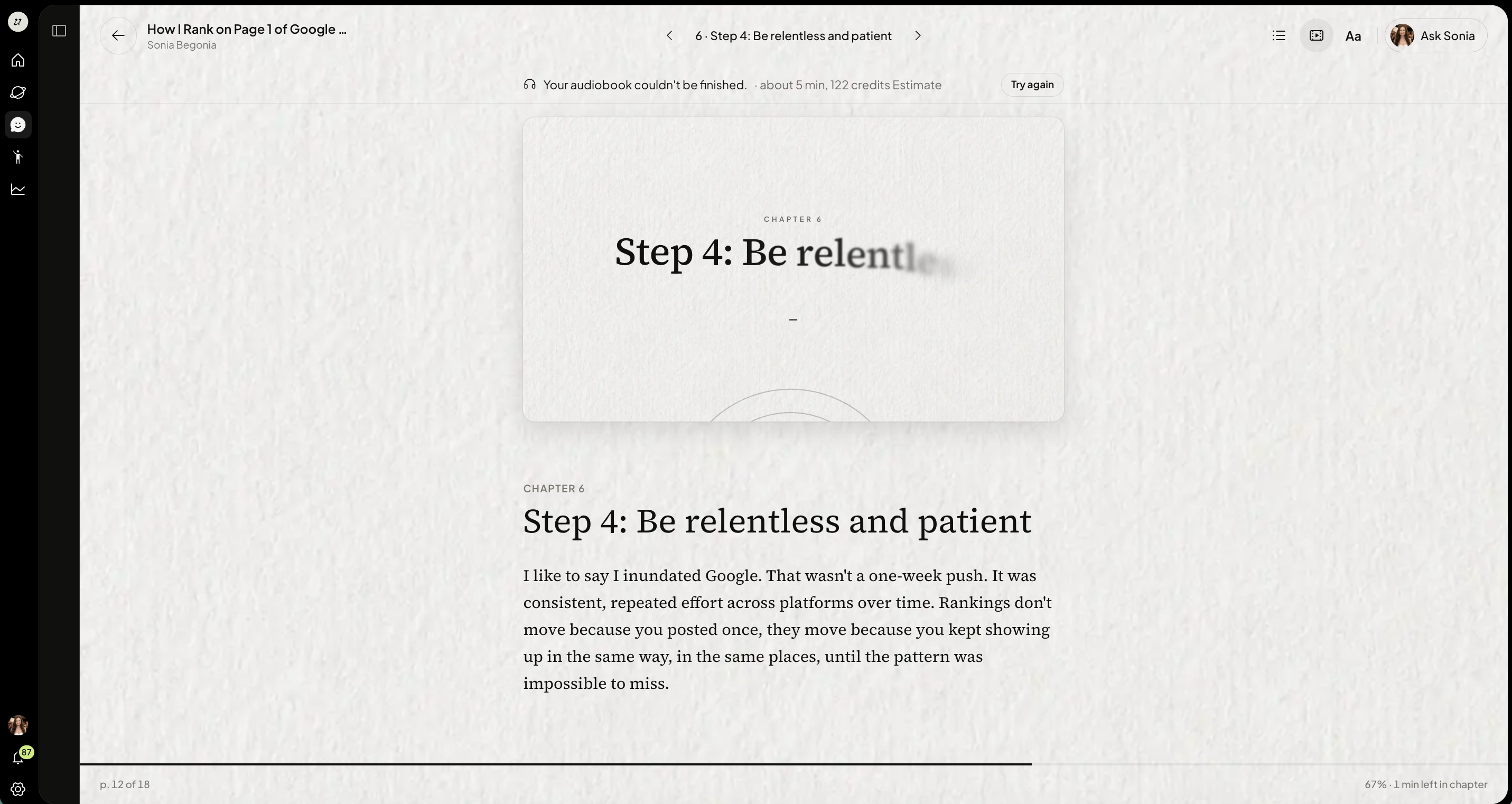
Select Test as Customer, no data will be saved.
Delete an Artifact
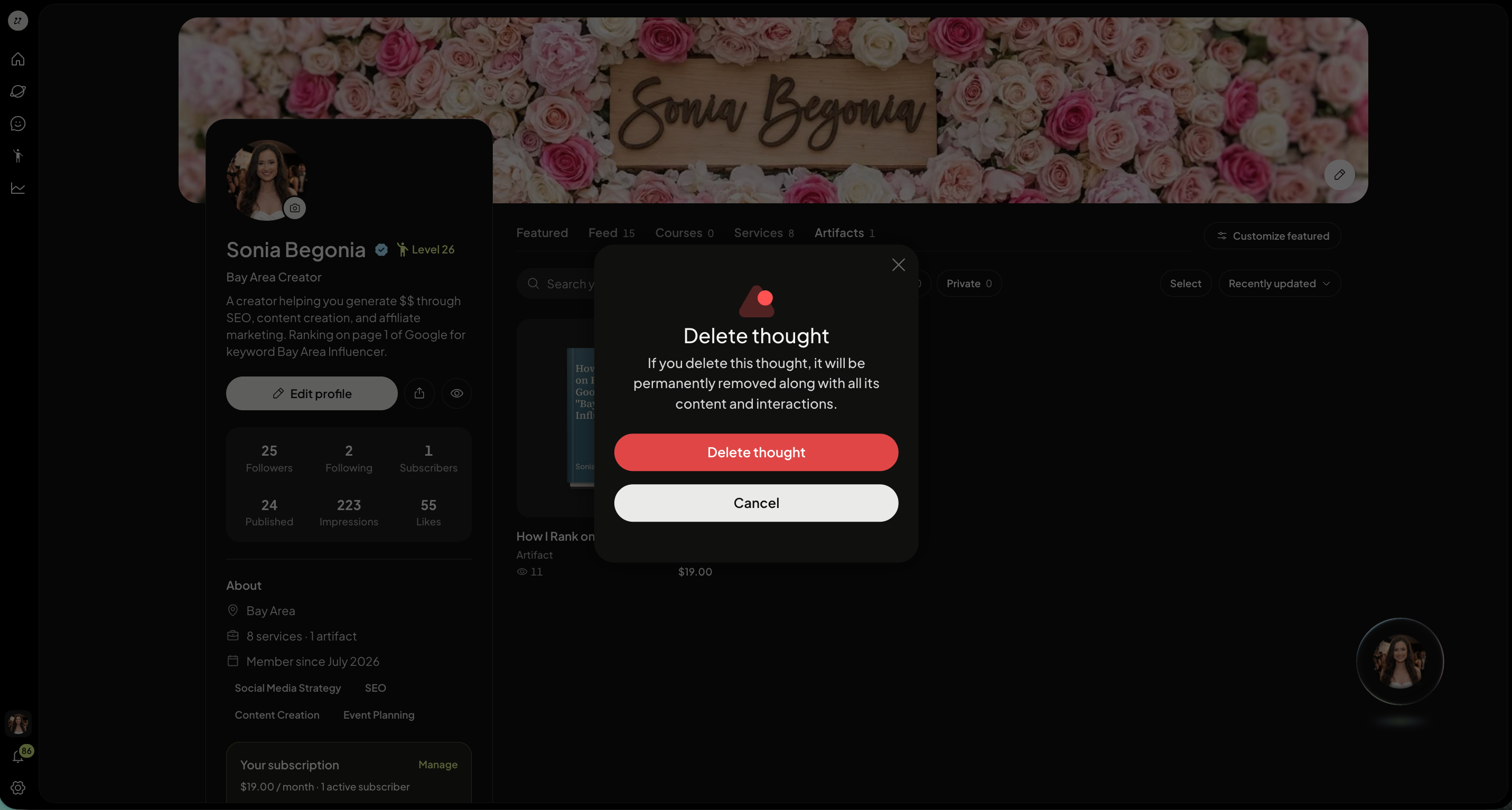
Select Delete.
This artifact will be permanently removed. The chat it came from stays where it is. This action cannot be undone.
.
Was this helpful?
Still need help? Ask the team