Manage a Thought
You can edit the Thought’s caption, update visibility (Public/Private), or delete it at any time.
Edit a Thought
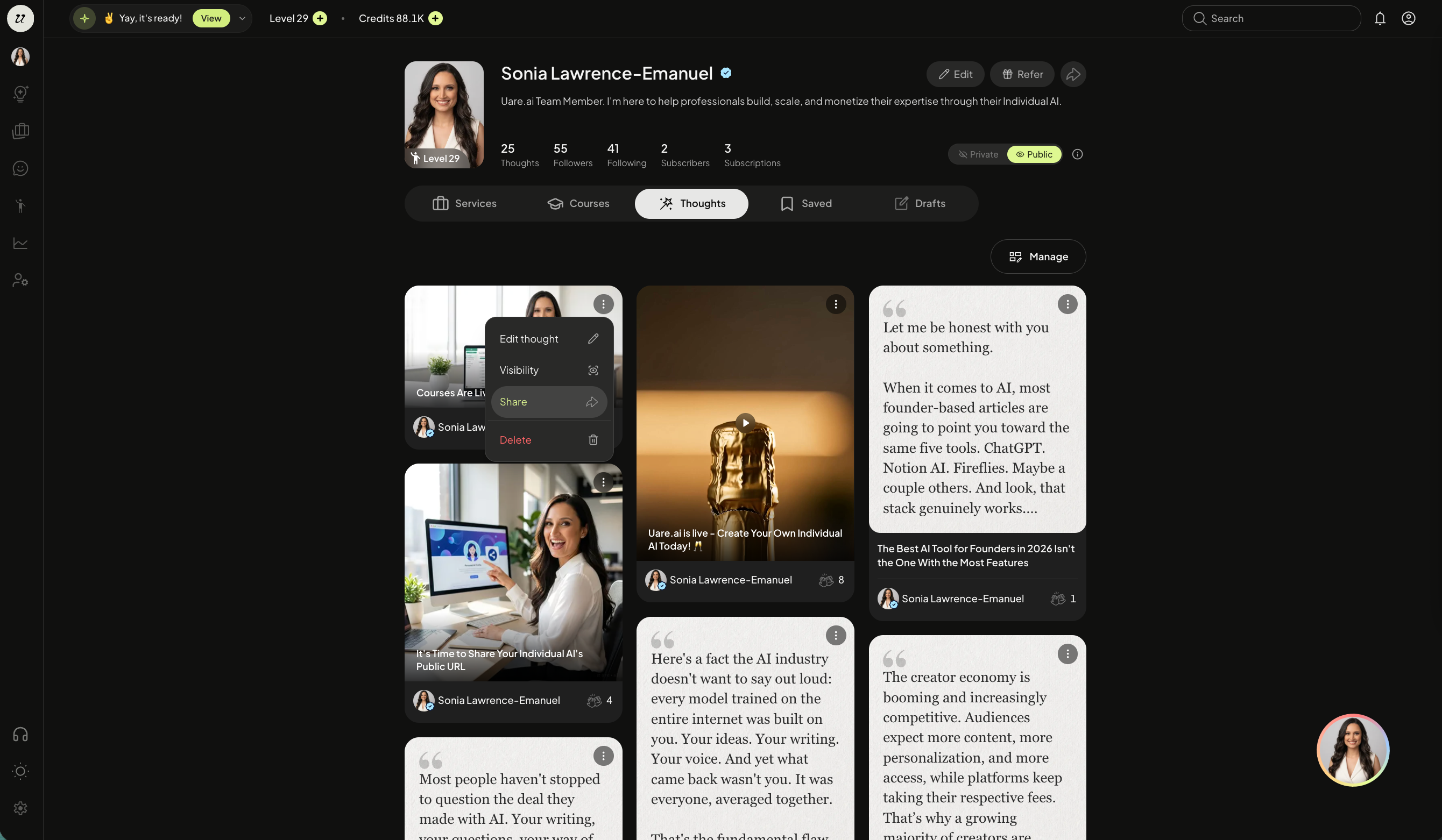
Click the account profile icon on the top right of the screen. Select the Thoughts tab and click the three dots on the top right corner of the Thought.
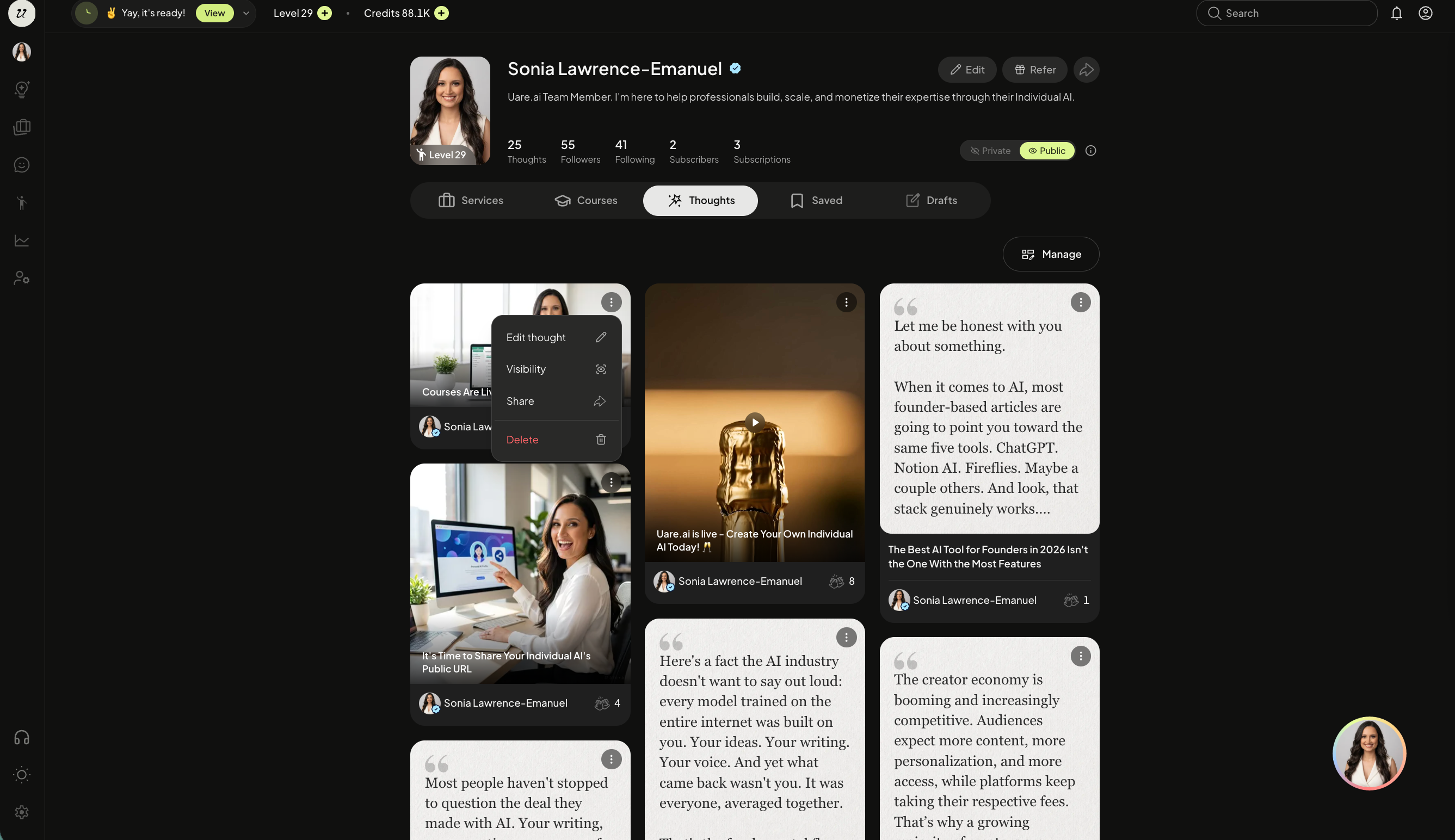
Select edit Thought. Edit the headline or caption. Then click save.

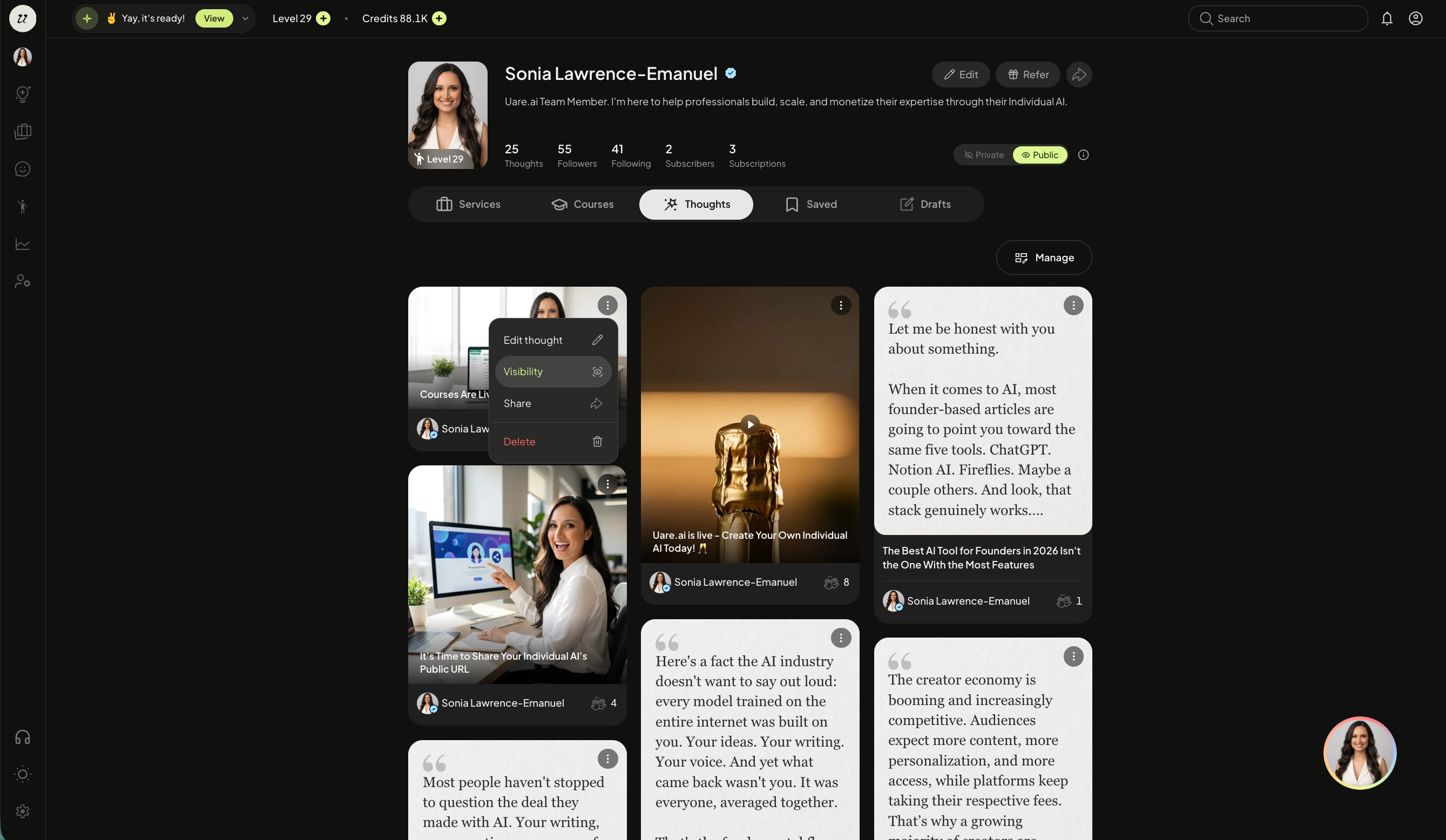
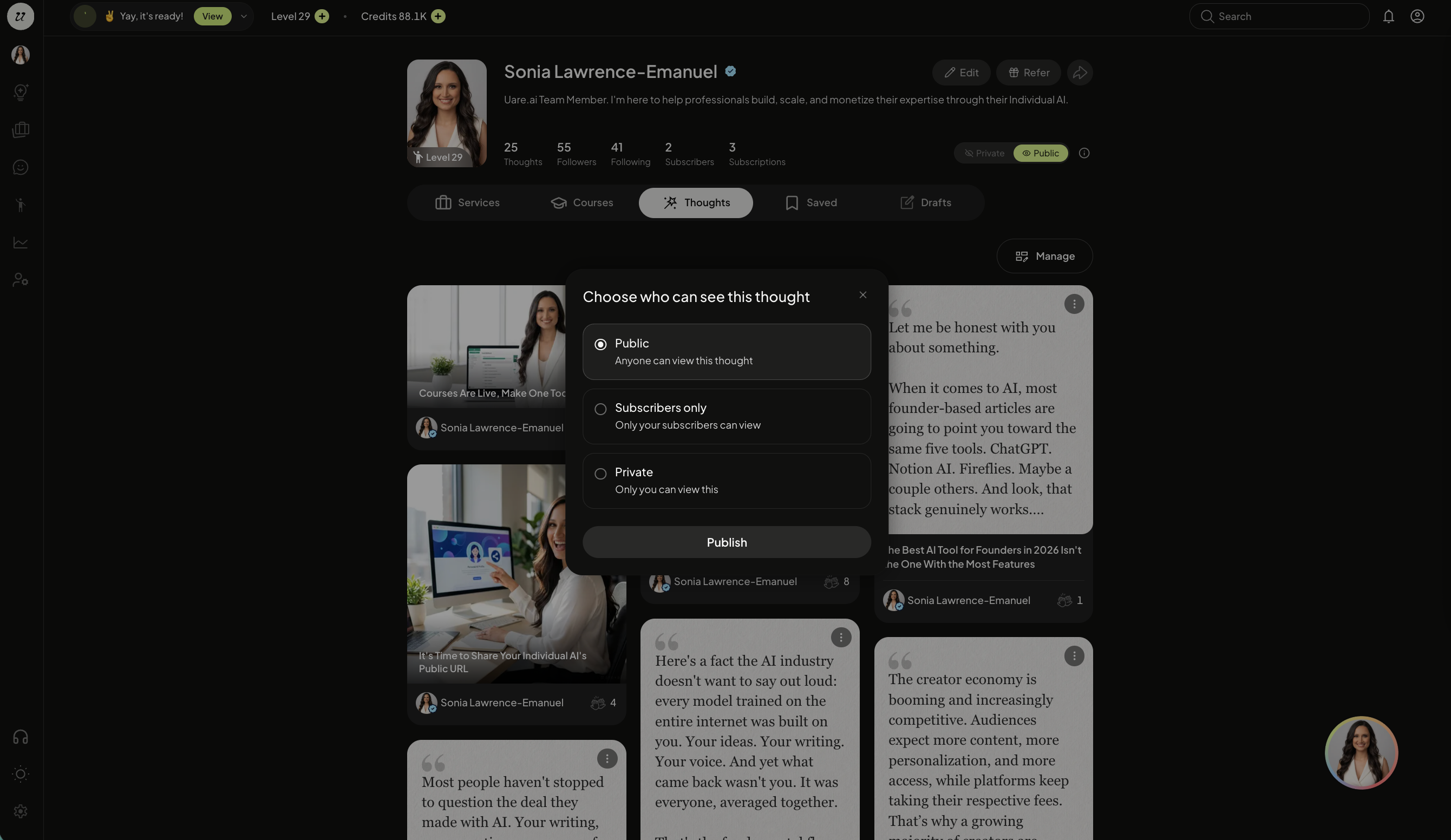
Change Visibility
Switch a Thought’s visibility between Public, Private, and Subscribers-only at any time.
Share a Thought
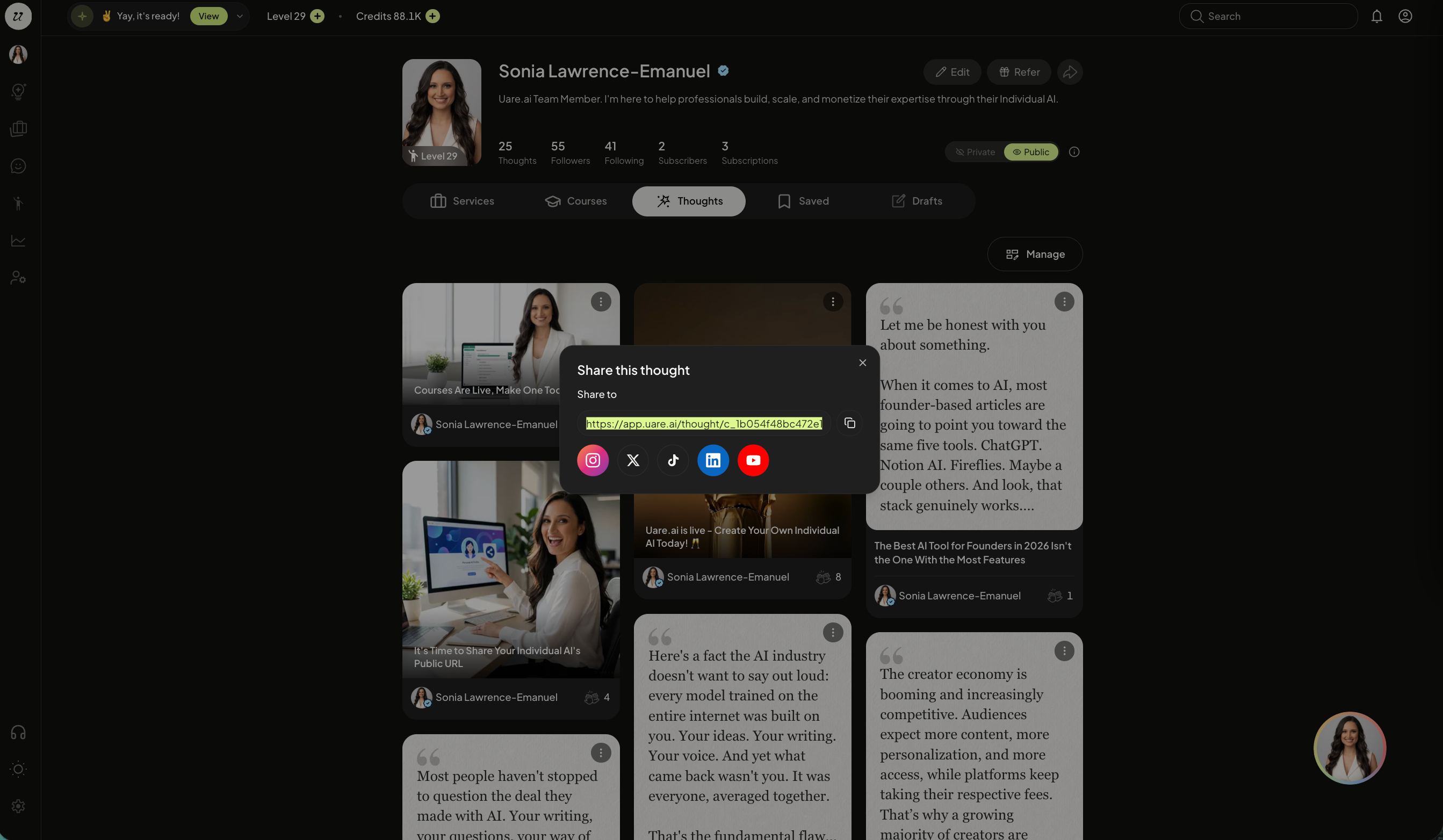
Each Thought has it’s own Public URL that can be shared on and off platform. Select share.
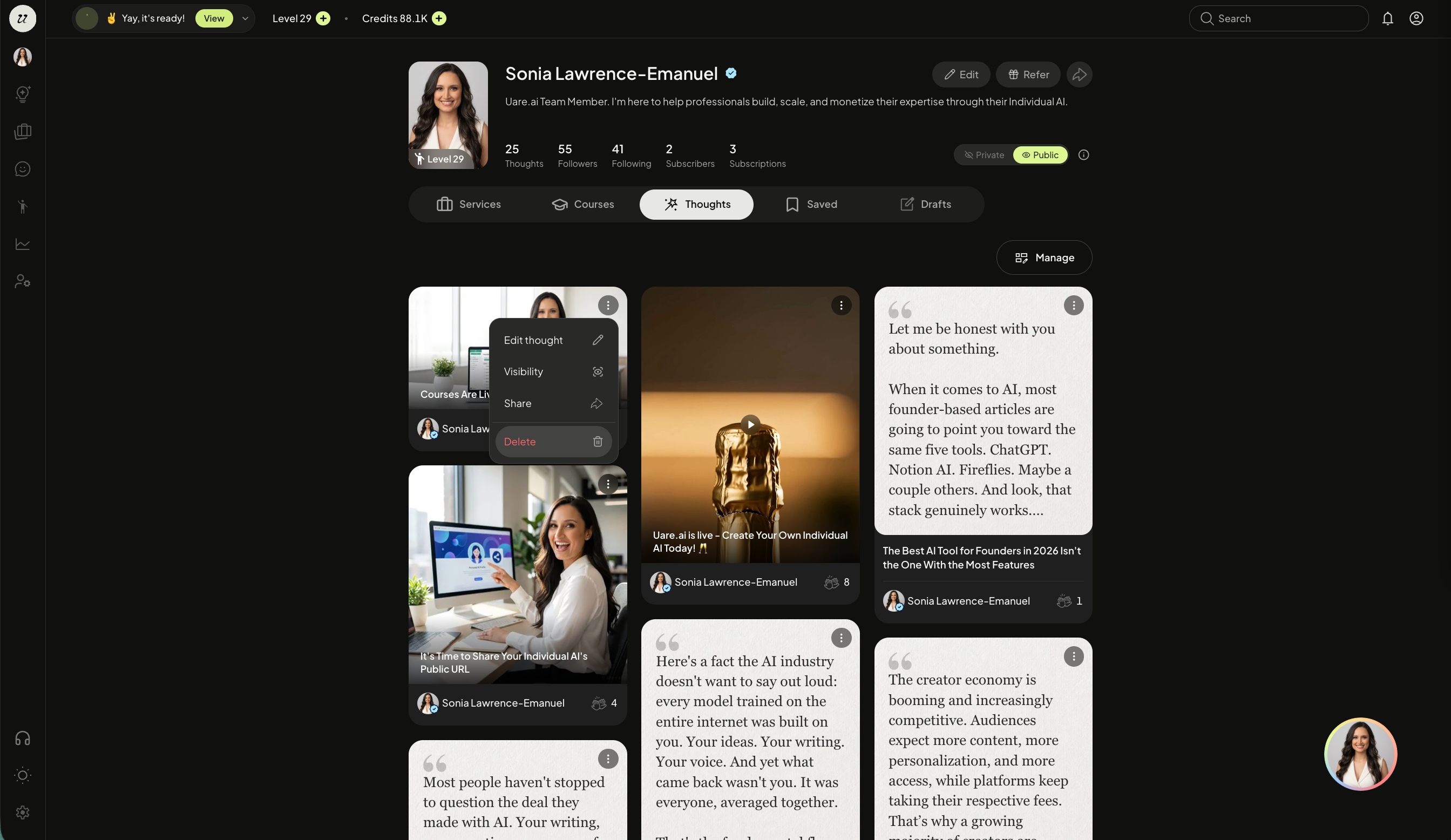
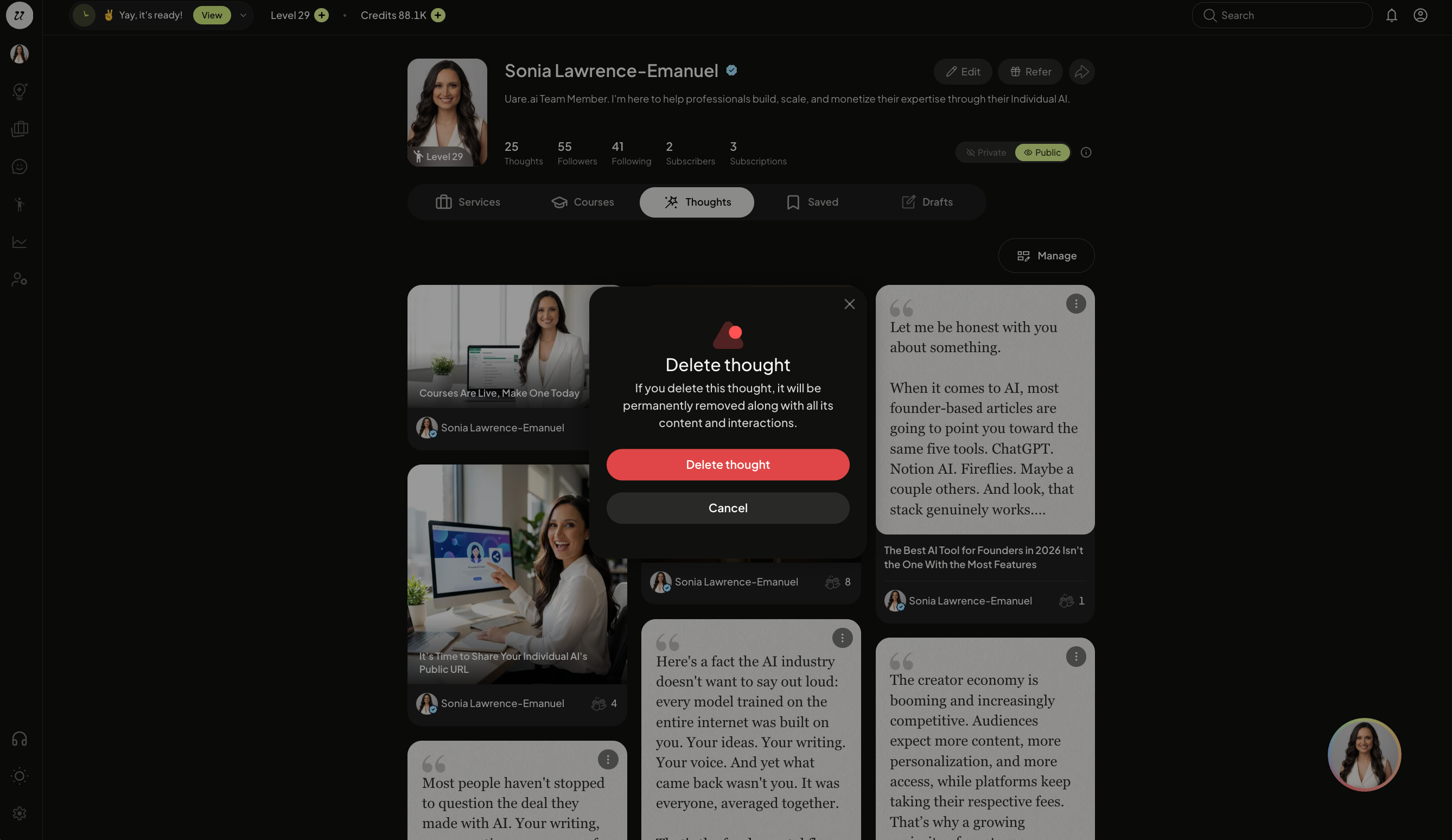
Delete a Thought
Permanently delete the Thought from your Individual AI and the platform.
Still need help? Ask the team