Create and Save a Voice Memo
Record a voice memo directly in the platform. Watch it transcribe instantly and save it to your Knowledge Hub.
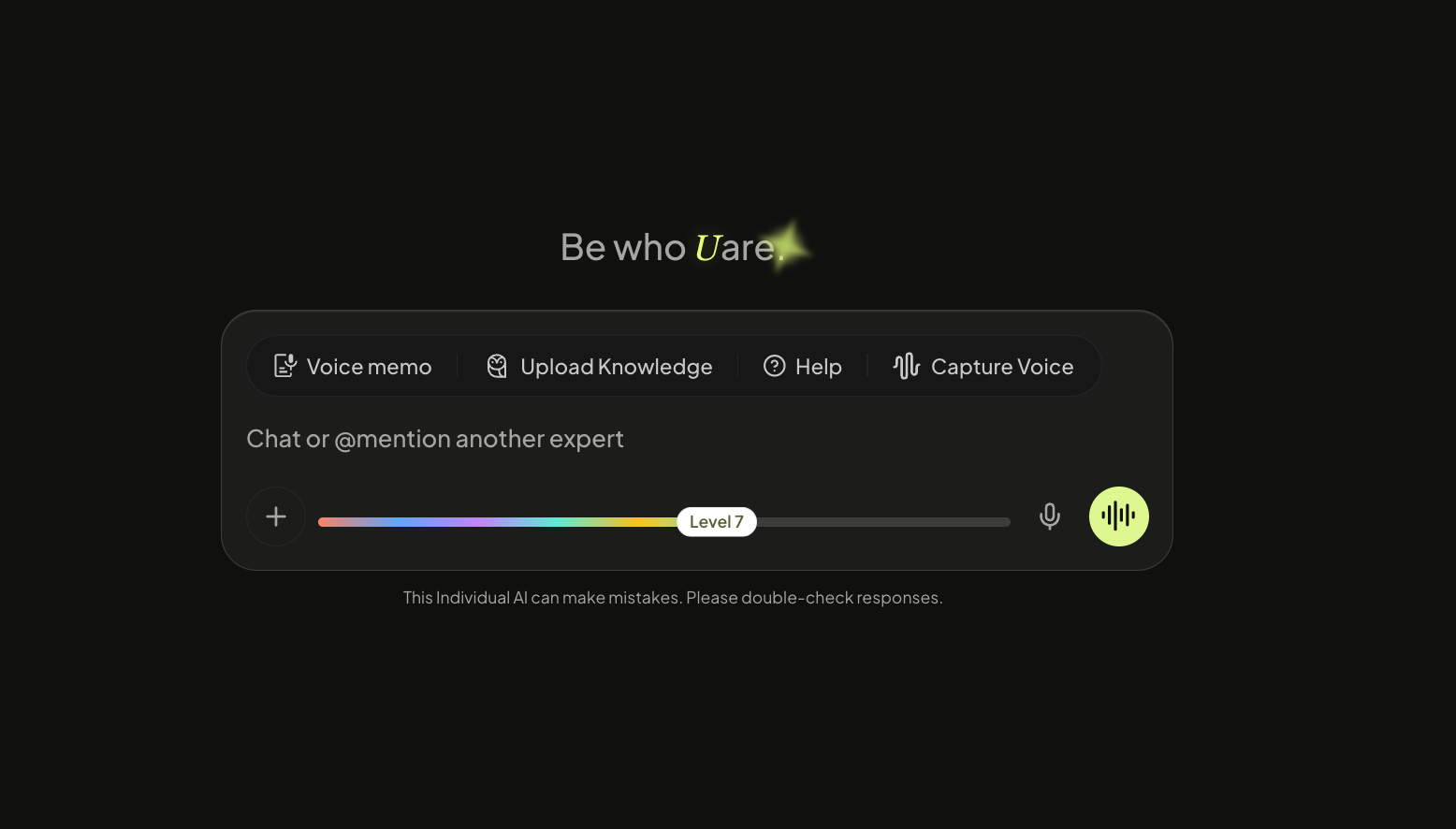
Head to your profile picture on the top of the left Navigation. Click voice memo and select the microphone to start recording.
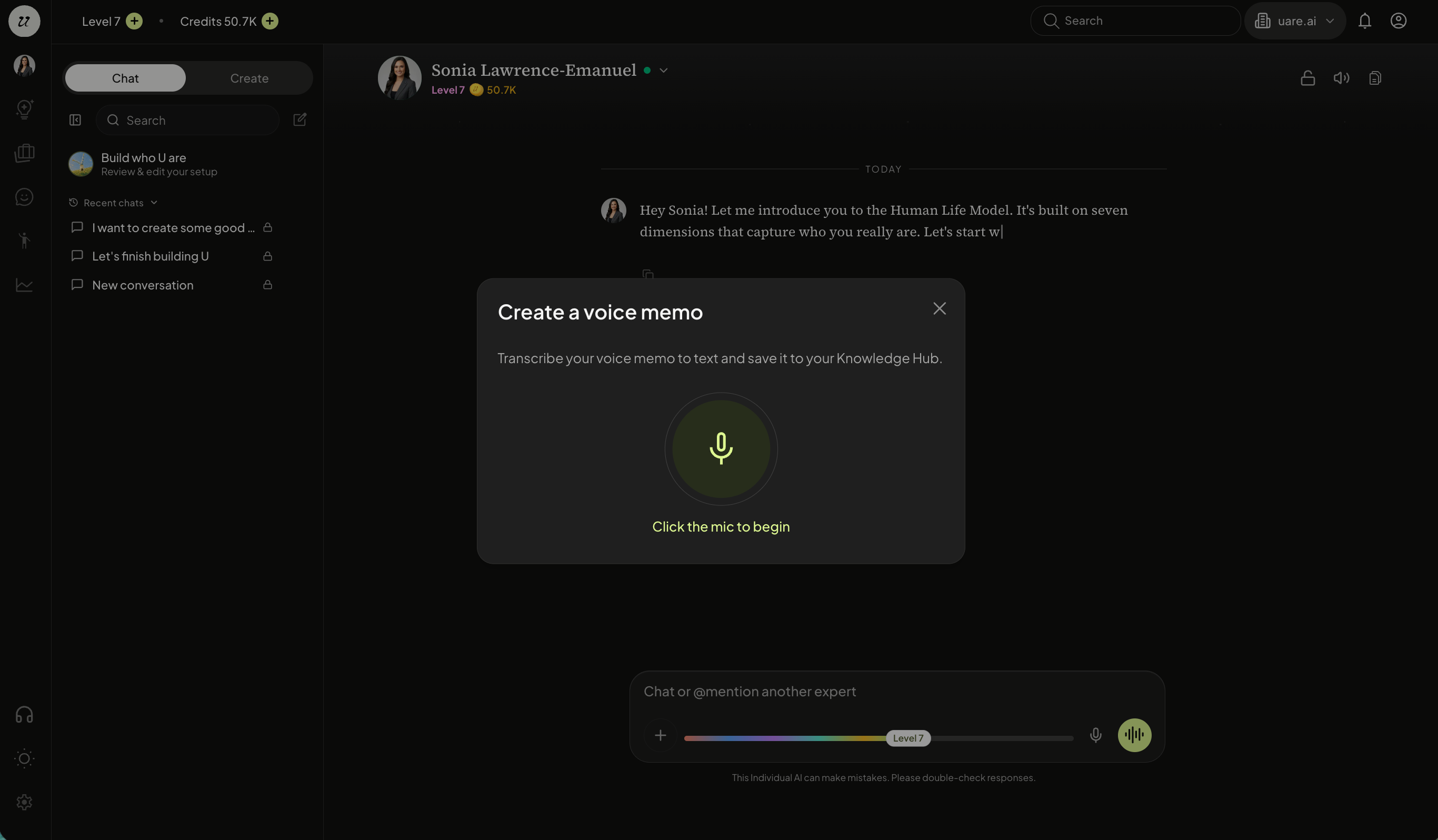
Click the mic to begin recording.
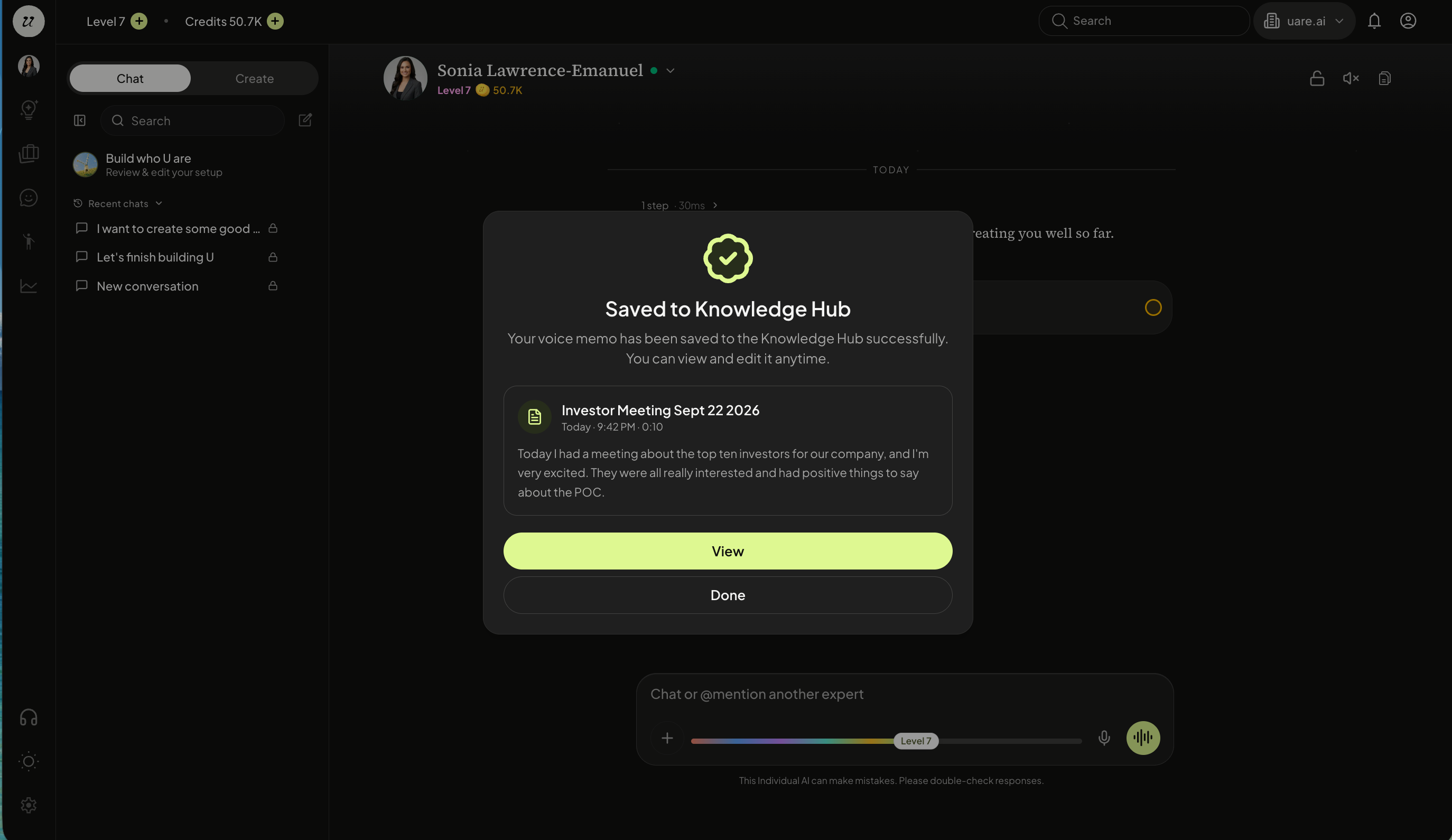
Once complete, the platform will transcribe it with a title and body.
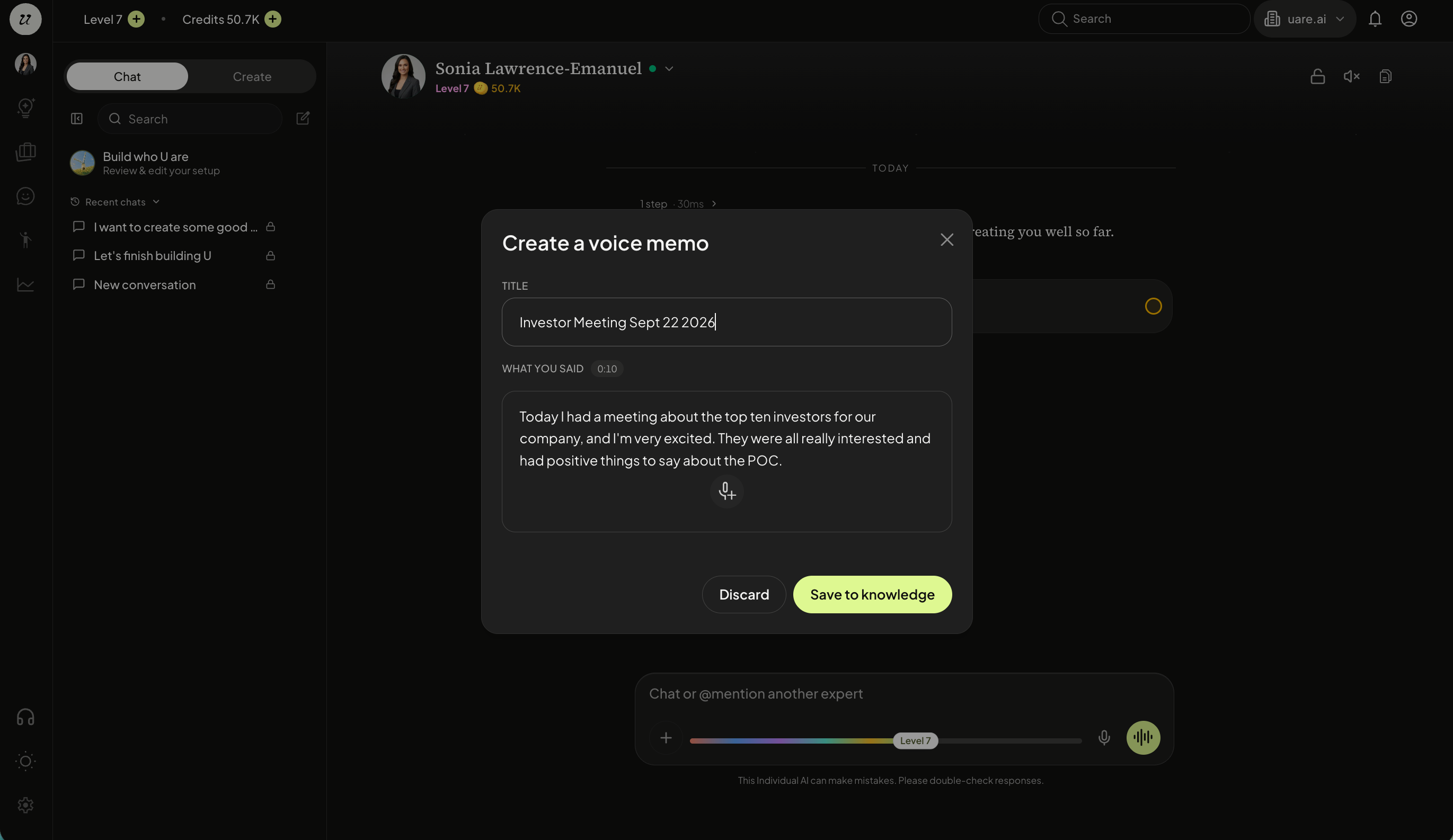
You are able to save to knowledge, where it enriches your HLM and increases the fidelity of your Individual AI.
Still need help? Ask the team