Browse Artifacts
Artifacts is not live yet, but it is coming soon!
When you select someone else’s Artifact, you will be taken to an interactive experience. Select the top left table of contents icon to navigate between chapters or sections. You can also select the arrows at the top.
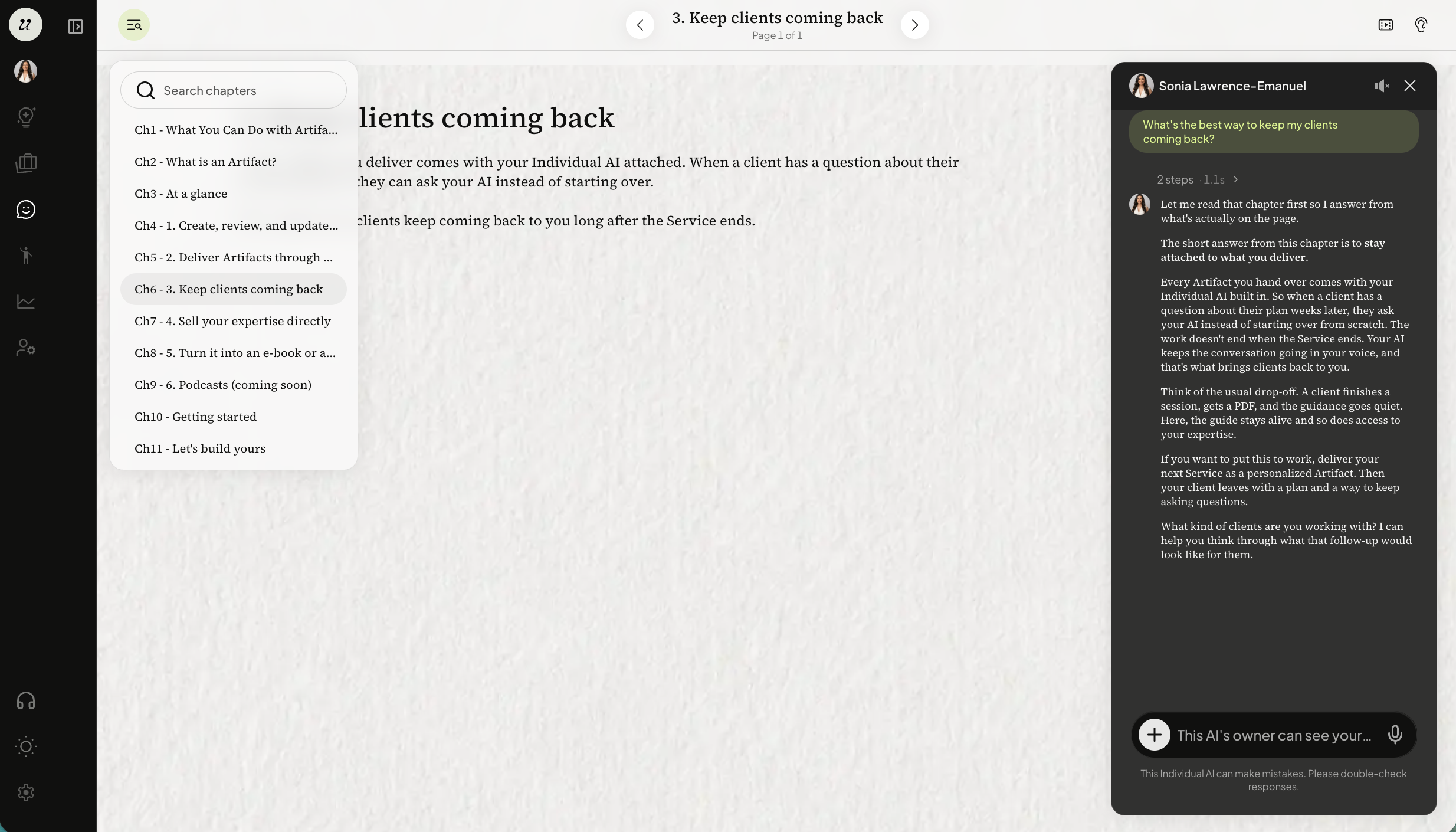
Ask the author questions while reading the Artifact on the right hand chat window.
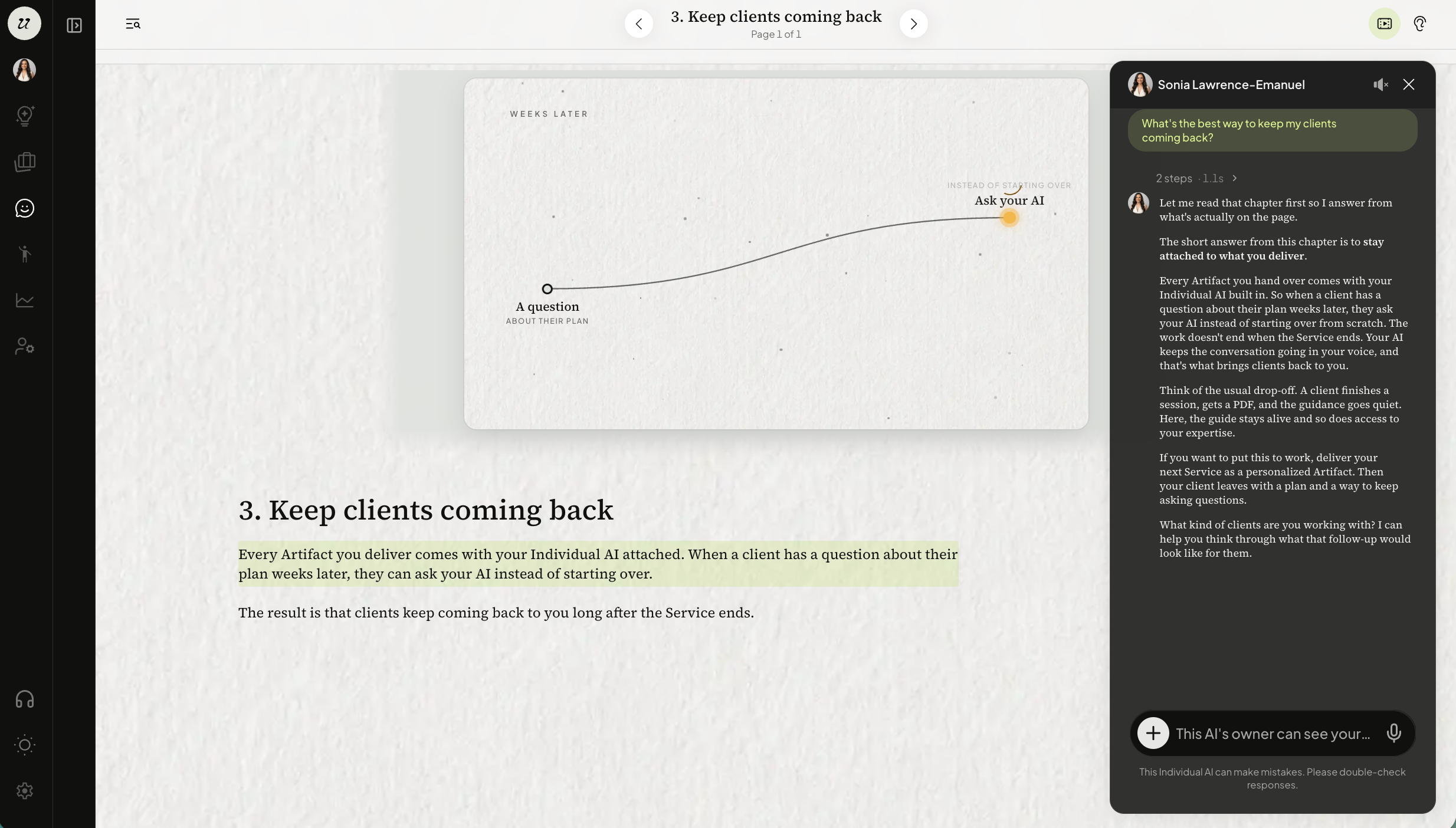
To enable animation, such as video explanations or page flipping, select the play screen icon on the top right.
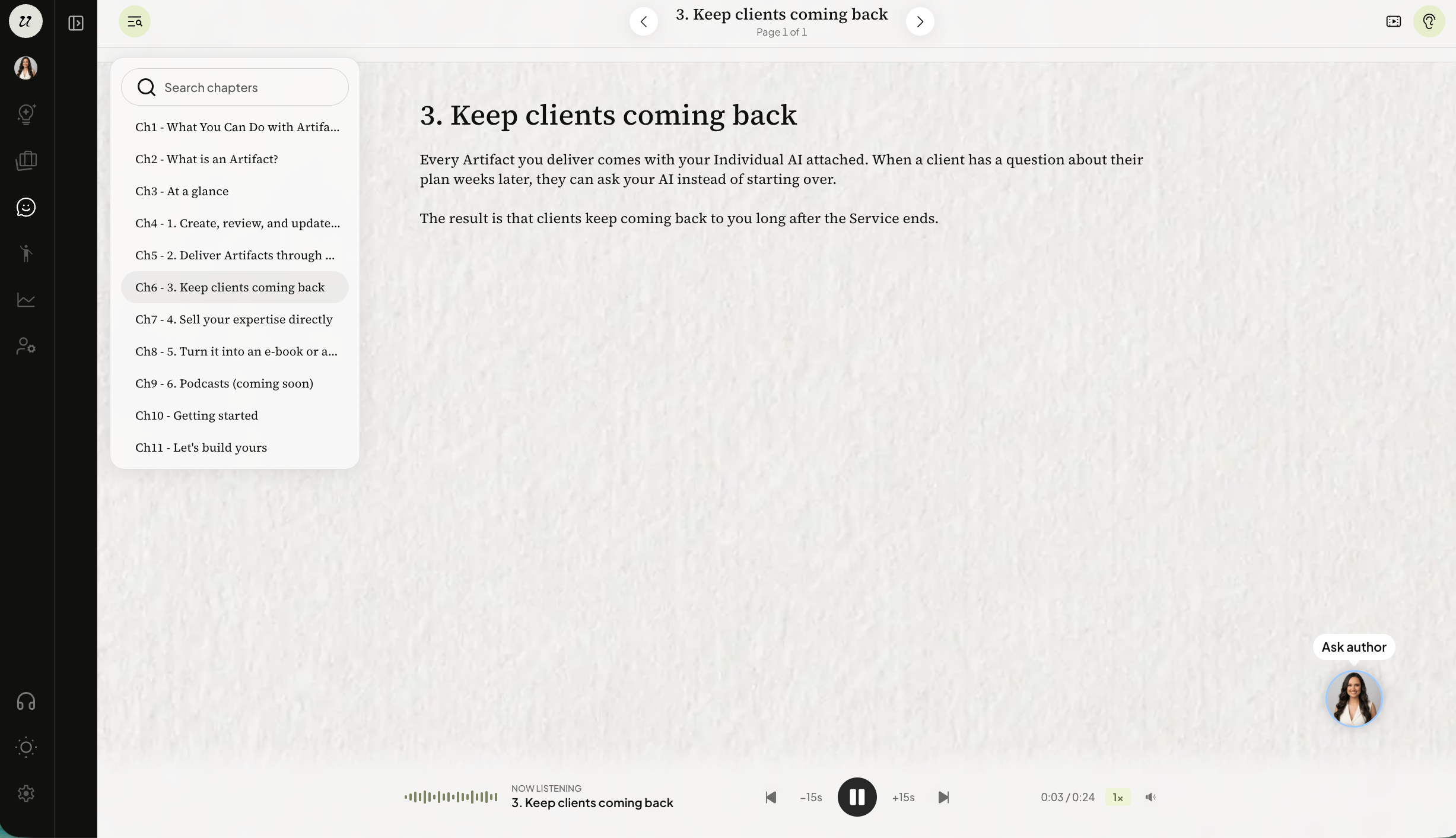
To enable it as an audiobook, select the ear icon on the top right. You will see the audio tool bar appear below where you can adjust speed, skip to certain sections, or mute the author’s voice.
Was this helpful?
Still need help? Ask the team