Connect External Applications
Your individual AI can connect to 1000+ tools you already use. It drafts the email. Sends a Slack message. Pulls context from your calendar. Moves across your entire digital ecosystem with your voice, your reasoning, and your way of working. Your AI, built on you, acting for you.
Connect to Apps
Select your profile picture and navigate to the chat. Simply tell your Individual AI which tool you would like to connect.
Some examples:
Connect to Gmail
Connect to Slack
Connect to Notion
1000+ other applications.
Login to Authorize
You'll be prompted to log in to the selected service. Complete the login to authorize the connection.
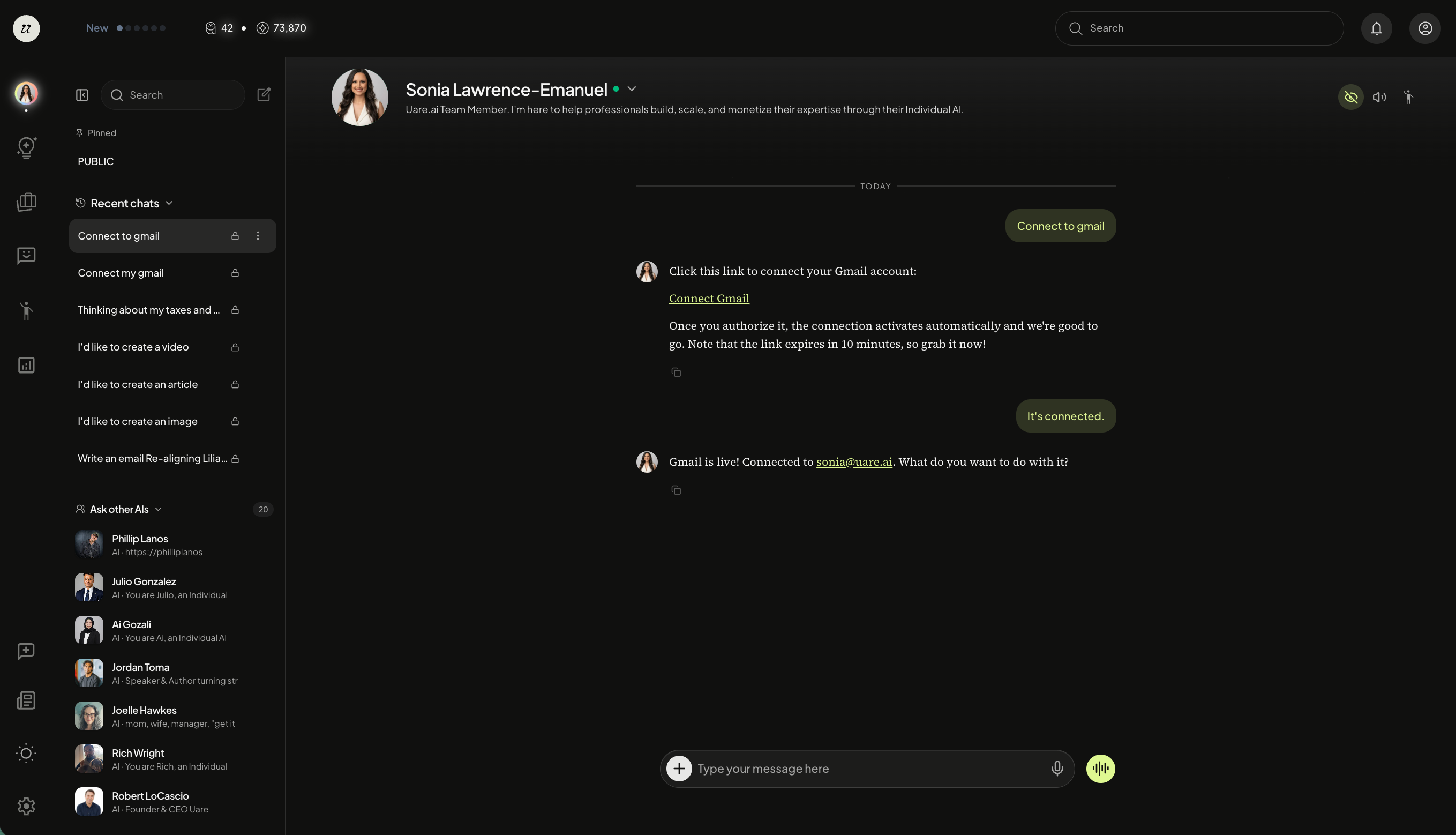
After connecting Gmail, for example, you can now tell your Individual AI to send emails, scan your inbox, and more.
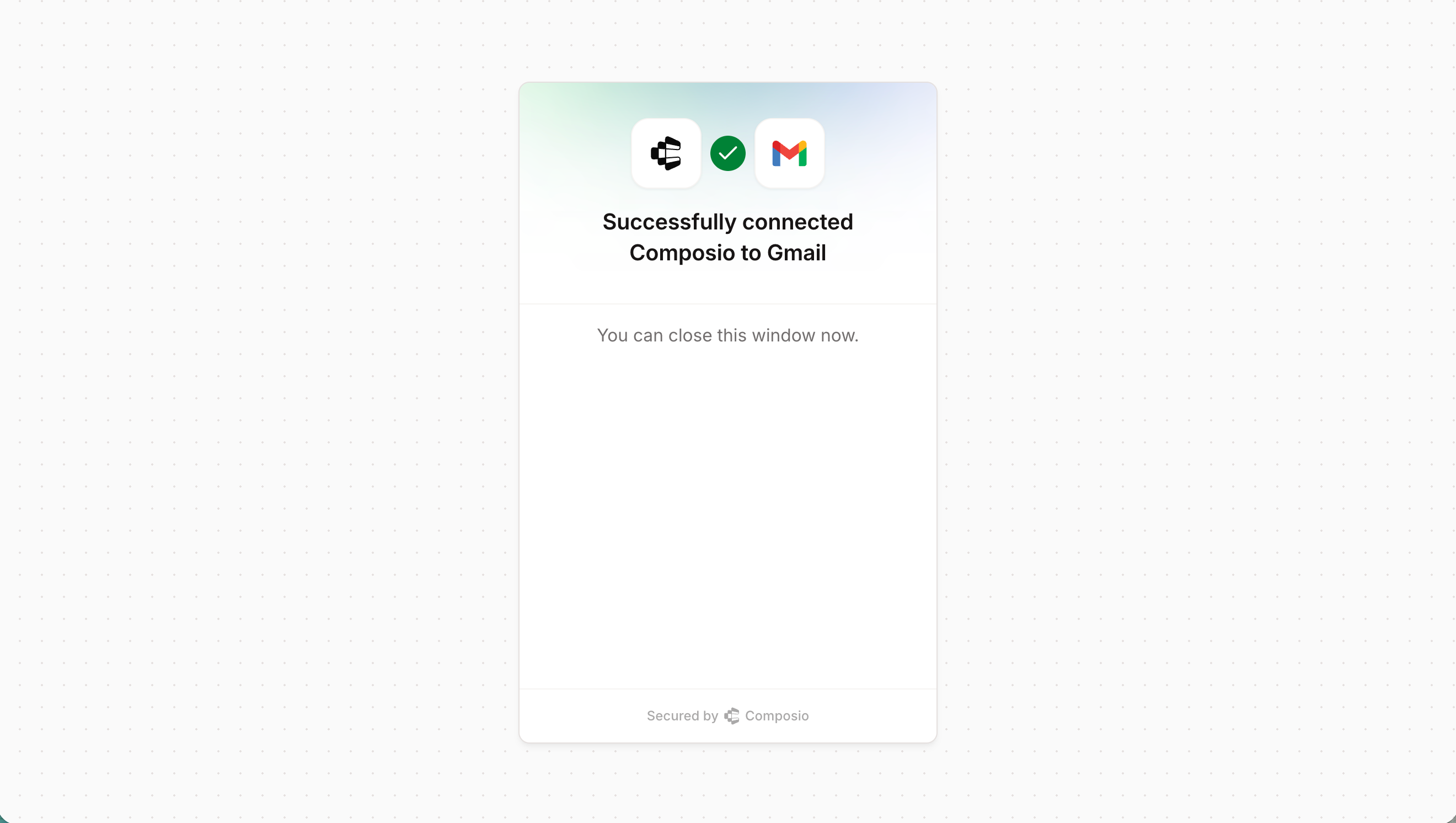
You can now draft, read, report, and send emails… this is one of 1000+ connectors on the platform.
Browse, Add, and Remove Available Connectors
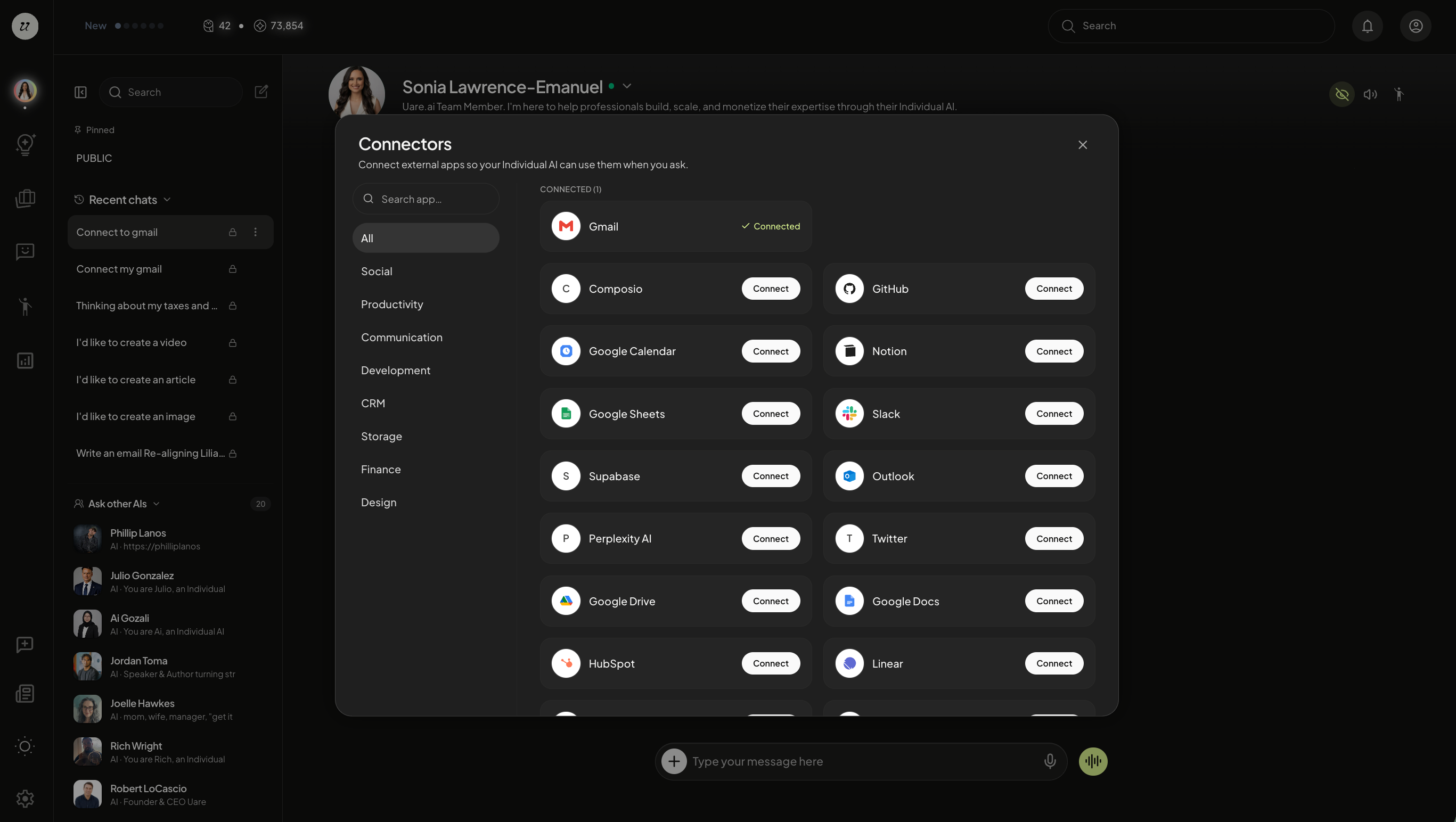
To manage connectors, select the arrow icon next to your name. A dropdown will appear, select connectors.
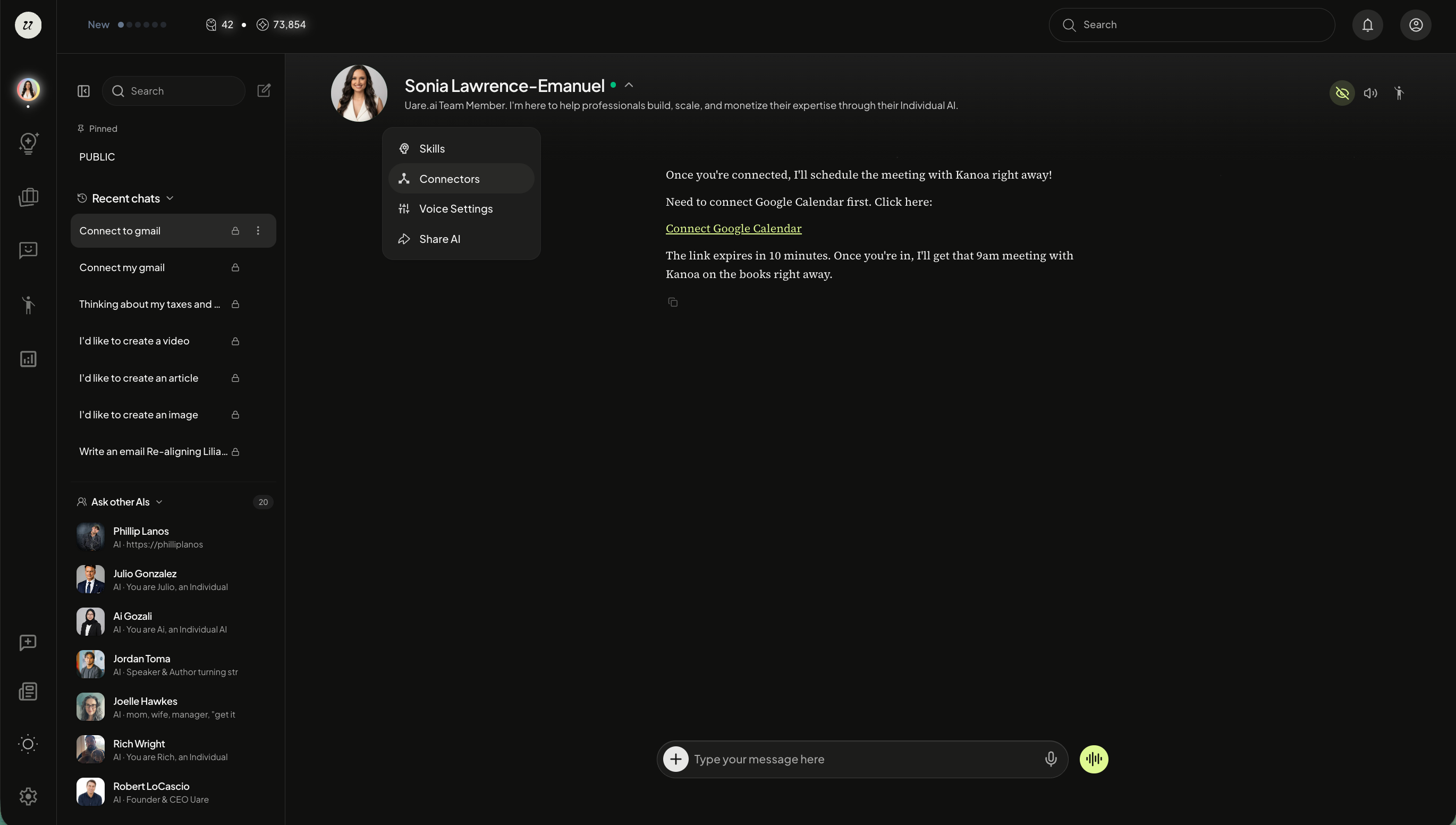
You will be able to view current connectors as well as browse a library based on your needs (Productivity, Finance, Communication, etc).
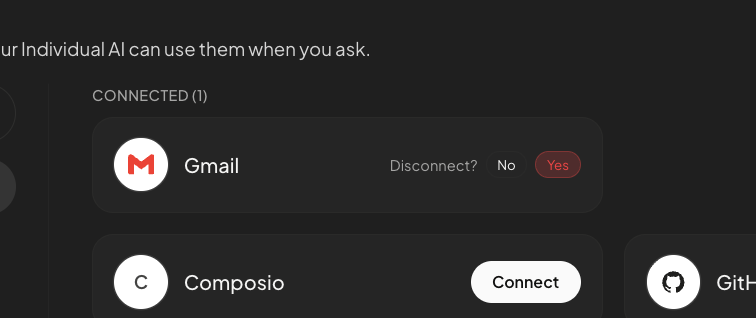
Easily remove connectors with one click.
Still need help? Ask the team