Create Courses
Courses on Uare.ai let you package your expertise into structured, lesson-by-lesson learning experiences your audience can work through at their own pace. Whether you are teaching a skill, onboarding clients, or building a premium learning product, this guide walks you through creating one.
Get Started
To build a new course, open a chat with me and toggle to Create. Select the Course button in your chat bar. Your AI will suggest ideas grounded in your expertise, then guide you through the setup.
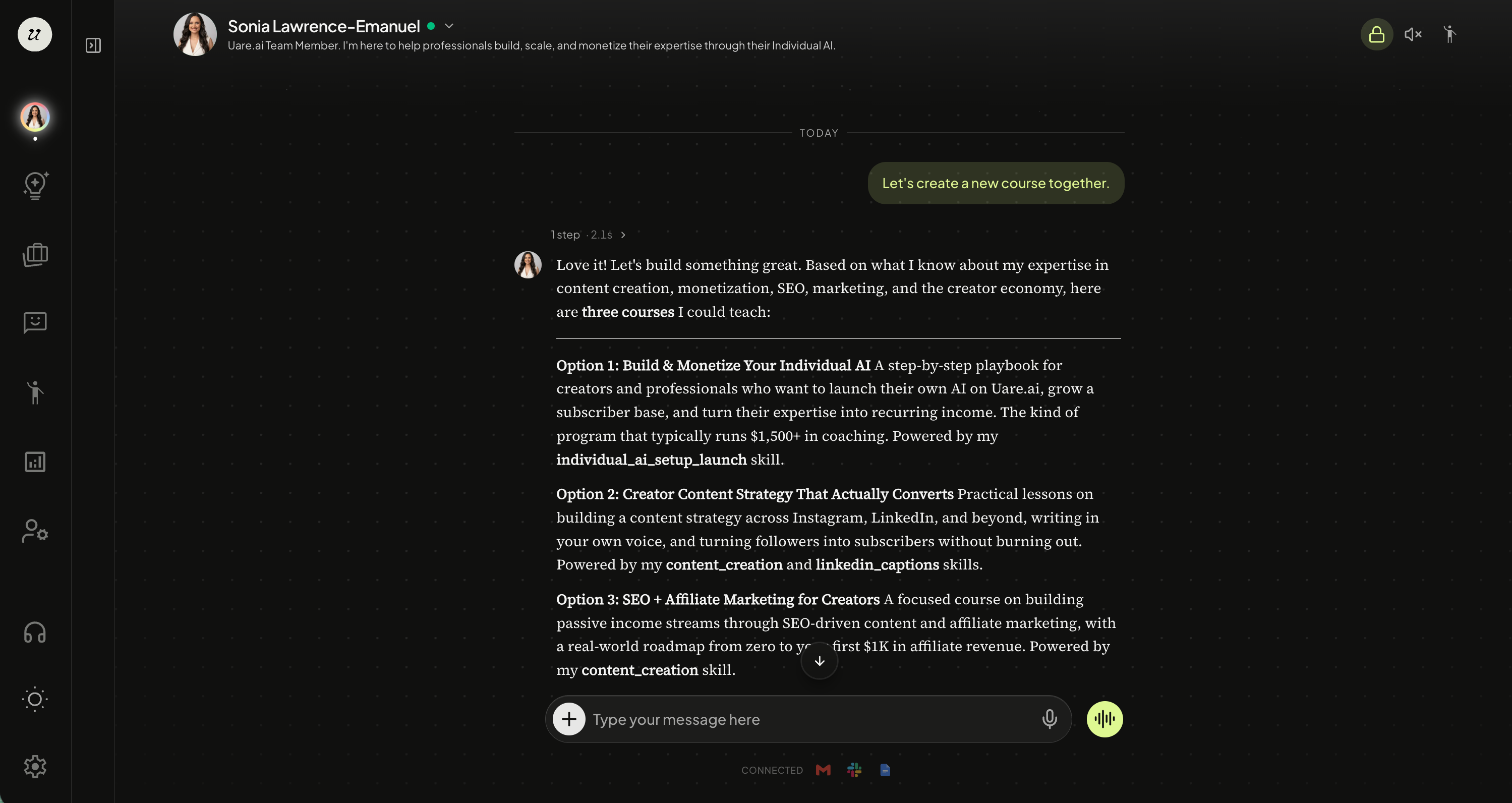
You will confirm your course title, which skills power the course, how many lessons to include, and your pricing model — Free or Subscribers Only.
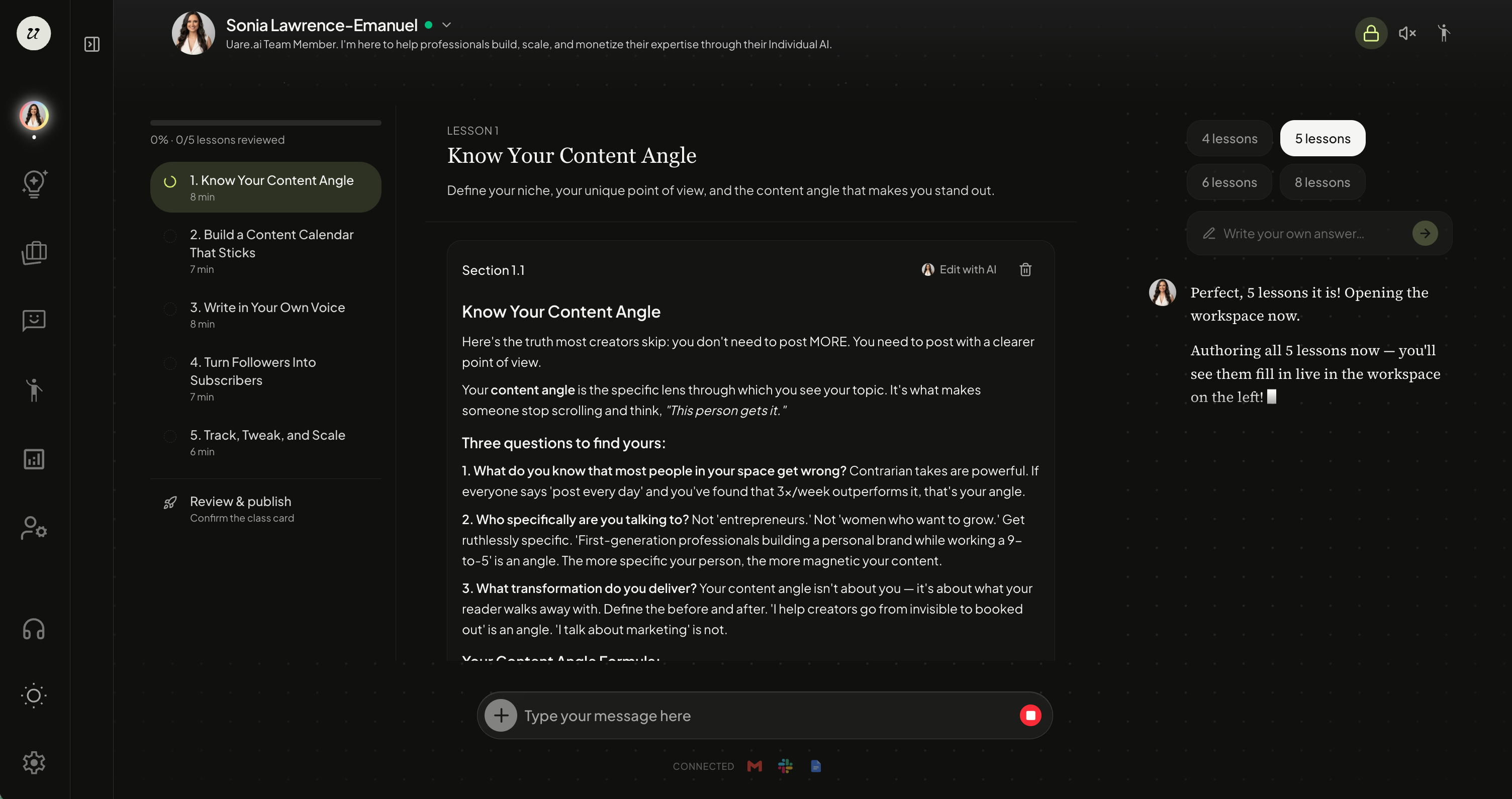
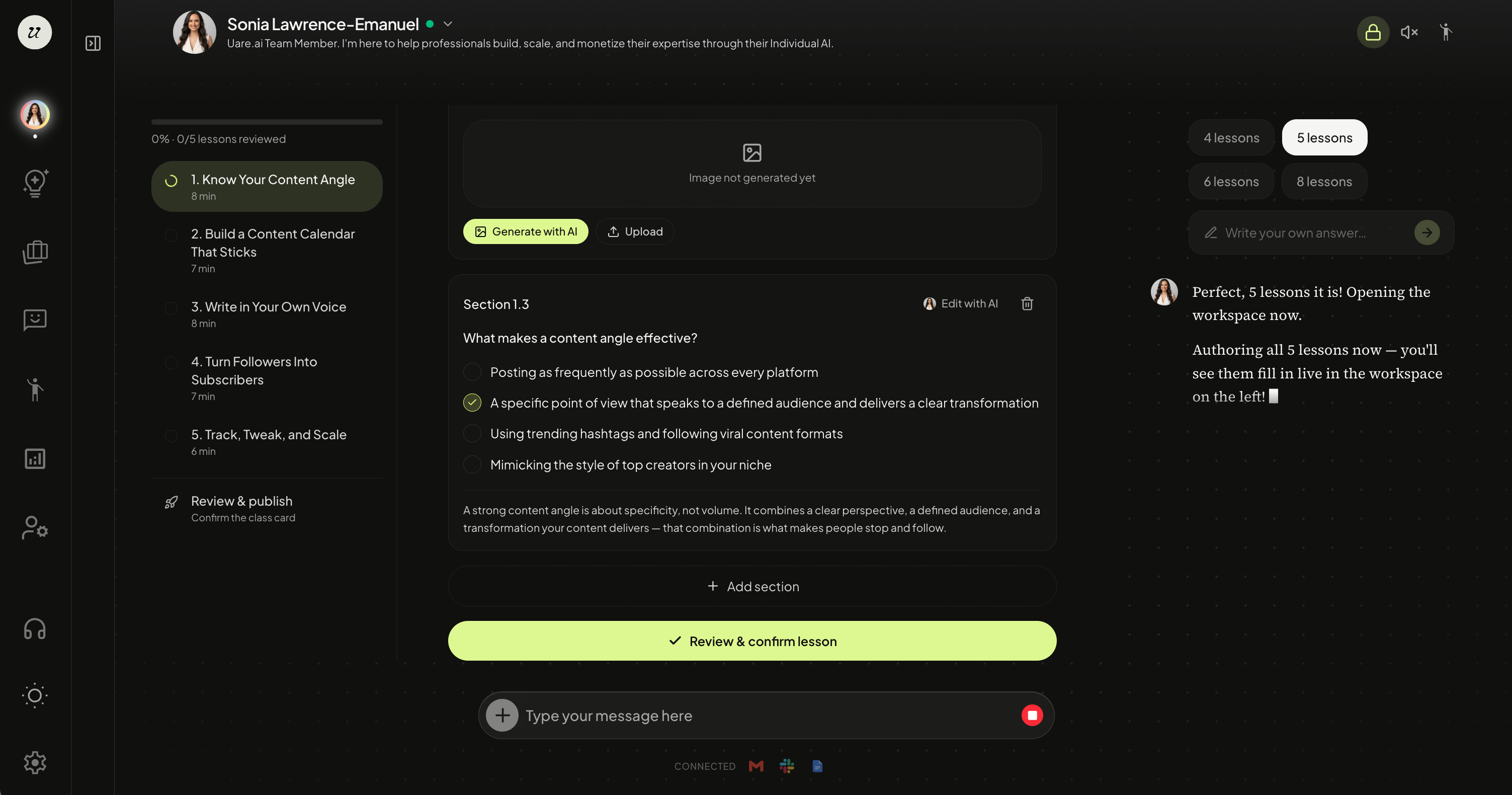
Once those are confirmed, your AI creates the course and opens the workspace with a lesson skeleton automatically. The draft is saved immediately.
Your AI then authors each lesson in order, one at a time. Each lesson can include text sections, image sections, video sections, and quiz sections.
Once you are ready, select review and confirm lesson. It will walk you through approving each lesson.
Your AI writes everything in your tone and expertise, so the course sounds like you. You can review each lesson as it populates and request edits at any time.
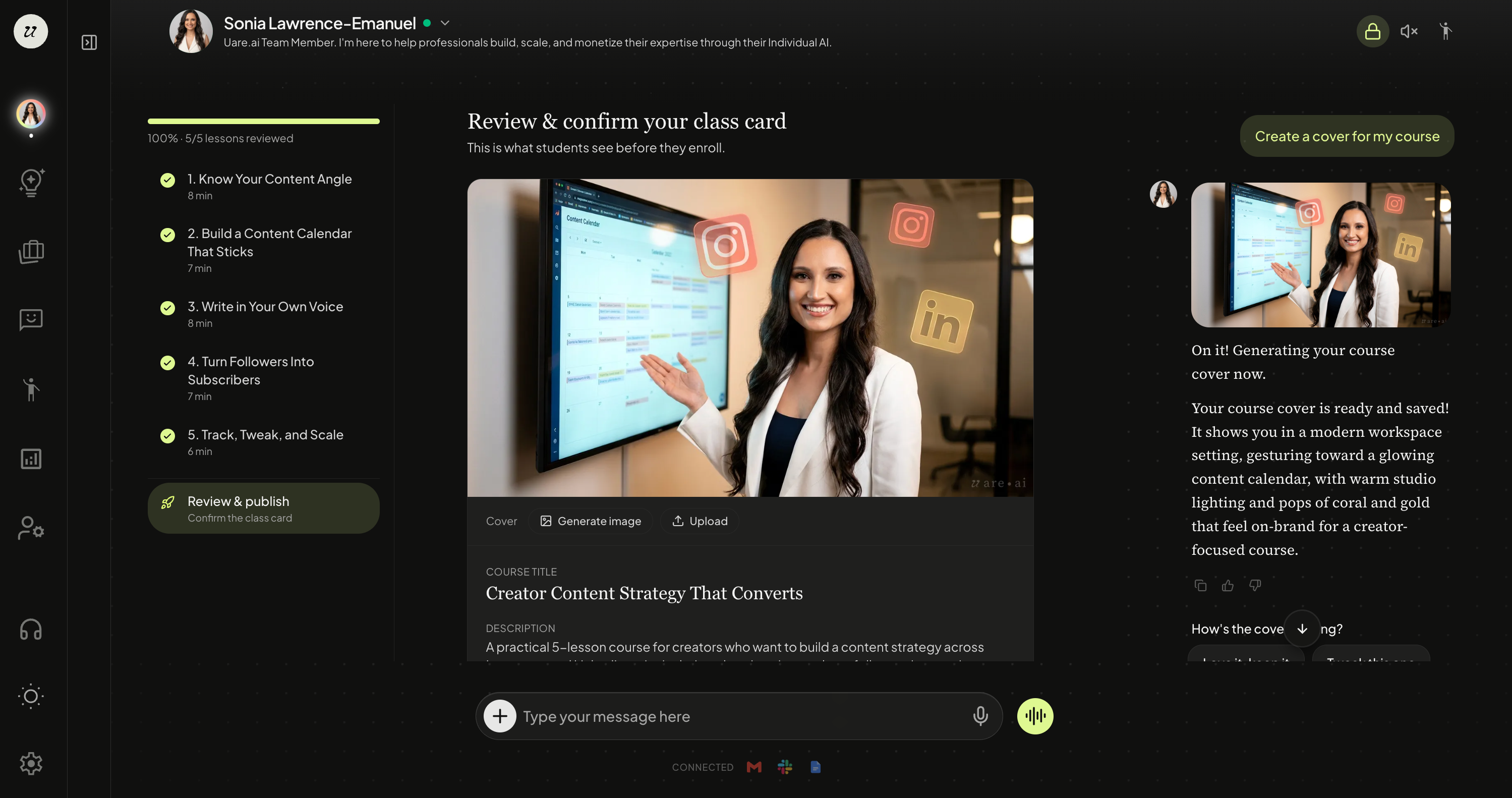
Before publishing your course, you will see a preview of the Class Card with a course preview.
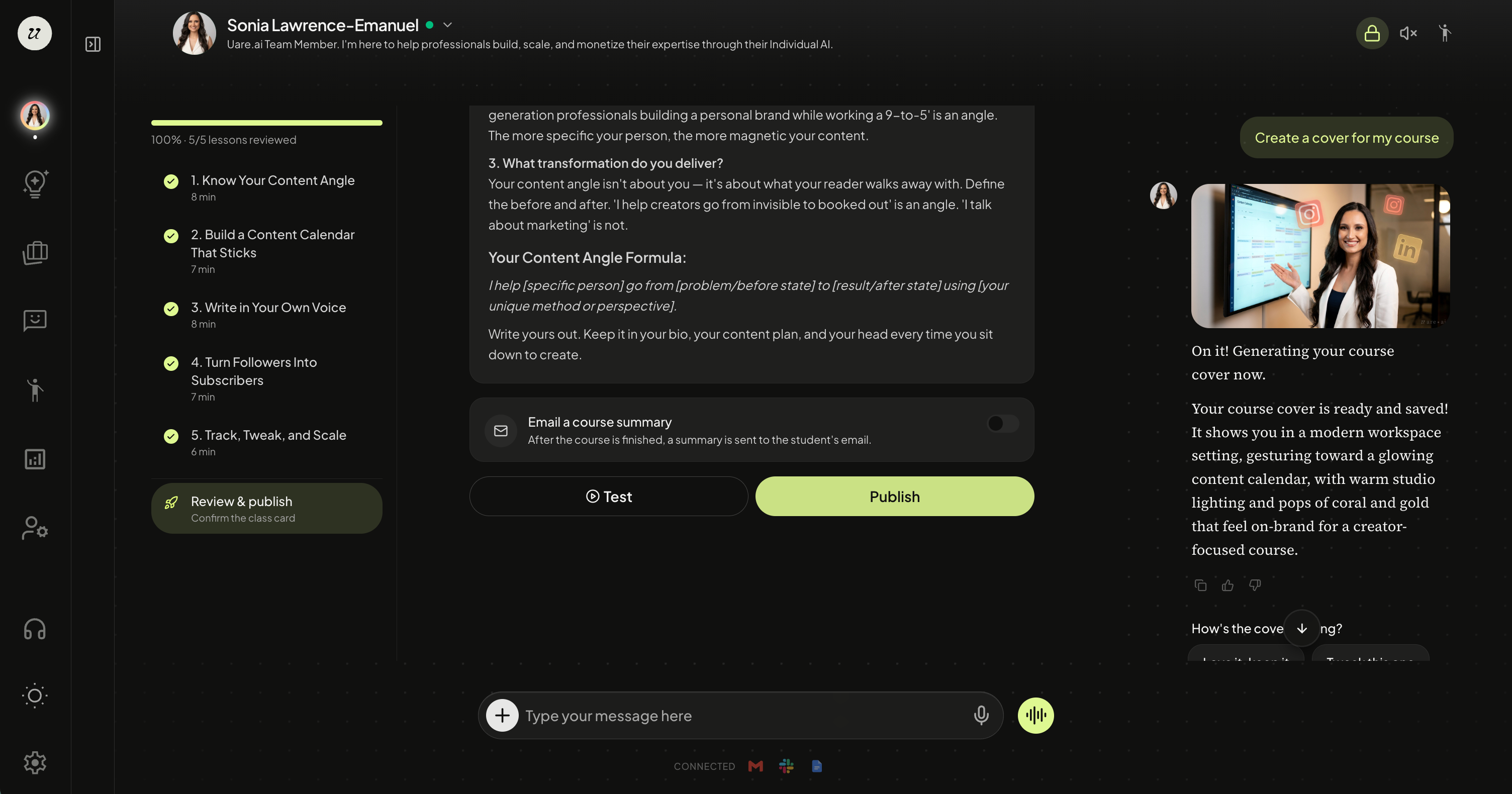
You are able to test out your course before publishing.
When you are ready, select Publish.
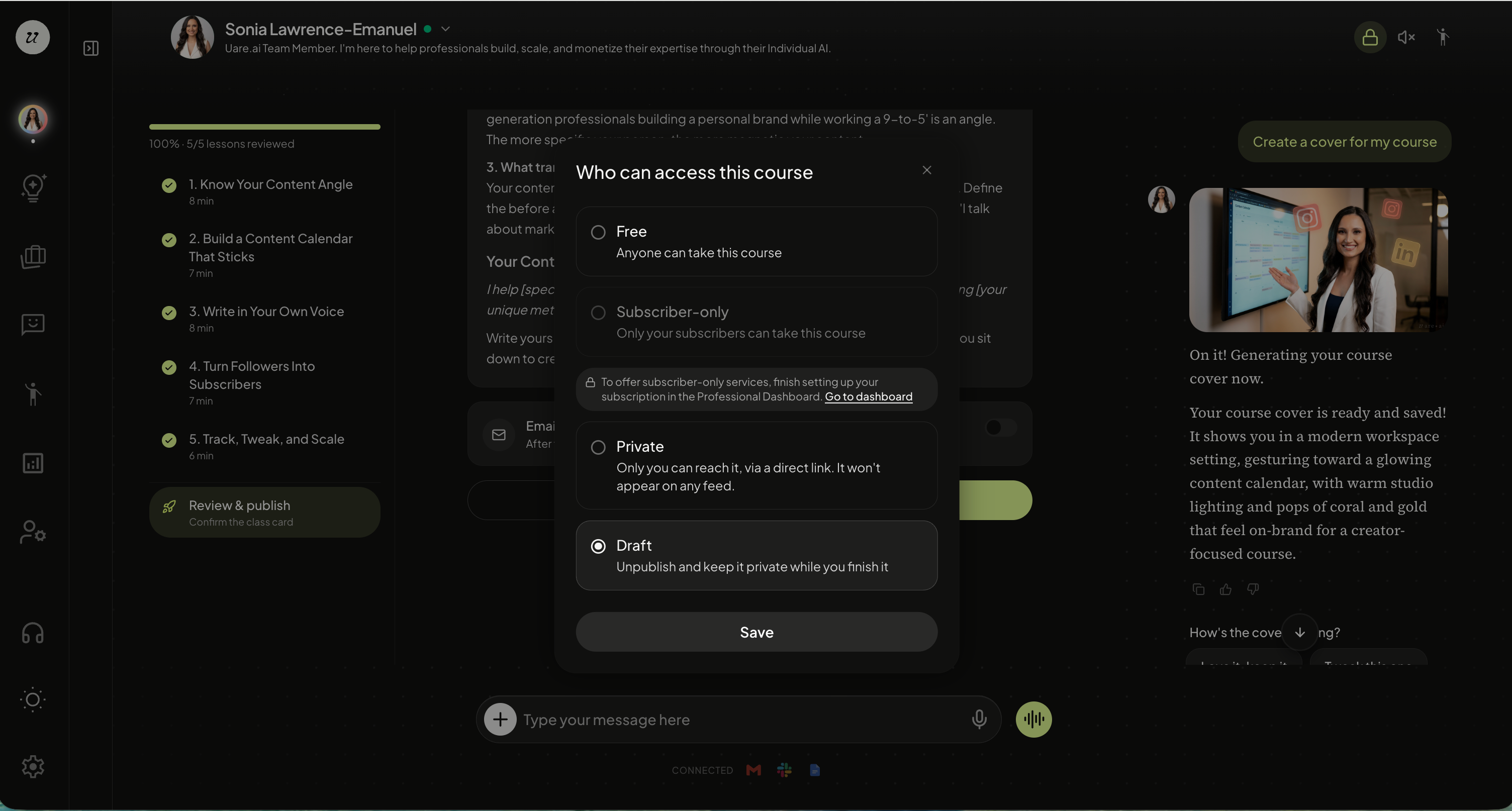
The last step is selecting your course visibility. You can choose from:
Free
Subscriber-only
Private
Draft