Create/Edit Your Avatar

In a chat with me session, select Build who U are. This will prompt you with a few steps.

To create an avatar of yourself, select Create Your Avatar.
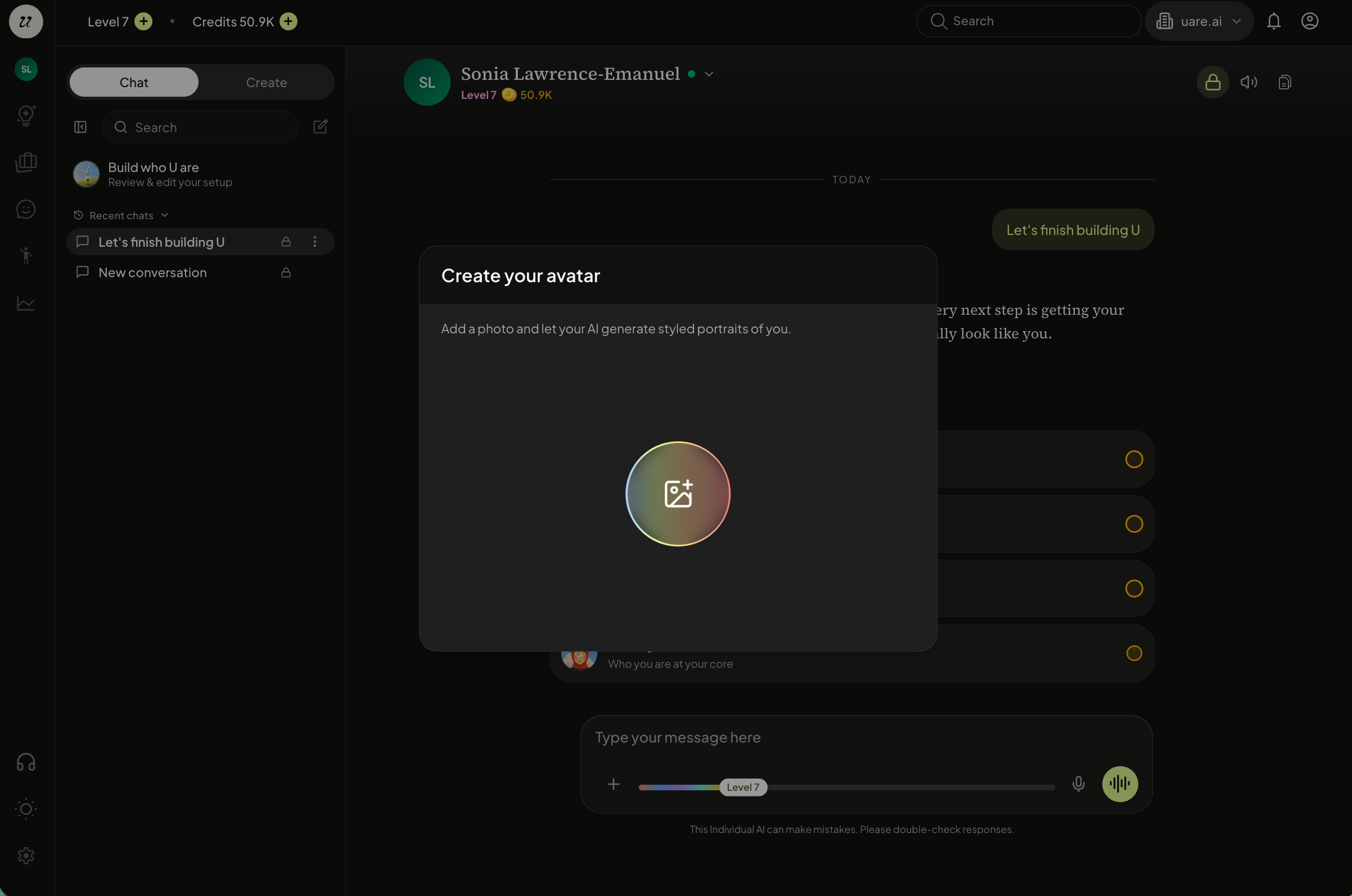
Choose an Avatar Style
Next, you will have the opportunity to customize your avatar by choosing an style.
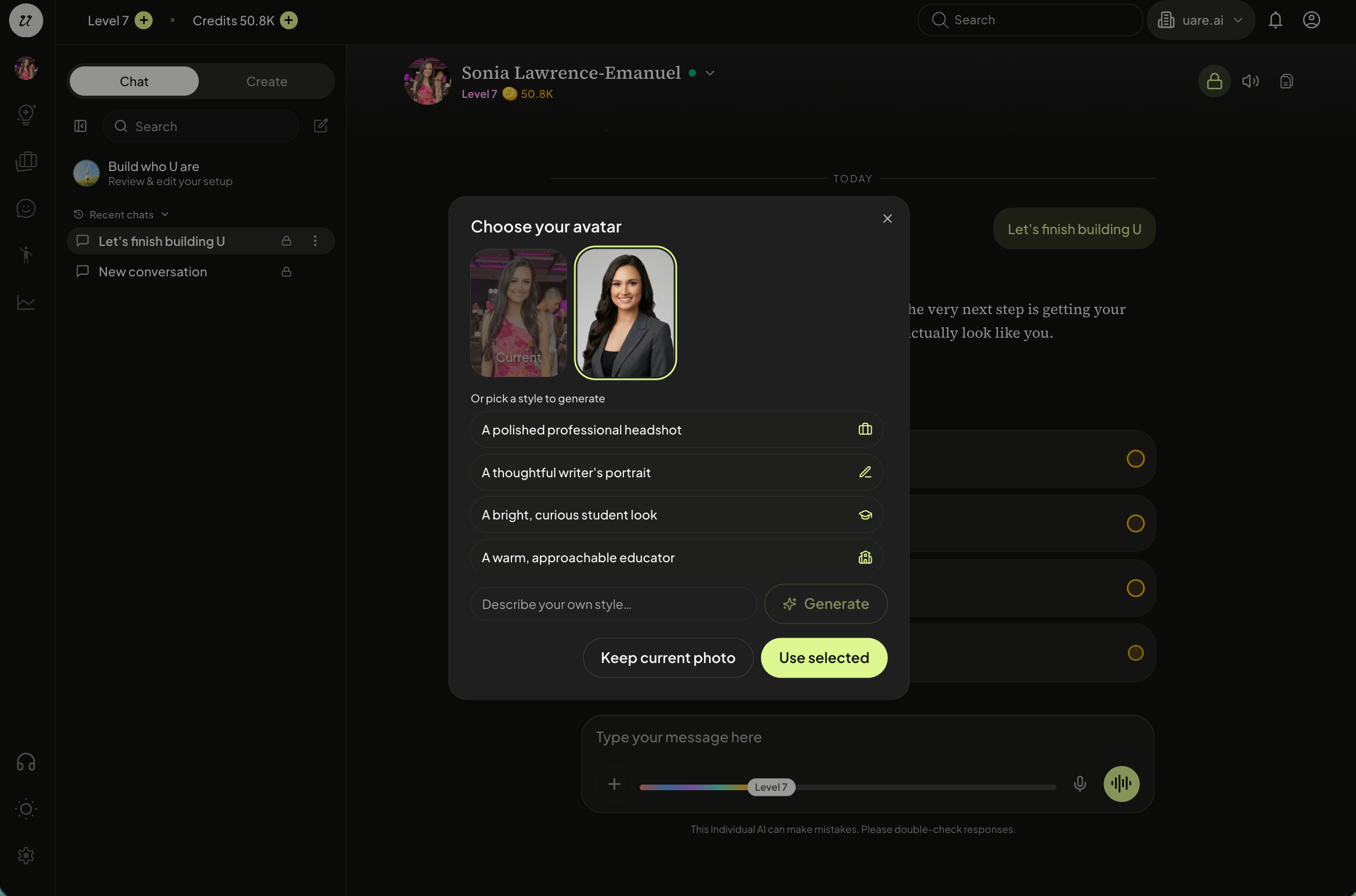
Select the one you like and click Use Selected. You can Keep Current Photo if you would like to maintain the same image.
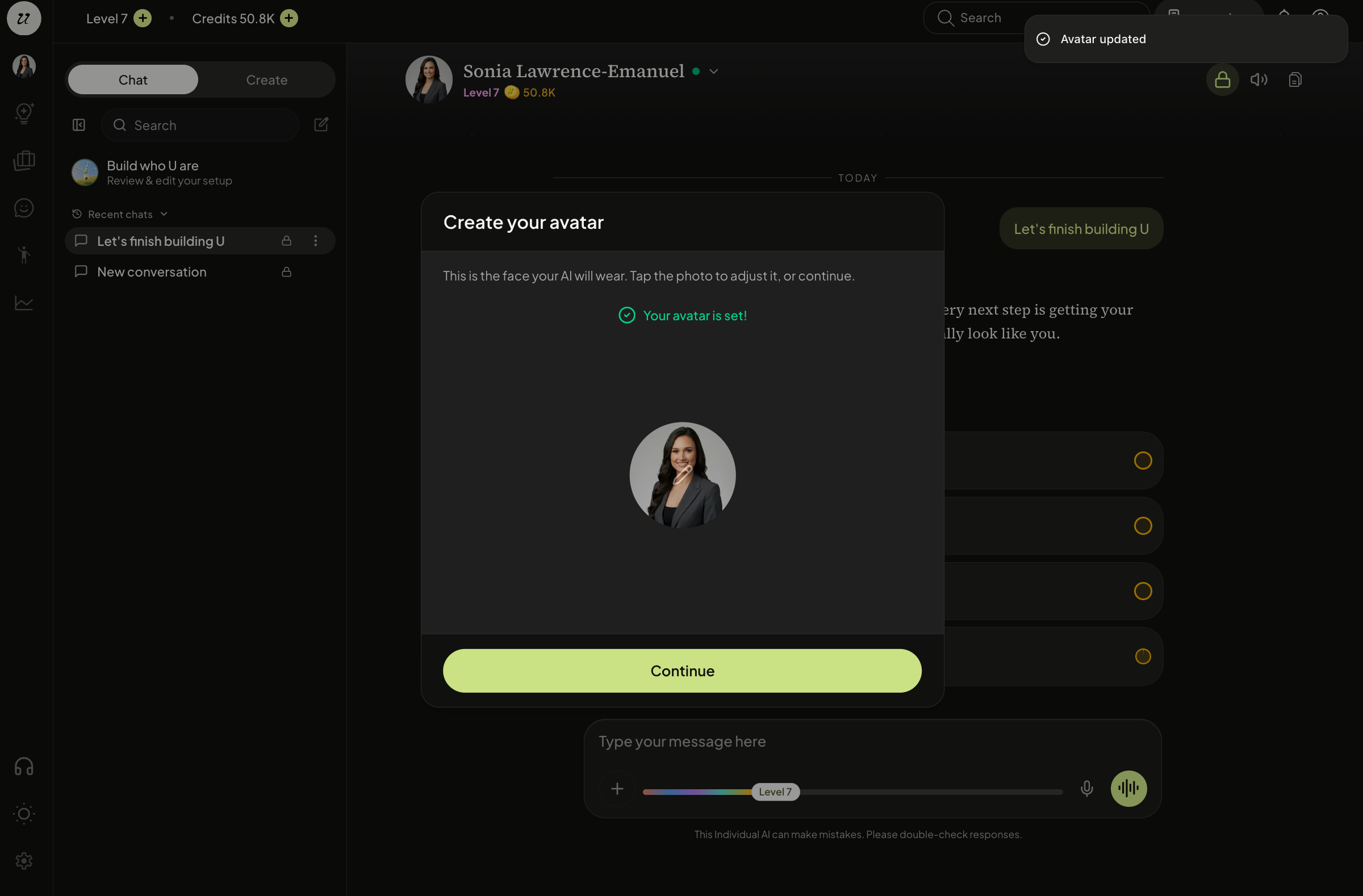
Your avatar is set.
You can change your avatar anytime in your Account Profile Page.
Still need help? Ask the team