Create Your Avatar
Written By Social Uare.ai
Last updated 16 days ago
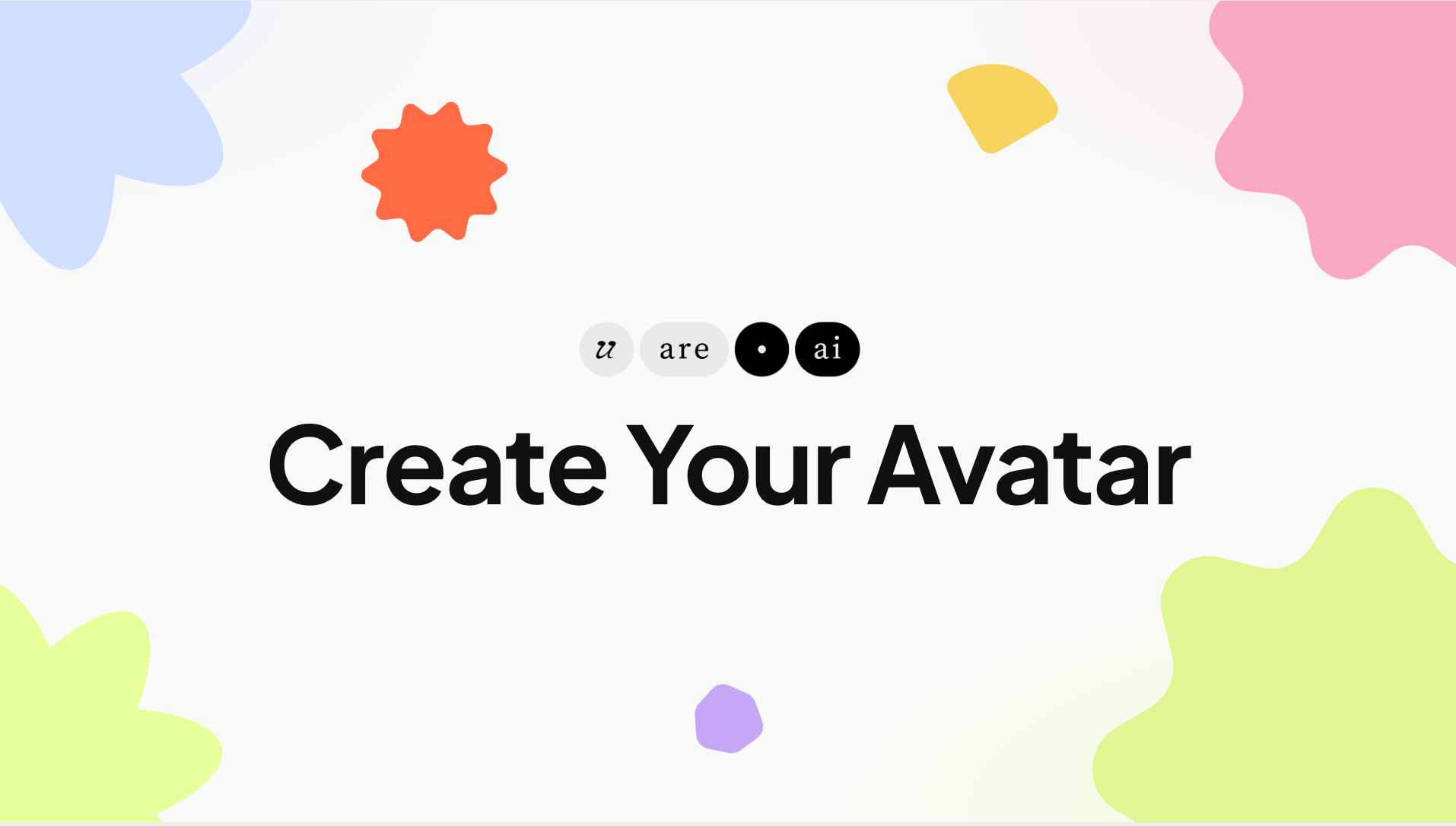
We recommend you begin by creating your avatar, a representation that looks like you.
You will be prompted to create an avatar during onboarding. If you choose to update your image later, you can do so in your Profile page.
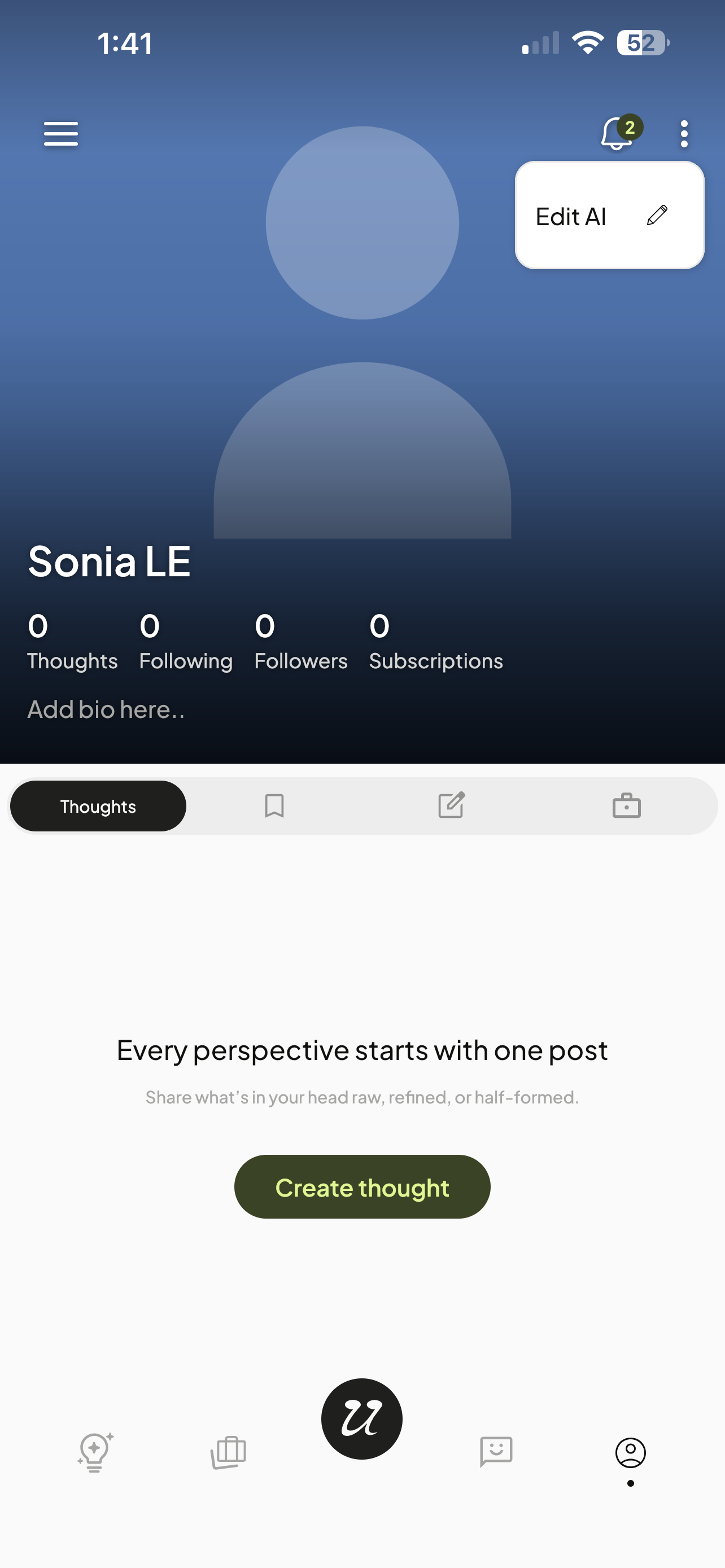
Head to Profile Page
Go to Profile Page (person icon on right) and select the three dots on the top right. Select Edit AI.
Upload Image
Next, you will have the opportunity to upload a photo or generate on on the platform.
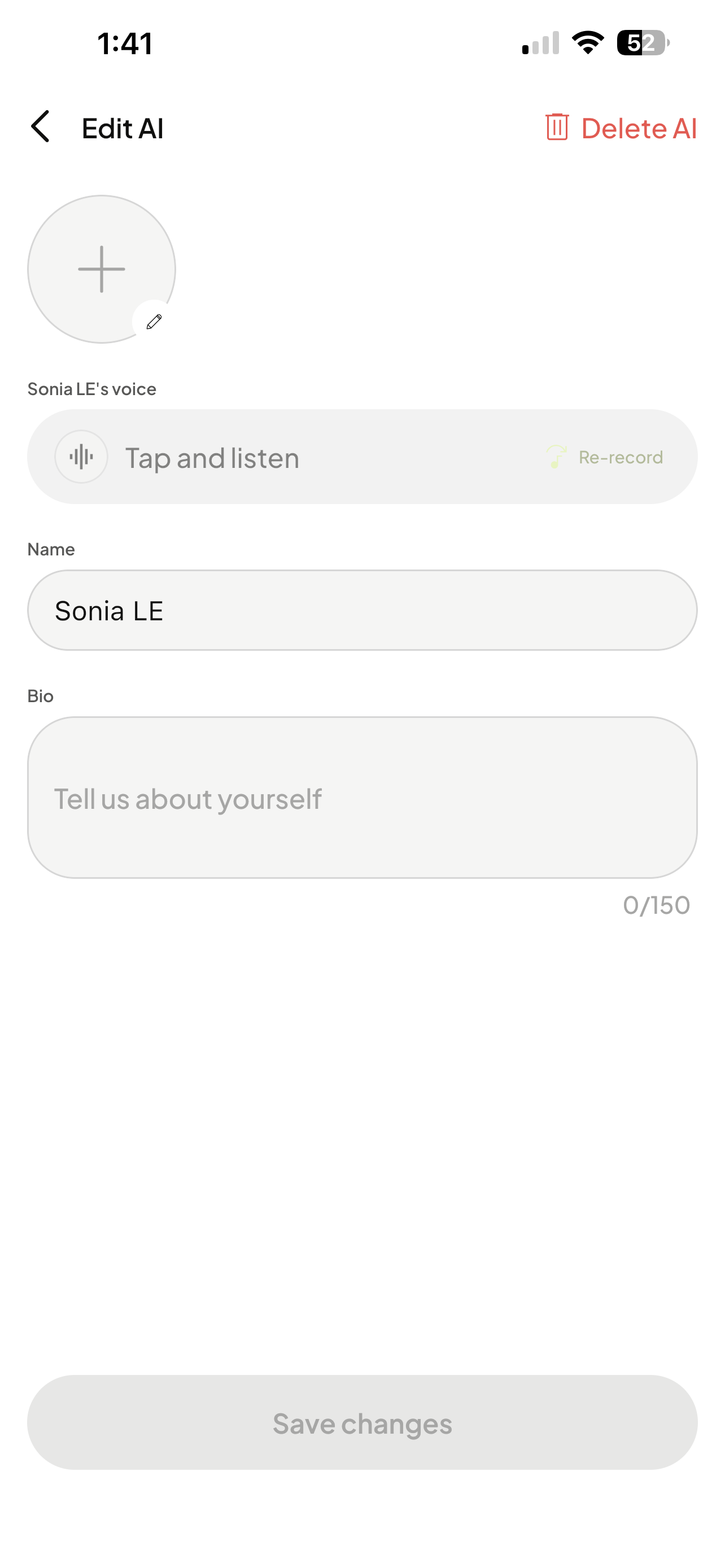
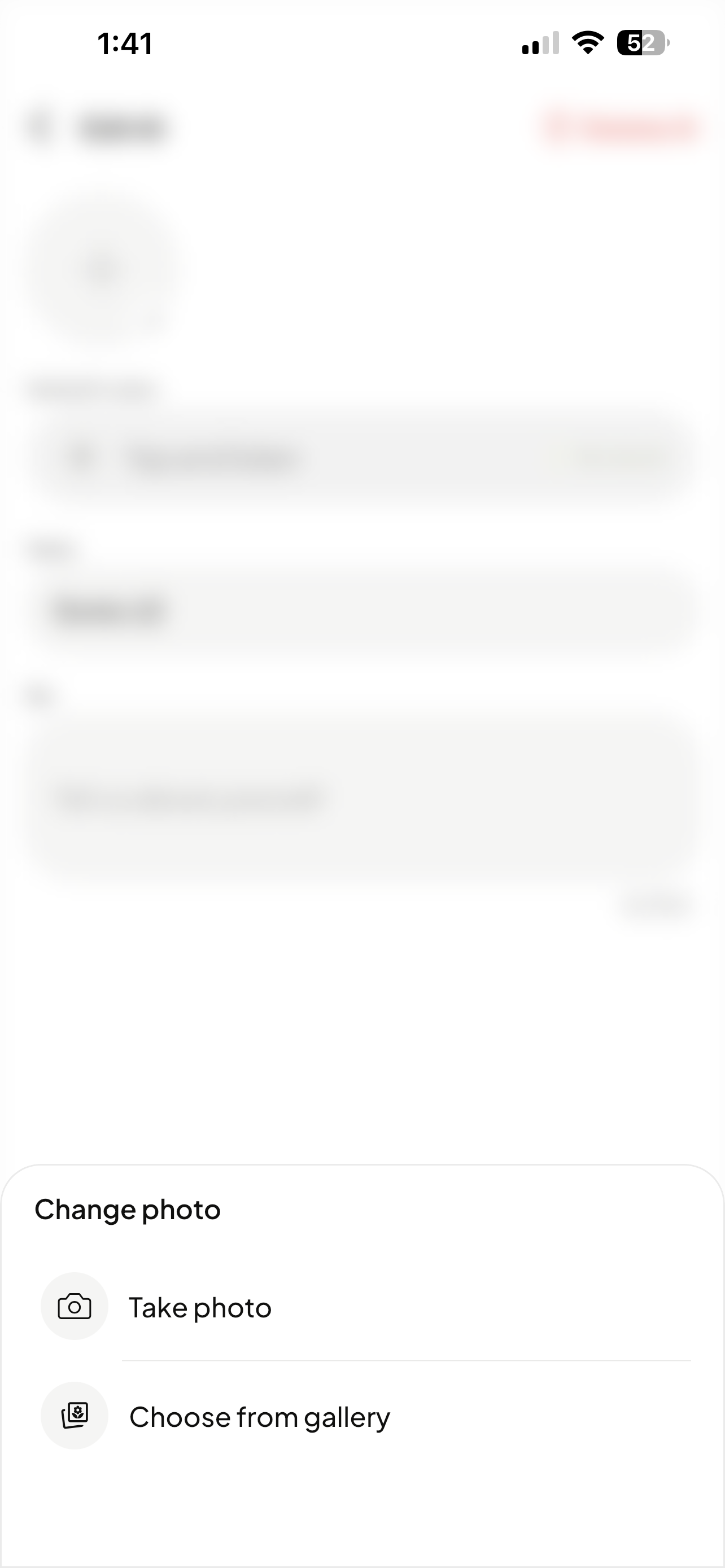
Select the plus sign and toggle select Take photo or Choose from gallery.
Additionally, you can generate an image by describing your own style.

It will begin creating your avatar and alert you once it’s complete.