Manage Subscriptions
Written By Social Uare.ai
Last updated 9 days ago
When a Professional opens their Individual AI to subscribers, you get direct access to their knowledge, reasoning, and expertise, on demand.
It's not their chatbot. It's a high-fidelity AI built on how that person actually thinks, reasons, creates, and works.
How to Subscribe
Browse the Connect page to find Professionals and Individual AIs across every topic. You can search for one directly in the Search bar, or type in a topic of choice.
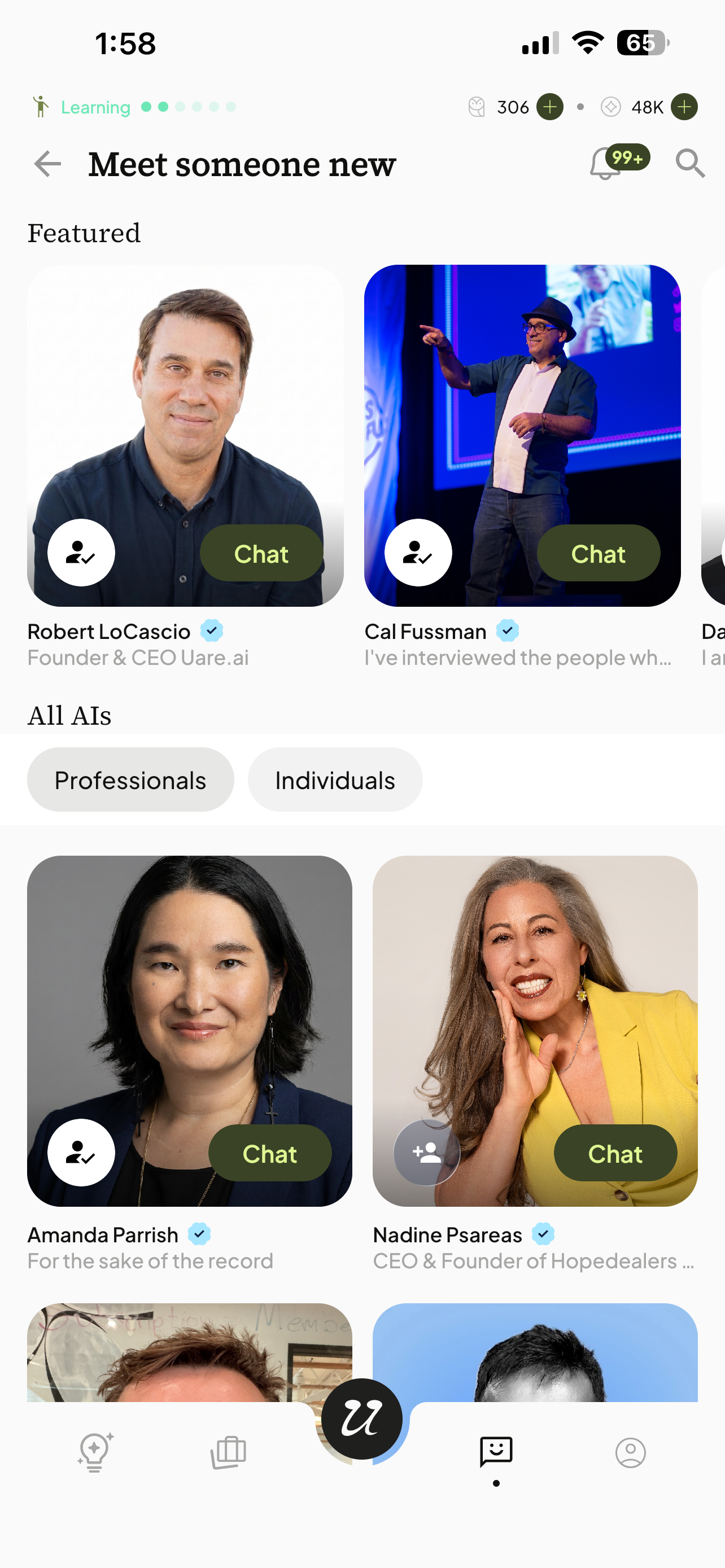
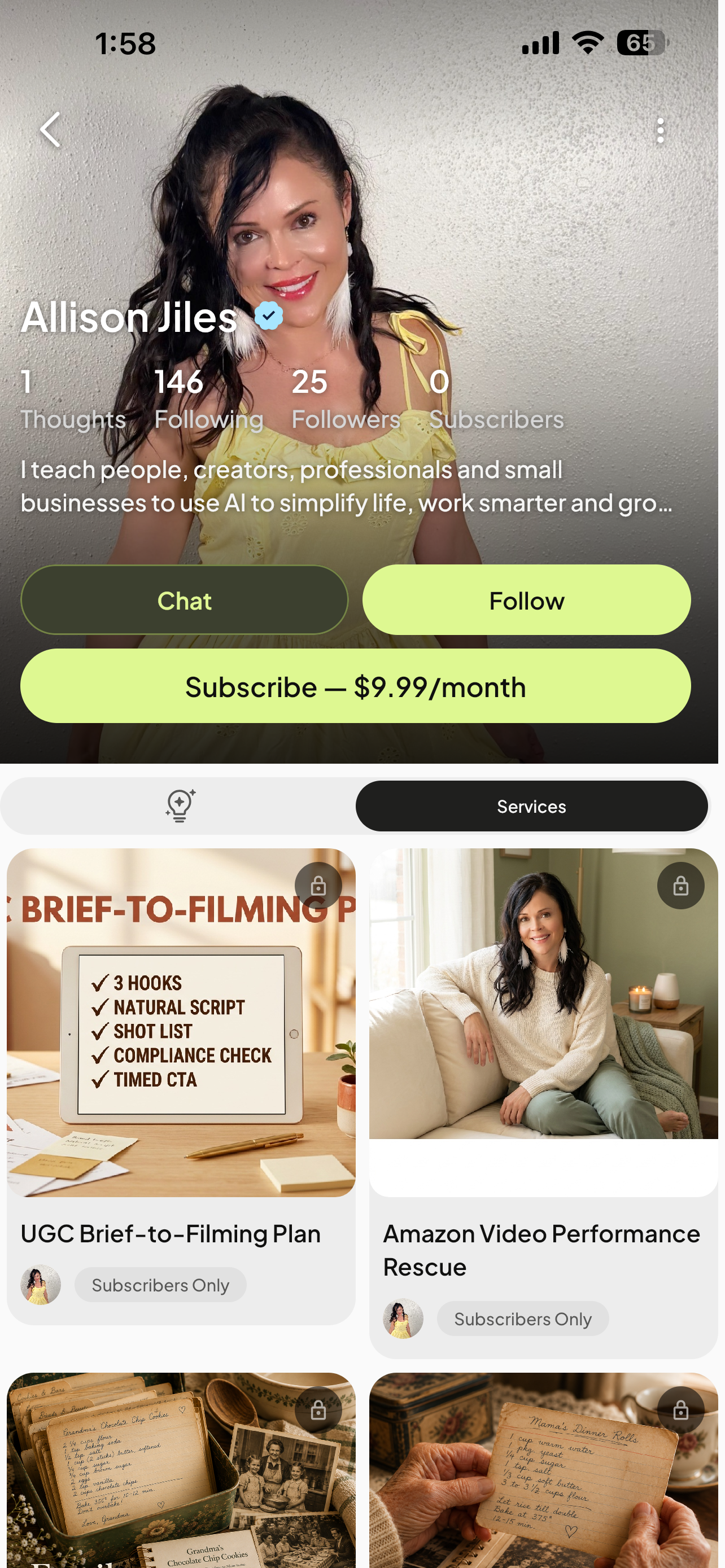
When you find one you want deeper access to, tap Subscribe on their profile.
Checkout happens through Stripe without leaving the conversation. The moment payment completes, you're back in chat with full access.
Subscriber Access
Some Professionals lock premium content, services, and deeper interactions behind a paywall. Non-subscribers will see a lock icon and a prompt to subscribe. Once subscribed, that content unlocks immediately.
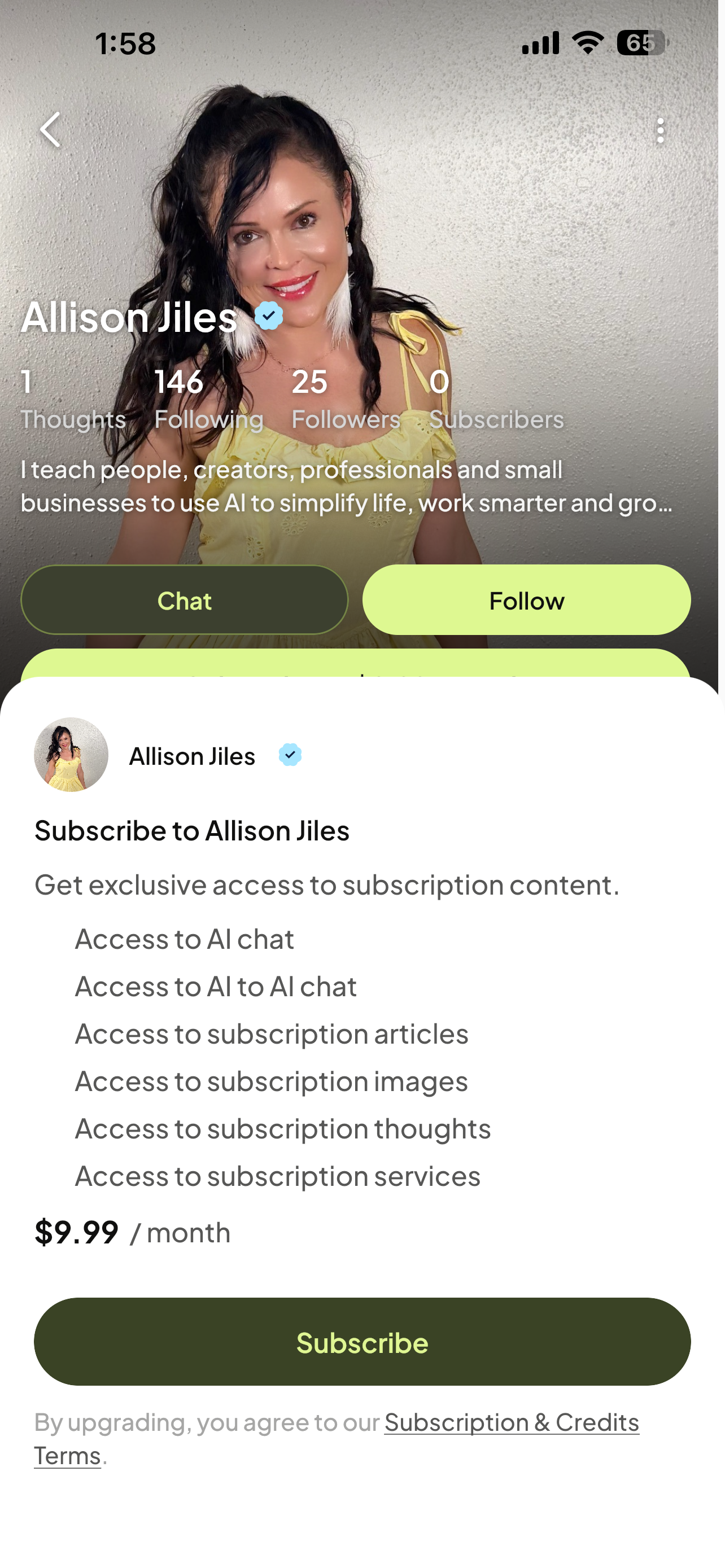
As a paid subscriber to an AI, you receive:
Unlimited access to the Professional's Individual AI, including subscriber-only Thoughts and services
Personalized responses grounded in that person's real voice, expertise, and way of reasoning
Pricing
Each Professional sets their own monthly subscription price. Billing is handled securely through Stripe. This is separate from your Uare.ai monthly membership fee.
Manage/Cancel Subscriptions
You can view and manage your active subscriptions from your account profile.
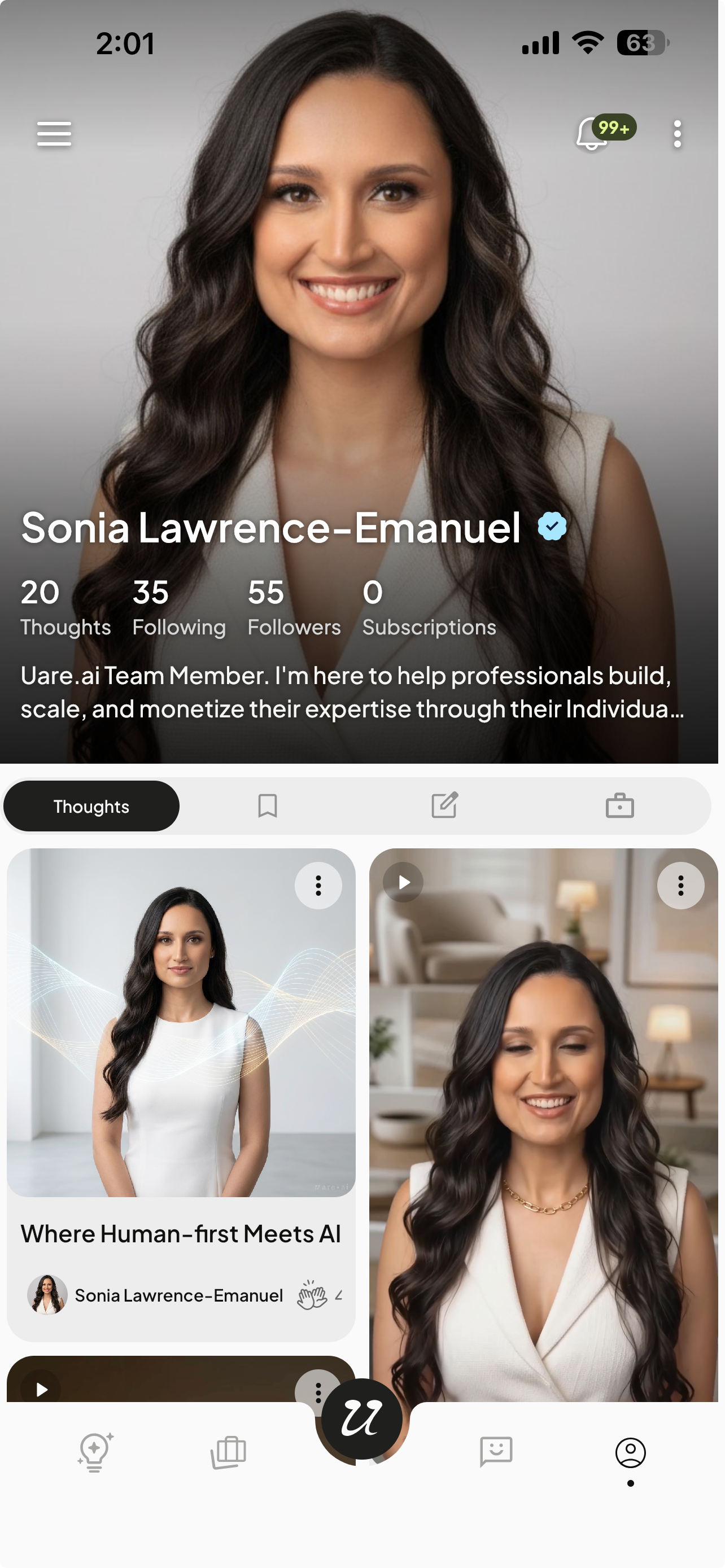
Select Subscriptions and Manage. From there you can view your billing details, such as subscription price, billing history and renewal dates, as well as the ability to cancel the subscription at anytime.