Create Your Avatar
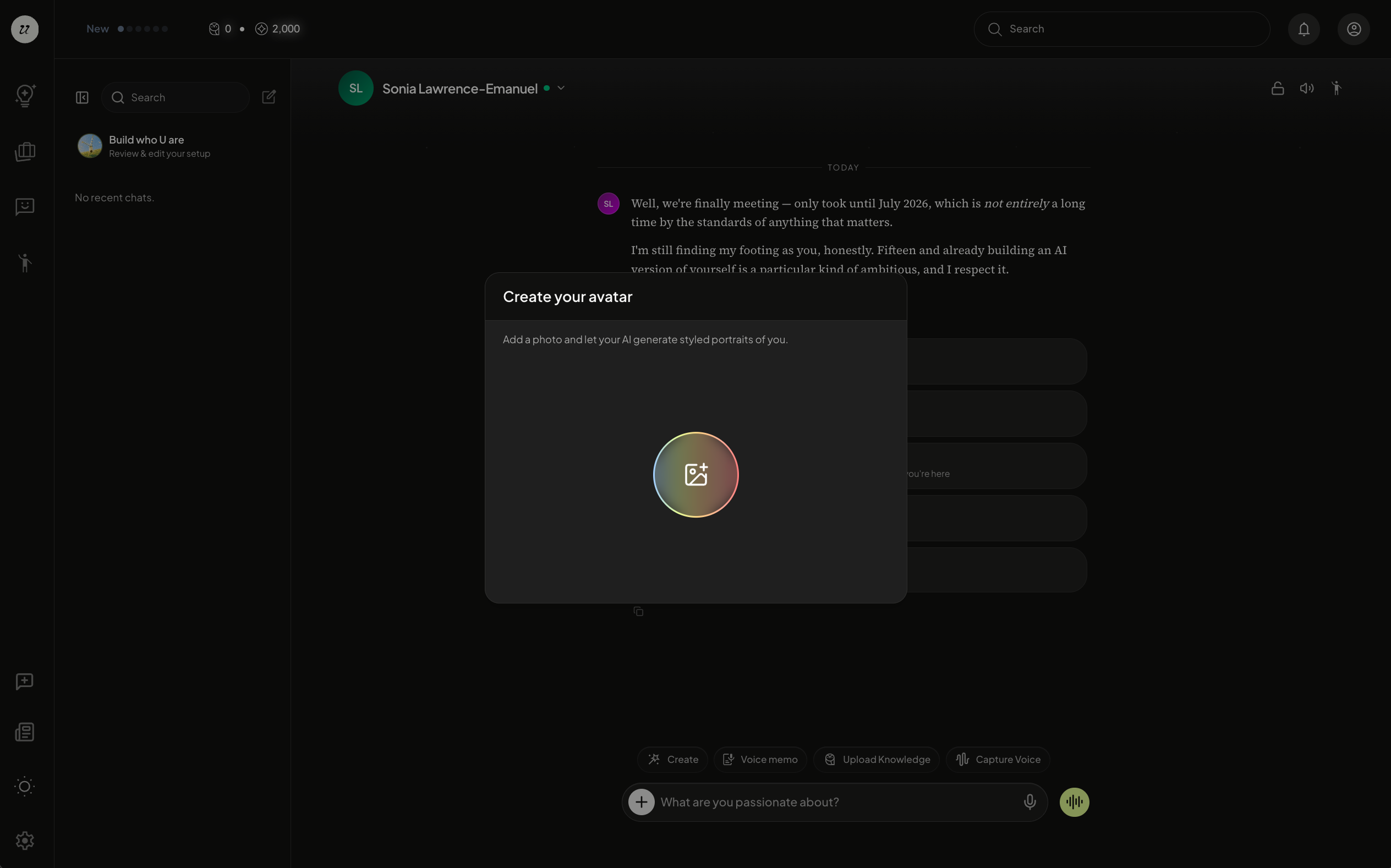
We recommend you begin by creating your avatar, a representation that looks like you.
To create an avatar of yourself, select create my avatar during onboarding.
Choose an Avatar Style
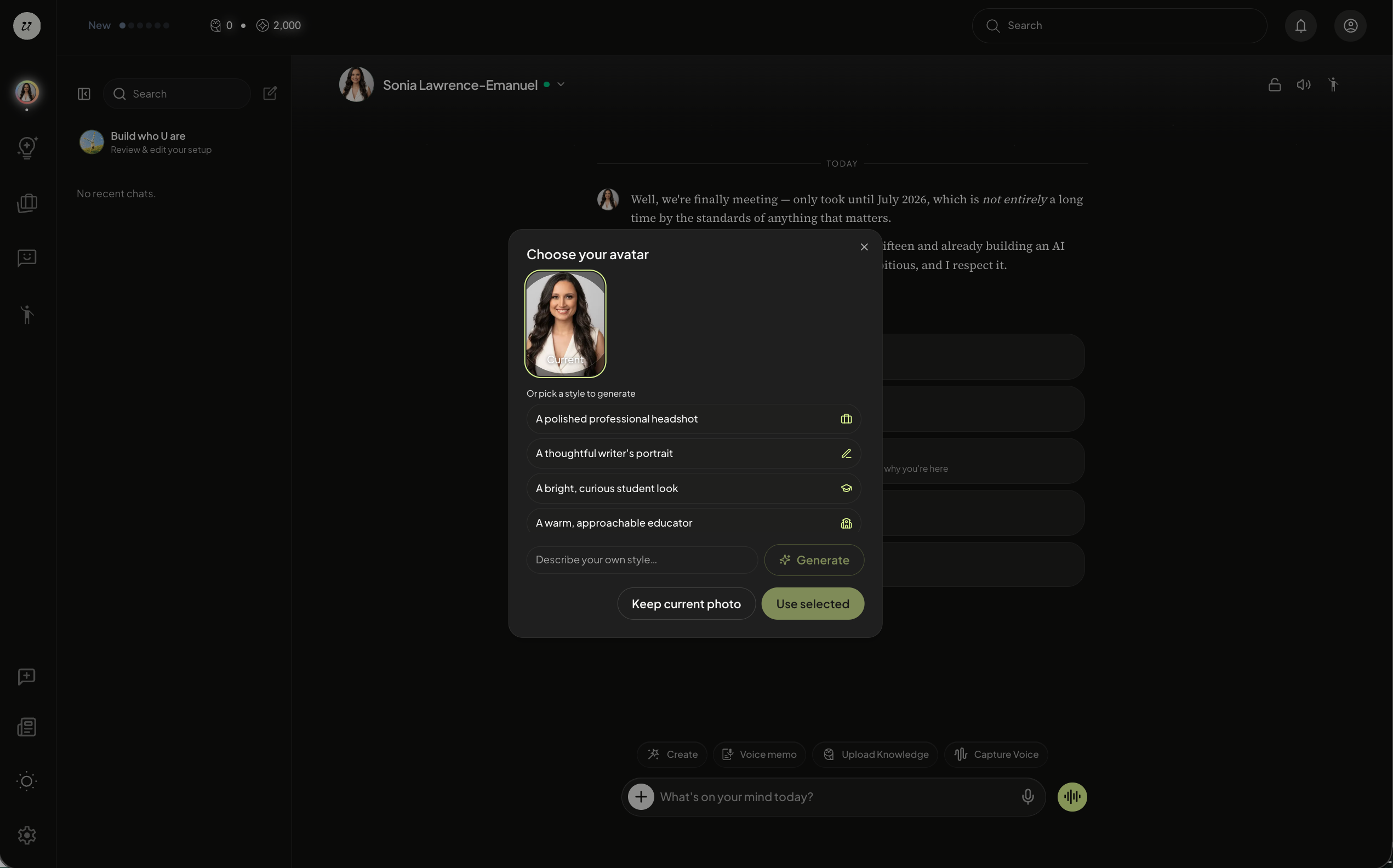
Next, you will have the opportunity to customize your avatar by choosing an style.
Select the one you like and click Use Selected. You can keep current photo if you would like to maintain the same image.
Additionally, you can generate an image by describing your own style.
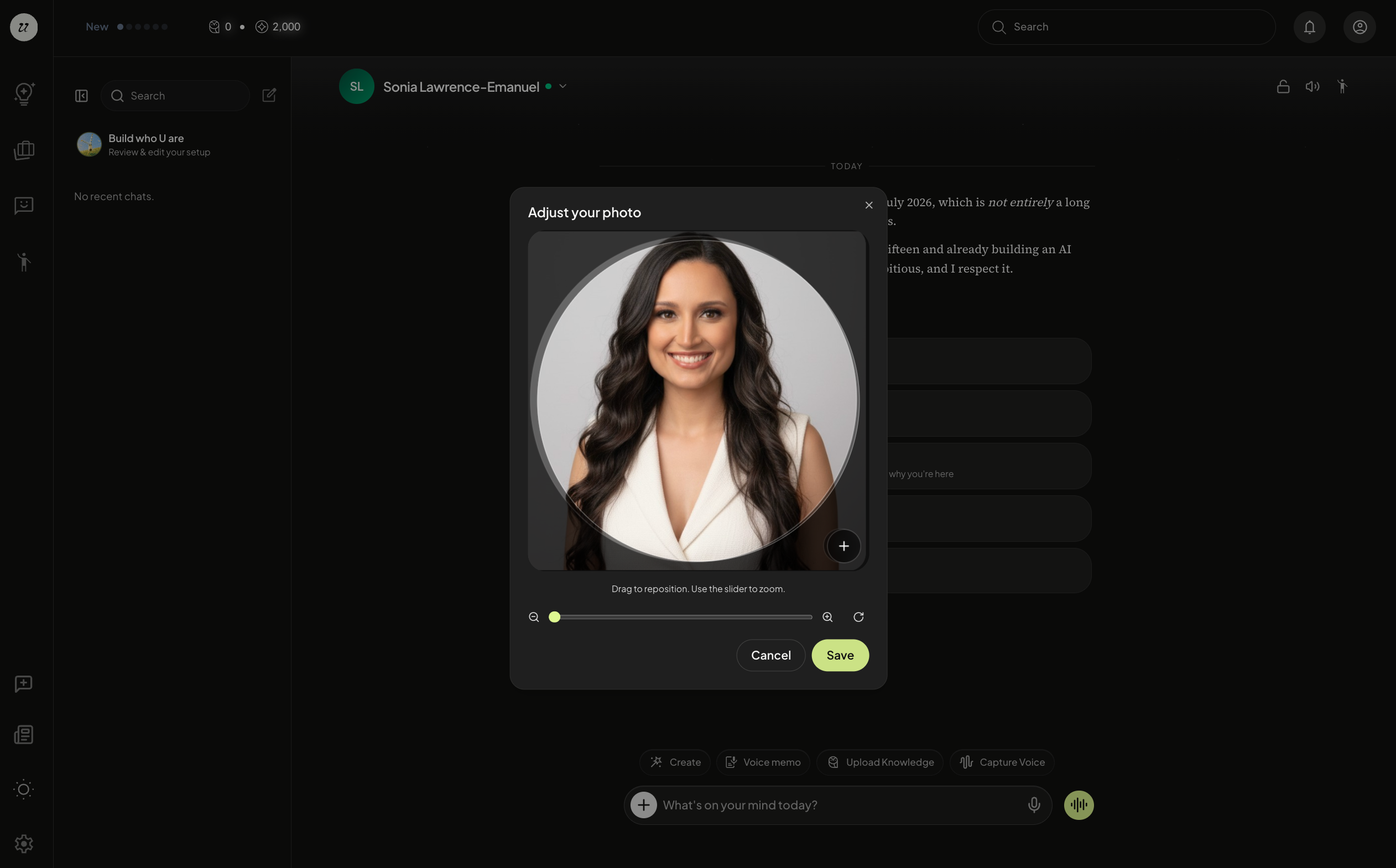
You can adjust your photo by zooming in and out to crop it.
You can change your avatar anytime in your account profile page (top right icon).
Click your current profile picture and upload a new one or generate avatar.