Manage Courses
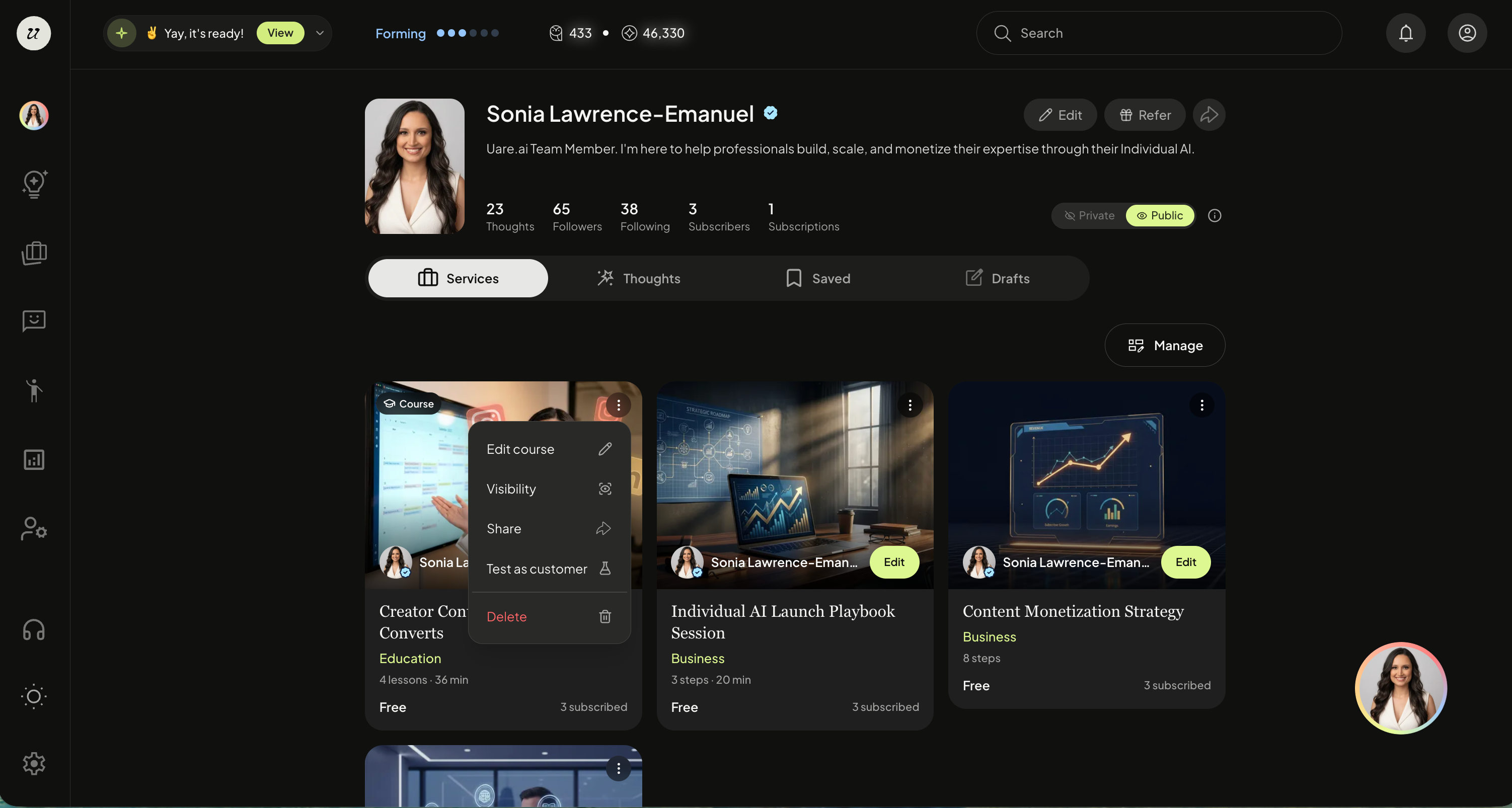
To manage your course, navigate to your profile page (top right icon).
Toggle to Services, and click the three dots on the top right of the Course thumbnail.
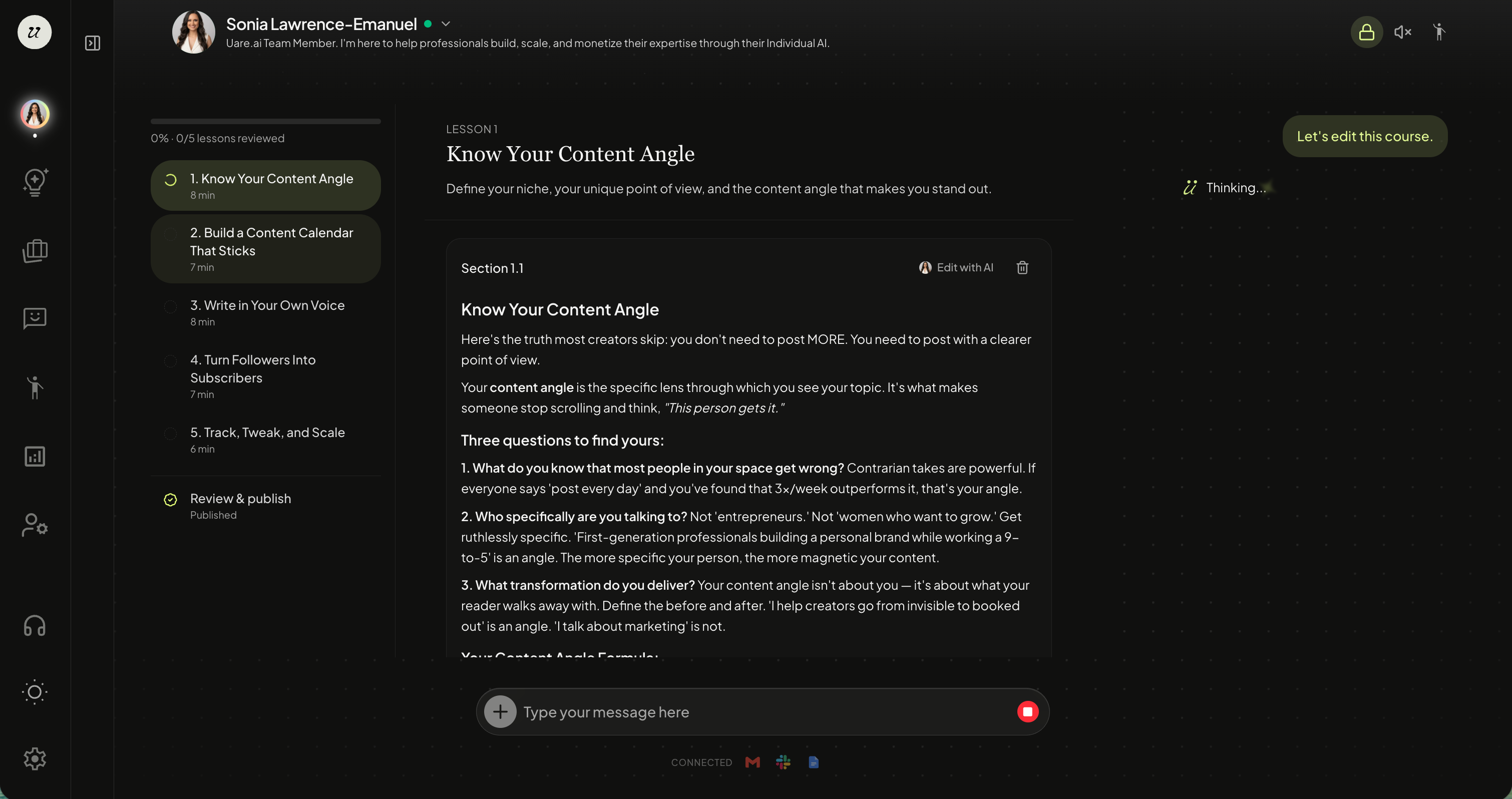
Edit a Course
Select edit course to make changes to the lessons.
Edit Visibility
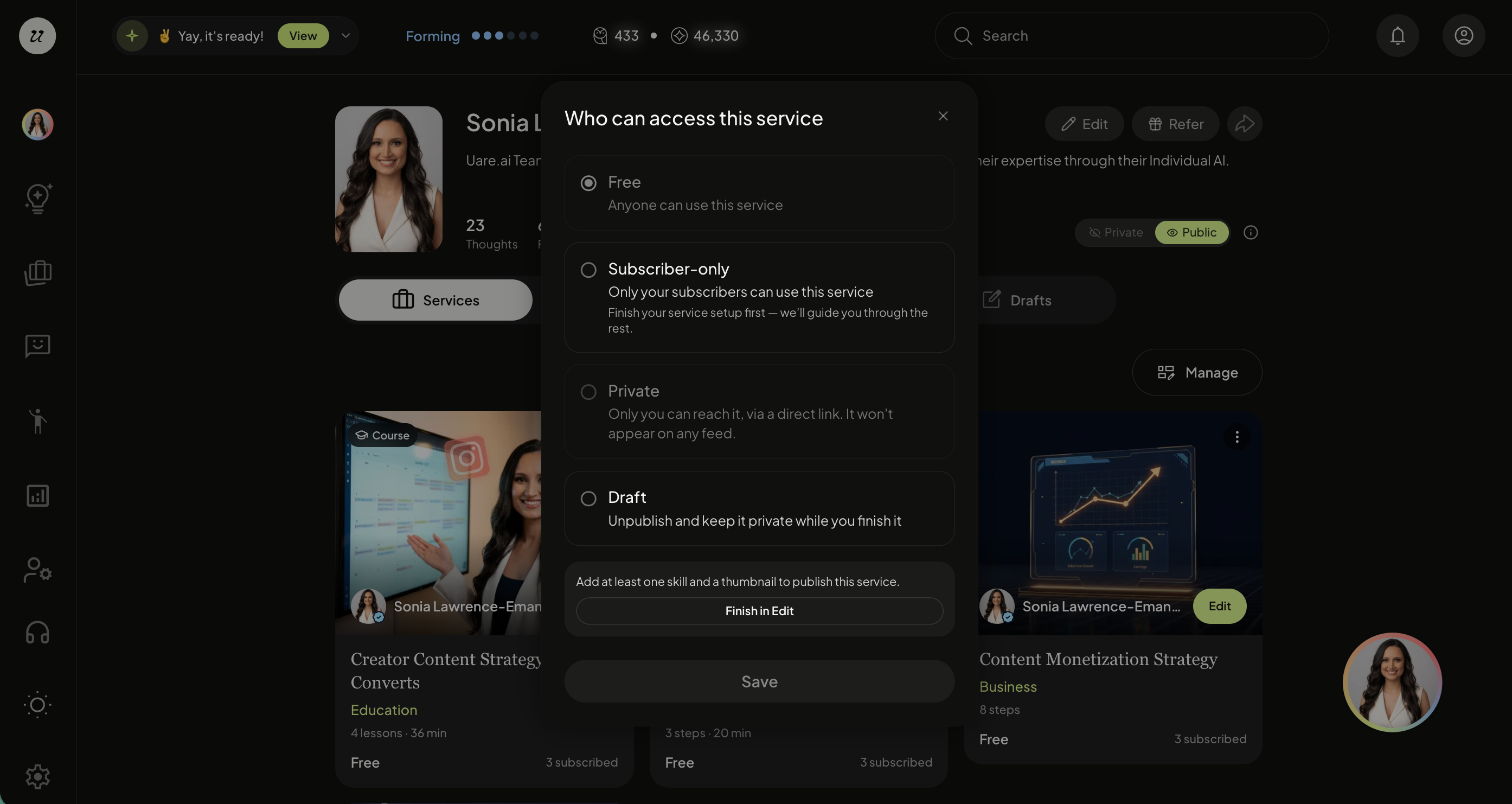
You can change the visibility of the course at any time.
Select from:
Free
Subscriber-only
Private
Public
Draft
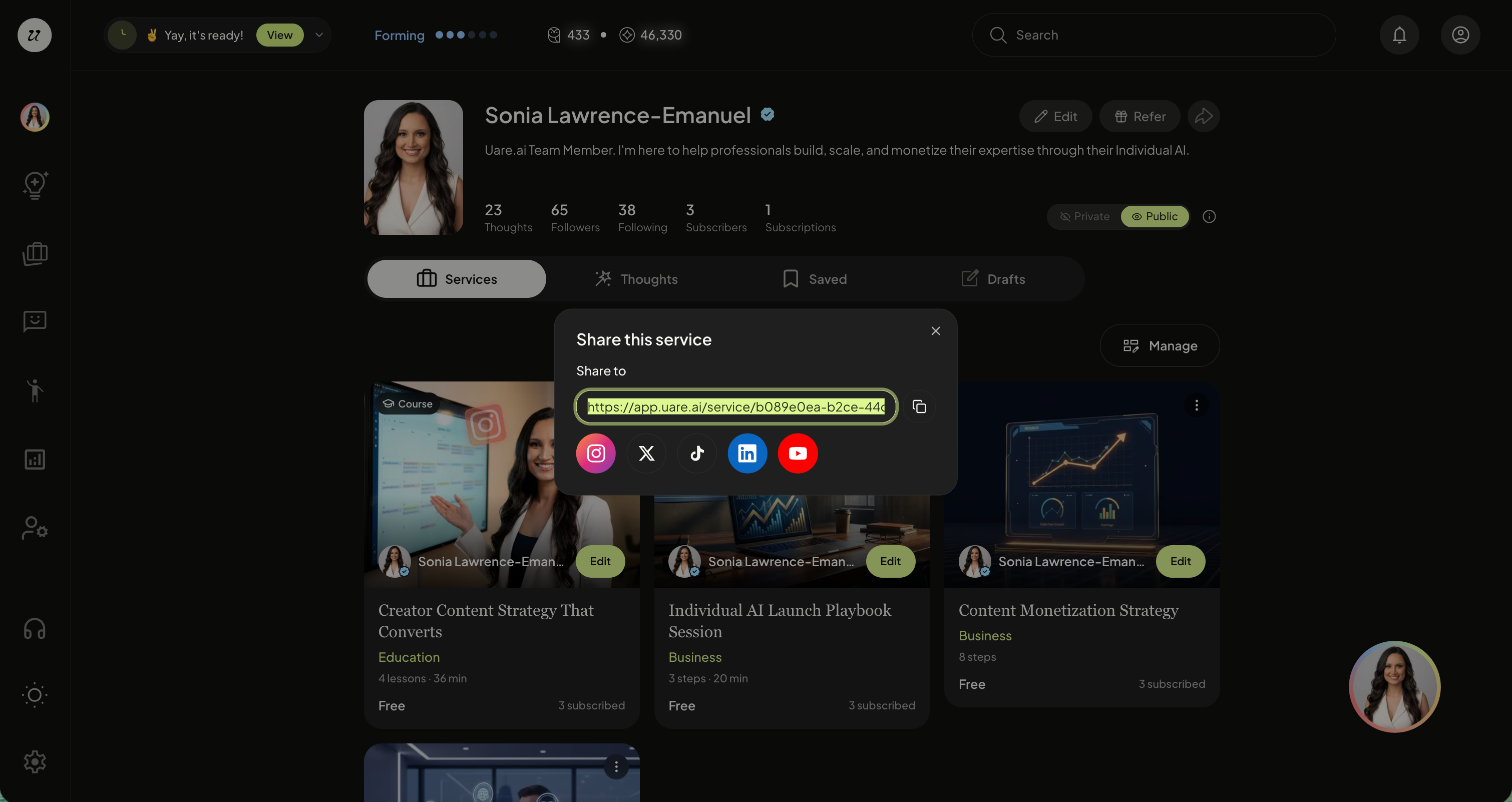
Share
Share your Course off-platform with a public URL.
Test as Customer
You can also test as a customer, without saving any knowledge to your AI (this is great for roleplaying as potential leads).