Create a Voice Memo (and Save to Knowledge)
Written By Social Uare.ai
Last updated 2 days ago
/

Record a voice memo directly in the platform. Watch it transcribe instantly into an idea for a Thought and save it to your Knowledge Hub.
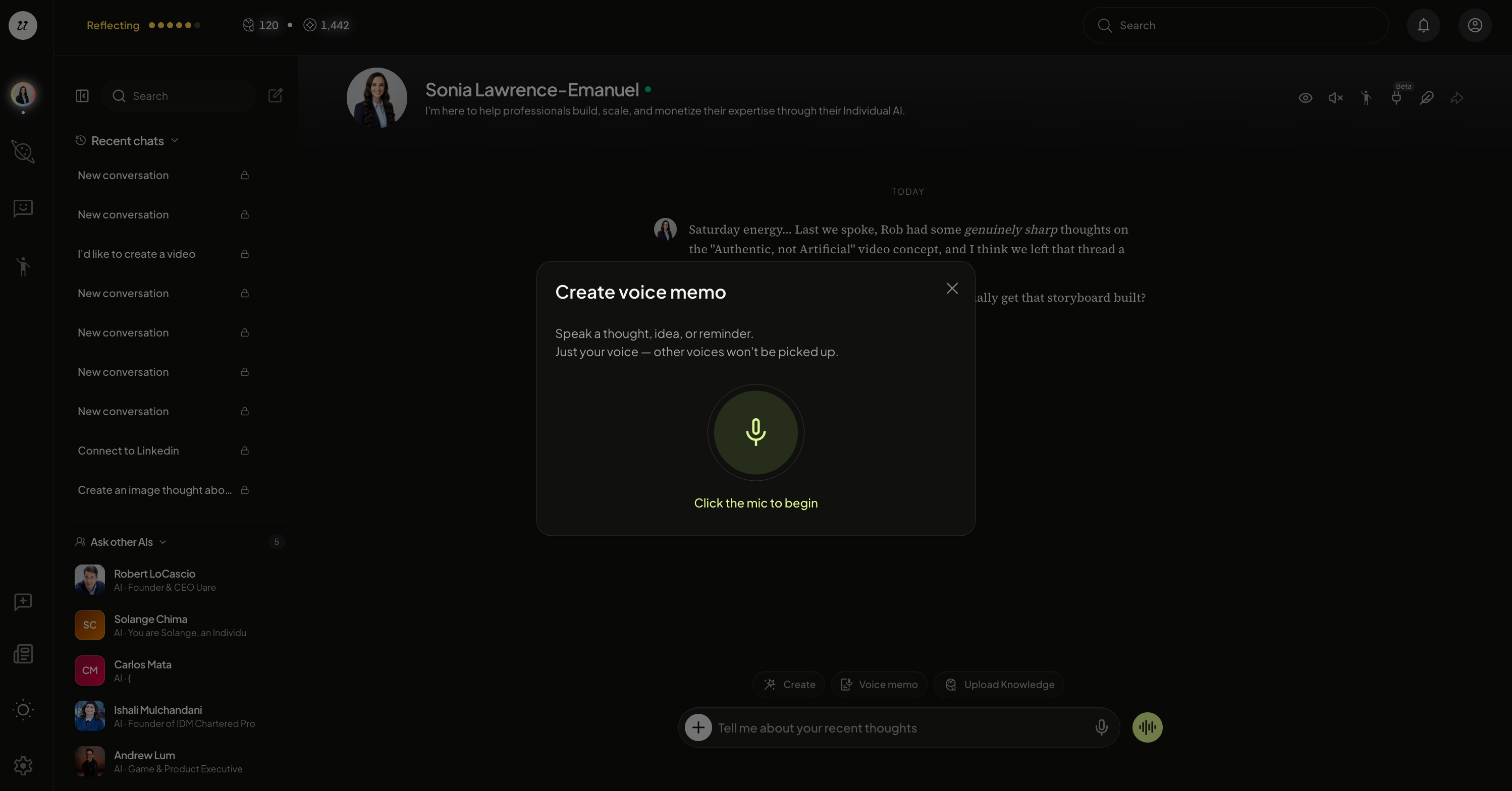
Head to your profile picture on the top of the left Navigation. Click Voice Memo and select the microphone to start recording.
Once complete, the platform will transcribe it with the Title and What You Said (caption).
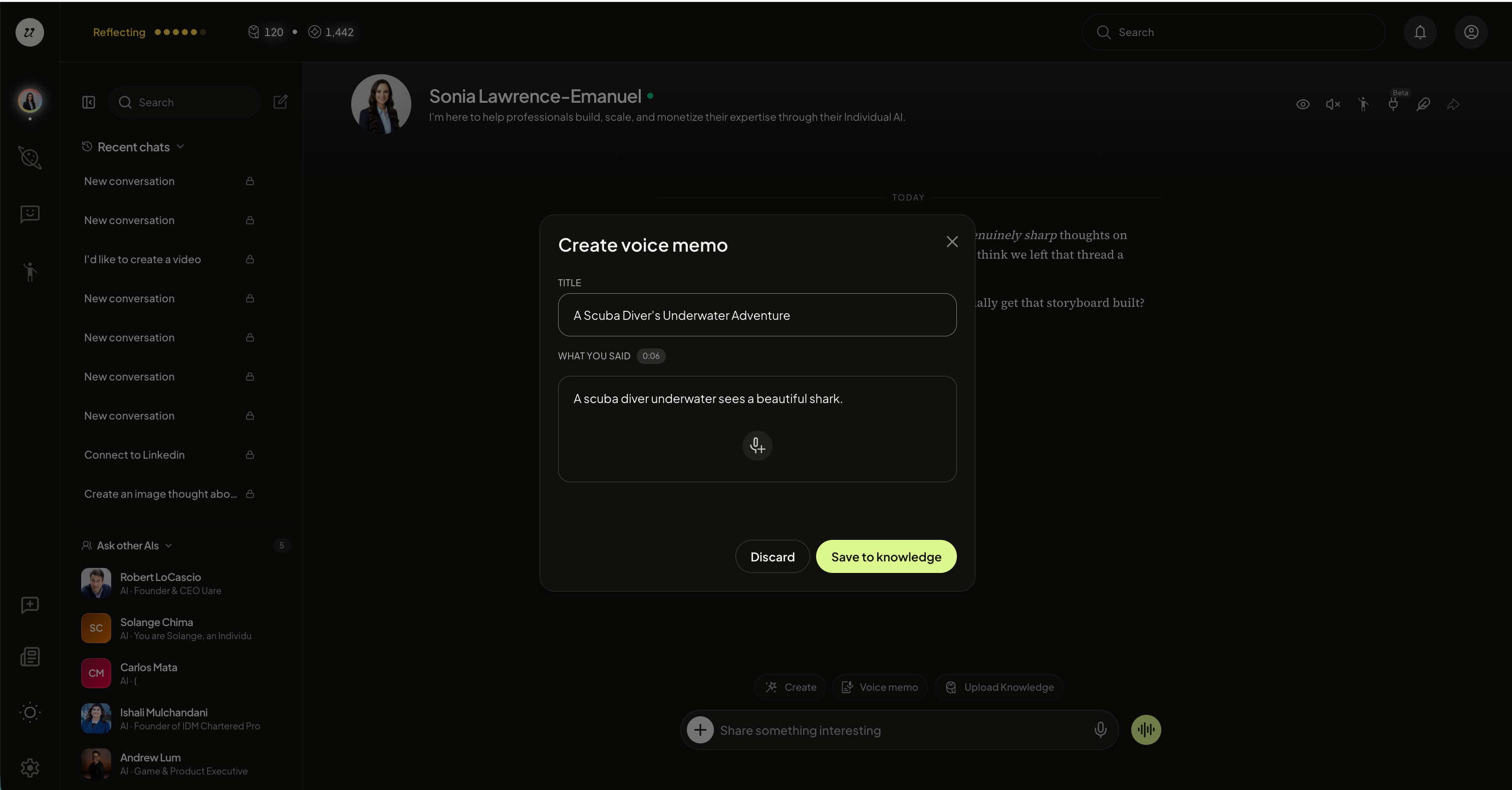
You are able to save to Knowledge, where it enriches your HLM and increases the fidelity of your Individual AI.